L-Gate User Manual 102 LOYTEC
Version 3.2 LOYTEC electronics GmbH
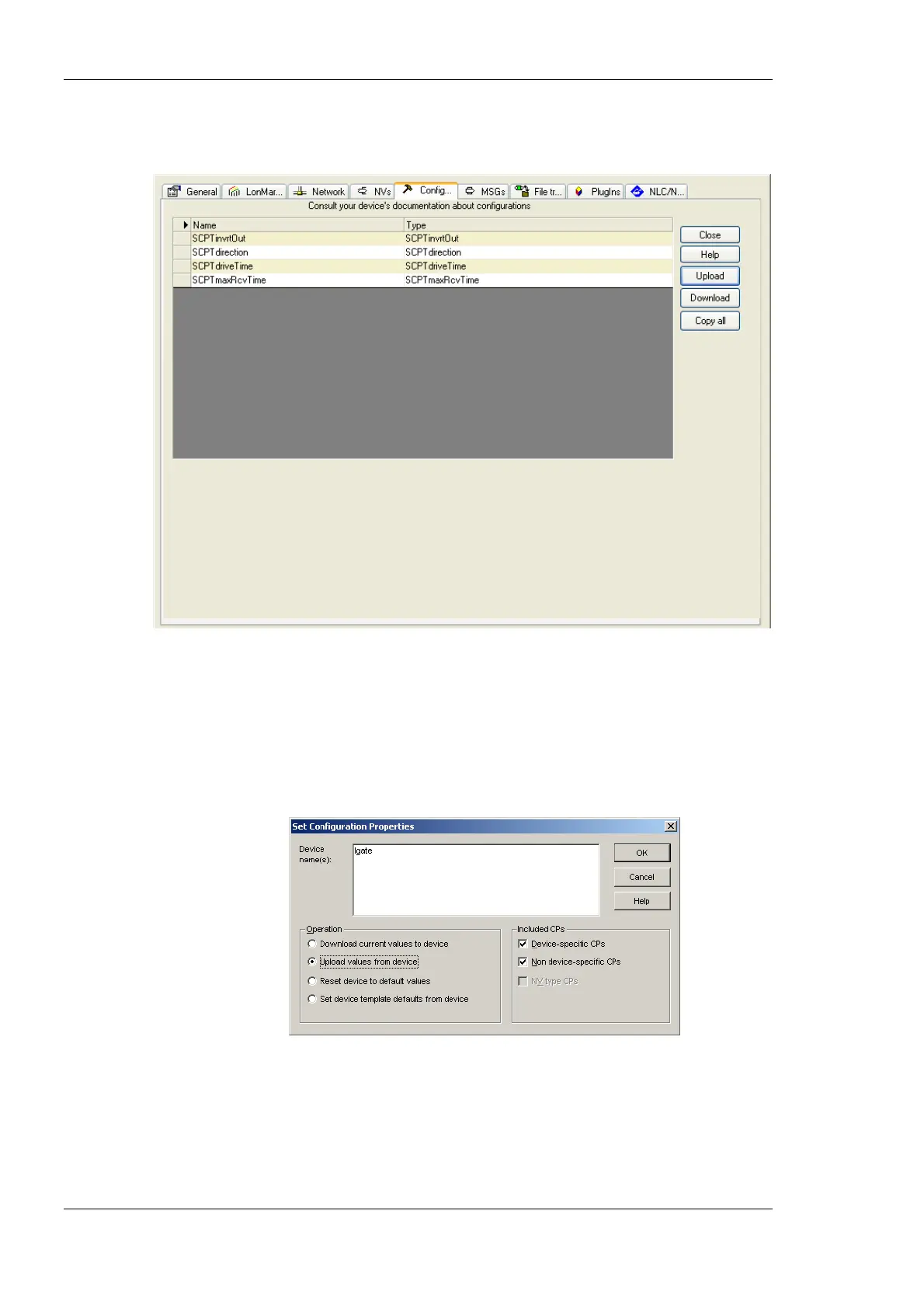
2. Press the Upload button on the Configuration tab of the device properties (see Figure
89).
Figure 89: Configuration Tab for Configuration Properties in NL220.
To Synchronize CPs in LonMaker TE
1. Right-click on a device object and select Commissioning Æ Resync CPs… from the
context menu.
2. This opens the dialog shown in Figure 90.
Figure 90: Set Configuration Properties in LonMaker TE.
3. In this dialog select the radio button Upload values from device in the Operation
group box. To use the current settings of the device as default values for new devices,
select Set device template defaults from device.
4. Execute the operation by clicking the OK button.



 To Next Page