7-8 (E)
7. Operation Method
LH71A / LH72
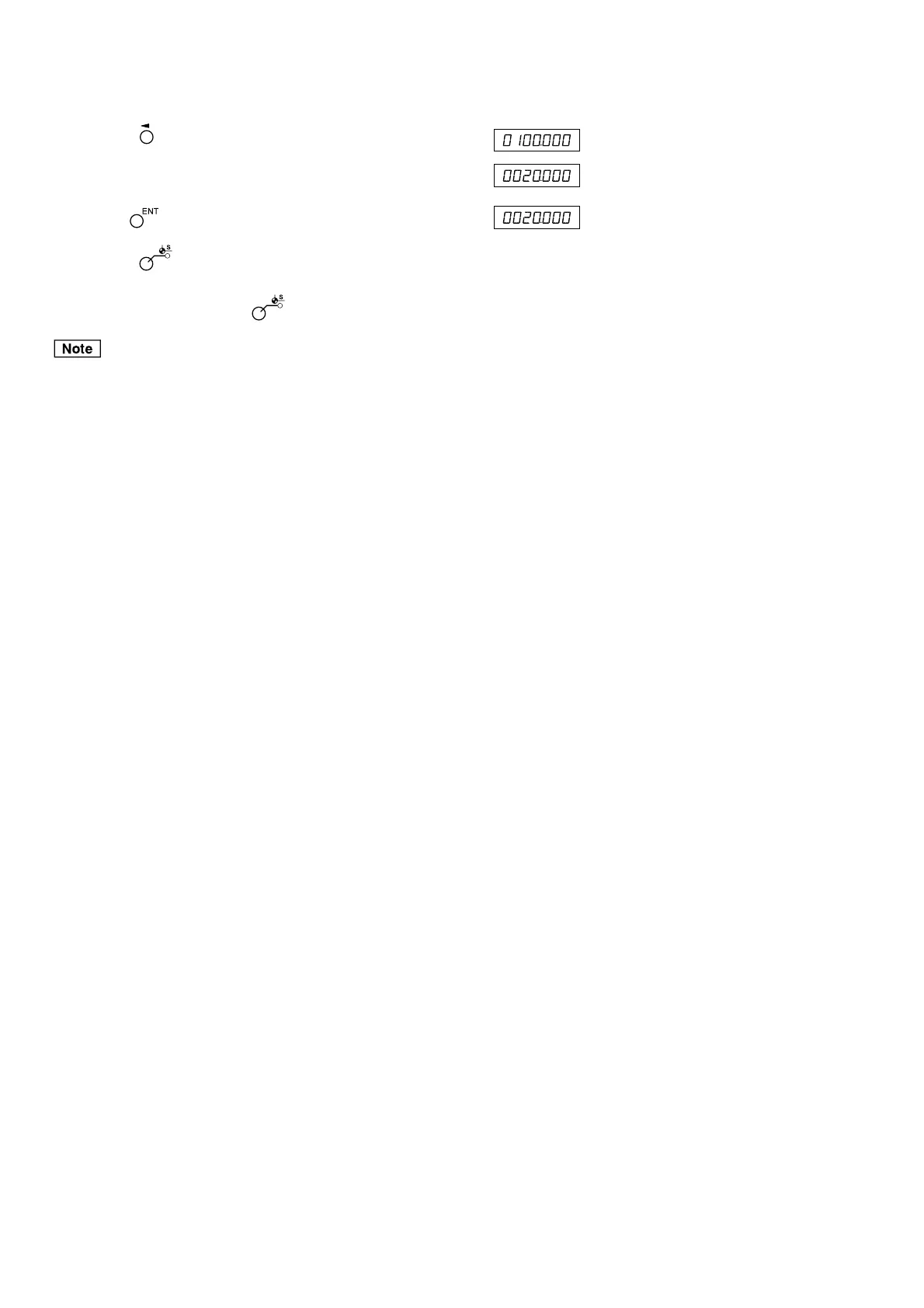
4 Press the key corresponding to the axis to be edited.
5 Use the numeric key to enter the value.
6 Use the key to finalize the setting. (The ABS lamp flashes.)
7 Press the key.
Editing of the multiple datum point is completed, and the
current value is displayed. ( lamp goes out)
ABS indication remains on during datum point mode.
The machining datum point (No. 0) is used as the basis of linear compensation.
(Position of datum point value 0 = Compensation amount 0)
(Example: 20.000)



 To Next Page