7-22 (E)
7. Operation Method
LH71A / LH72
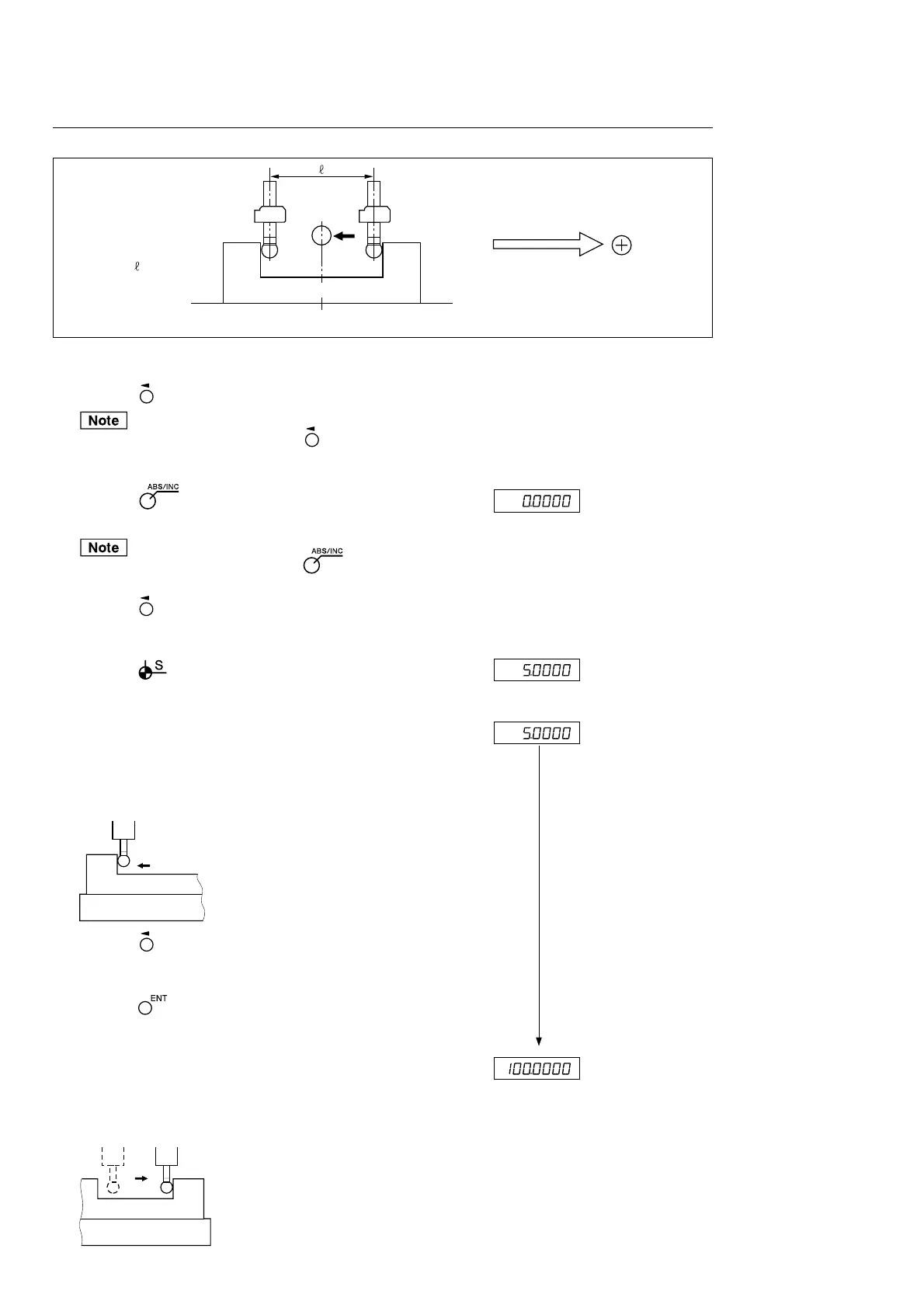
Centering the workpiece
Display
1 Press the key of the axis to be used.
The axis is selected by pressing the key. If no axis is se-
lected, all axes are switched simultaneously.
2 Press the key. (ABS lamp lights up.)
ABS mode is started.
If the ABS lamp goes out, press the key again.
3 Press the key.
The axis label flashes.
4 Press the key. (Flashes)
The touch sensor radius value flashes on the display.
5 Touch the feeler ball of the touch sensor to the surface A of
the workpiece.
As soon as the workpiece is touched, a beep sounds and count-
ing is started.
6 Press the key.
The axis label flashes.
7 Press the key.
The current value flashes on the display.
8 Move the touch sensor to touch the surface B of the workpiece.
(The axis label flashes.)
As soon as the workpiece is touched, a beep sounds and
the display value is held.
Direction of movement and polarity
A
C
= 100
B
Workpiece
Center
A
Contact
Counting
(Current value flashes)
A
B



 To Next Page