(E) 7-23
7. Operation Method
LH71A / LH72
Display
9 Press the key. (The axis label lights up.)
The load/hold display is cancelled, and the display now shows
the current position from the workpiece center C.
10
Move the touch sensor. The position indicated as “0” on the
display is the center.
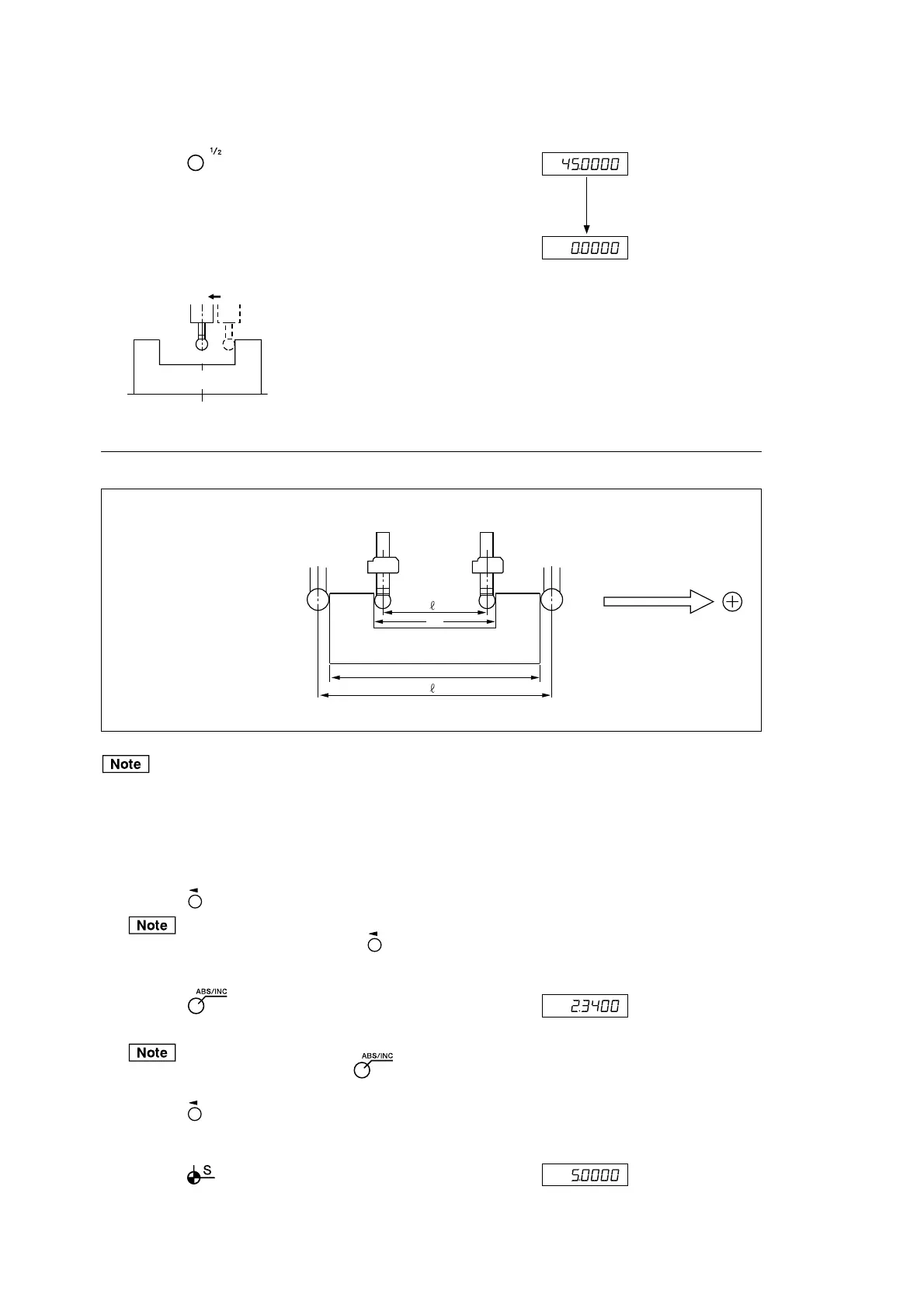
Inside and outside measurements of workpiece
Make following measurements in millimeter operation.
Depress the in/mm selector key if necessary.
Display (The display below shows the
inside measurement.)
1 Press the key of the axis to be used.
The axis is selected by pressing the key. If no axis is
selected, all axes are switched simultaneously.
2 Press the key. (ABS lamp goes out.)
INC mode is started.
If the ABS lamp lights up, press the key again.
3 Press the key.
The axis label flashes.
4 Press the key. (Flashes)
The touch sensor radius value flashes on the display.
A
B
C
Center
Workpiece
Counting
AB
L1
L2
CD
1
2
Inside measurement L1=s1+10mm
Outside measurement L2=s2–10mm
Example: L1=100
Direction of movement and
polarity



 To Next Page