DIAGNOSTICS
4 - 43
Test pattern
[Check item]
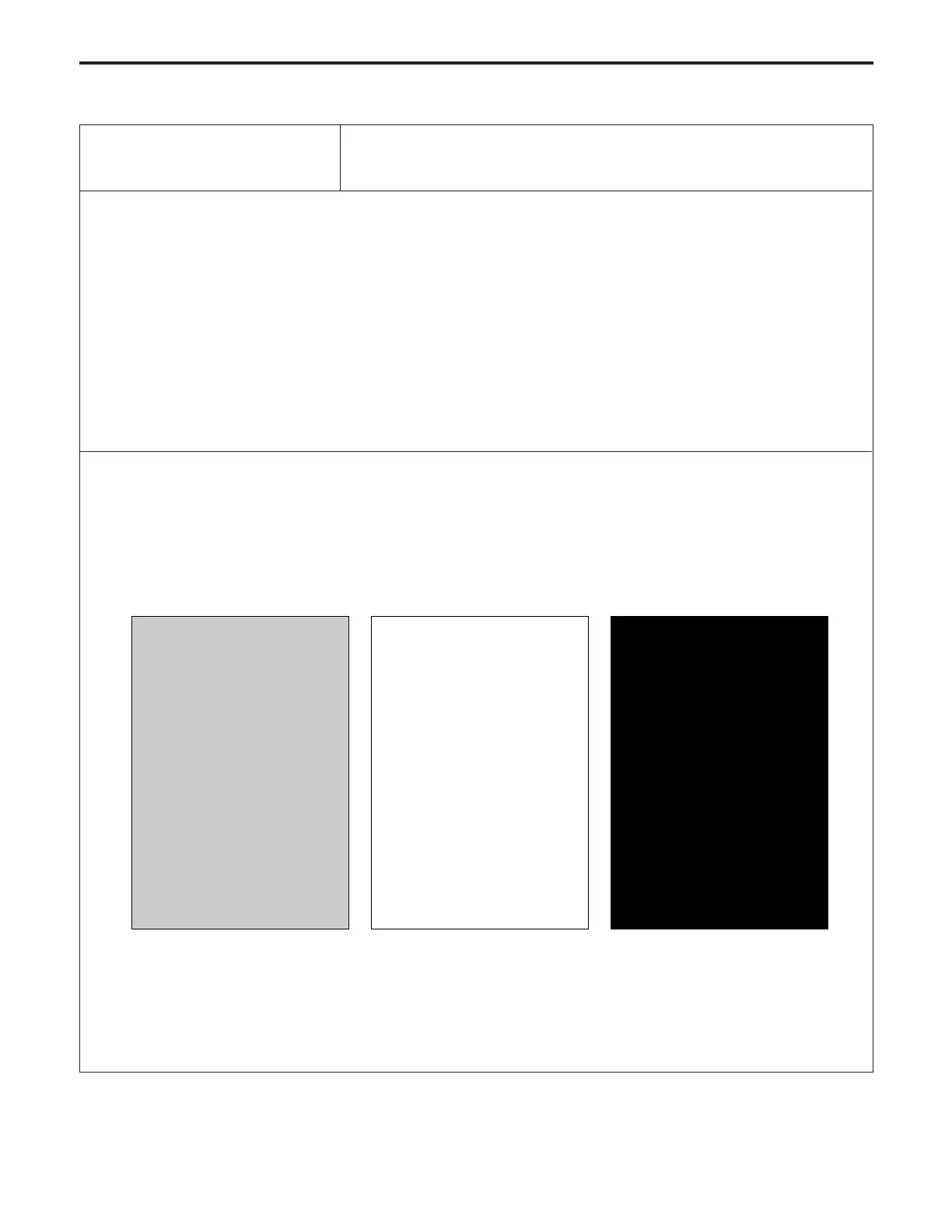
* When the density is set to 70 (halftone)
If white stripes, black stripes, or uneven density can be seen, determine which of the scanner system and the
printer system is abnormal.
* When the density is set to 0 (white)
If the test pattern is fogged, determine which of the scanner system and the printer system (writing section,
process section) is abnormal.
* When the density is set to 255 (black)
If the density is light, determine which of the scanner system and the printer system is abnormal.
* For details of setting the density, refer to [Pg. 4-53] "Test Pattern Density Adjustment" .
01 Overall halftone



 To Next Page