2 - E - 9
READ SECTION
2. Signals
a. Input signals
(1) PS1 (PS1 → CB)
Exposure unit overrun detection signal
[L]: The exposure unit is in the overrun position.
[H]: The exposure unit is not in the overrun position.
(2) PS2 (PS2 → CB)
The brake is applied to M12 after the specified period
from when PS2 goes ON during the return scan of the
exposure unit. Also, when the ADF (1-1 mode) is used,
AES read starts when PS2 goes ON.
[L]: Exposure unit detected
[H]: Exposure unit not detected
(3) PS3 (PS3 → CB)
White reference plate read position detection signal
[L]: The exposure unit is in the white reference plate
read position.
[H]: The exposure unit is not in the white reference
plate read position.
(4) PS4 (PS4 → CB)
The timer that determines the 2nd paper feed start
timing starts when PS4 goes ON during the forward
scan of the exposure unit.
[L]: Exposure unit detected
[H]: Exposure unit not detected
(5) PS5 (PS5 → CB)
This signal is used to detect the return position and also
the home position of the exposure unit.
[L]: Exposure unit detected
[H]: Exposure unit not detected
(6) PS7 (PS7 → CB)
This signal is used to detect the return position and also
the home position of the exposure unit.
[L]: Exposure unit detected
[H]: Exposure unit not detected
(7) PS8 (PS8 → CB)
This signal is used to detect the original glass is set or
not.
[L]: Original glass detected
[H]: Original glass not detected
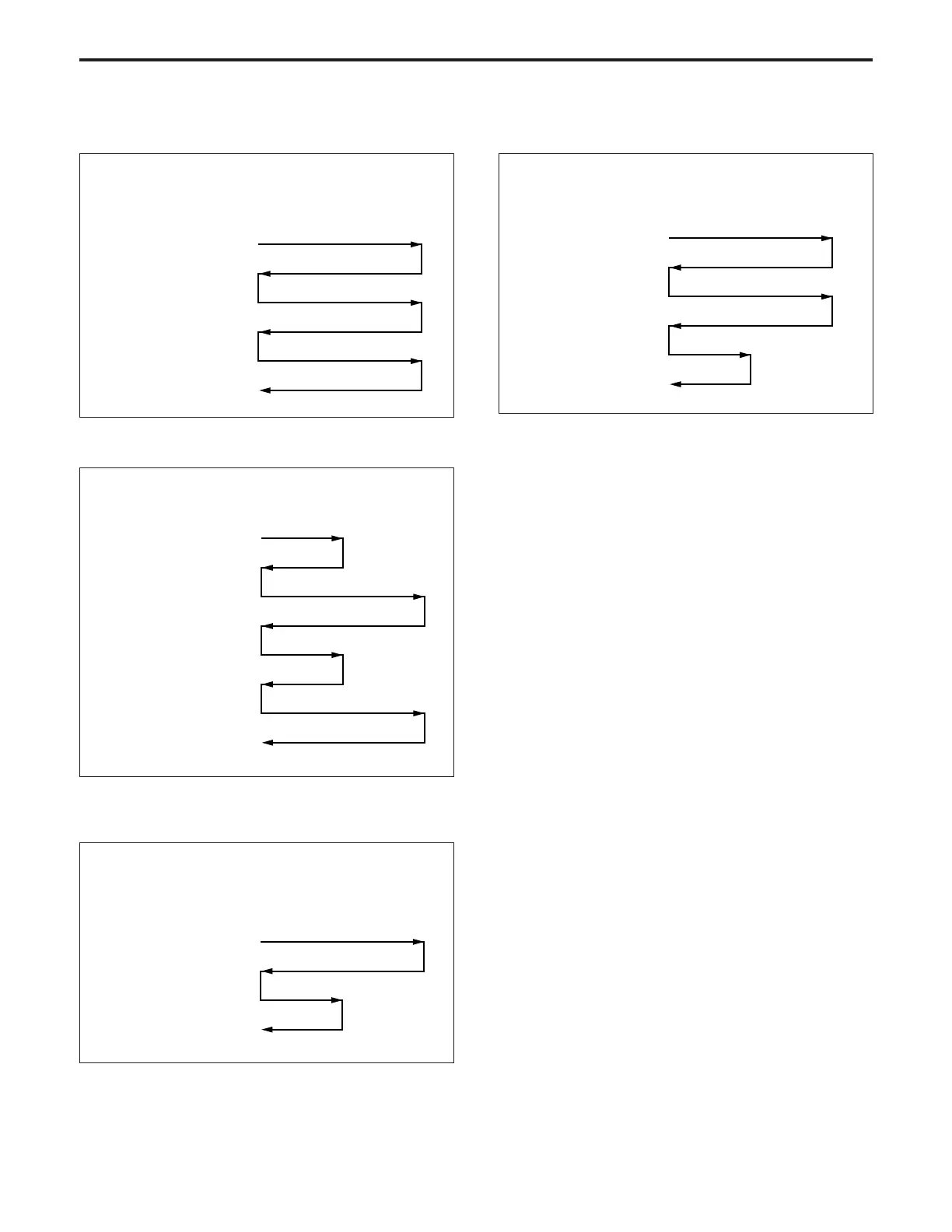
2 During an ADF copy operation (1-1)
(Original conveyance)
1st original feed
Stop
2nd original feed
Stop
Prescan
AES scan
Exposure scan
Exposure scan
AES scan
Stop
Stop
(Exposure unit)
3 During an ADF copy operation (1-2, 2-1, 2-2)
(Original conveyance)
1st original feed
2nd original feed
Stop
(Exposure unit)
AES scan
Exposure scan
AES scan
Exposure scan
Stop
Stop
Stop
(2) Book copy mode
a) When manual density has been selected
(Setting a original)
Copy button pressed
(Exposure unit)
Exposure scan (rear half)
Exposure scan (front half)
b) AES mode
(Original conveyance)
Copy button pressed
(Exposure unit)
AES scan
Exposure scan (front half)
Exposure scan (rear half)



 To Next Page