184
M
ANAGING CALLS MOBILELINK
NOTE:
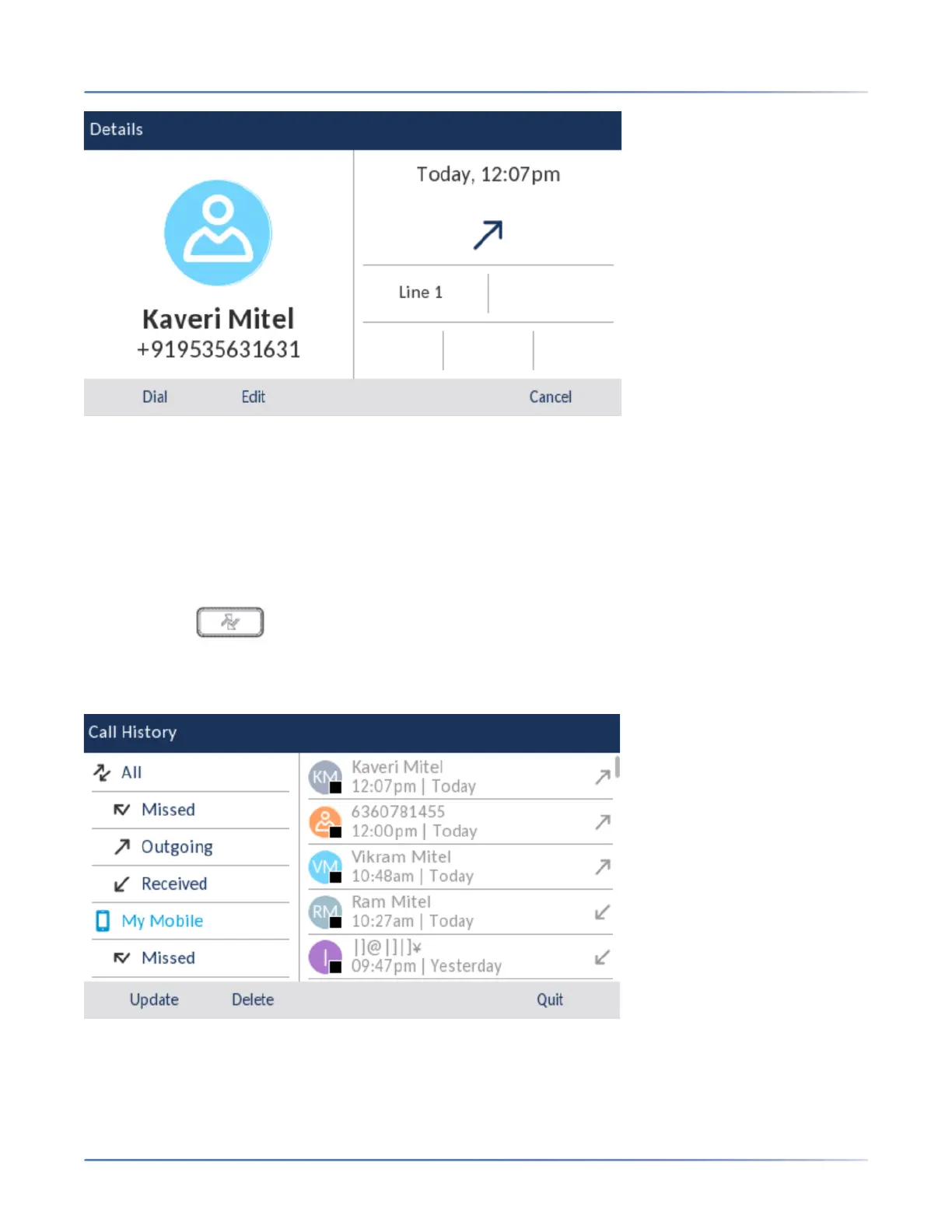
1. Press the Dial to dial the number associated with the entry.
2. Press the Edit to edit the Contact.
Updating mobile call history and missed calls
To manually update your mobile call history and missed calls:
1. Ensure that you have paired your mobile phone with your 6930 IP phone. See Pairing a Bluetooth
device.
2. Press the ( Call History) key.
3. Navigate to the My Mobile or Missed folder, and then press the Update softkey.
Your mobile call history and missed calls are updated on your 6930 IP phone.
Dialing a mobile phone call history entry





 To Next Page