187
M
ANAGING CALLS MOBILELINK
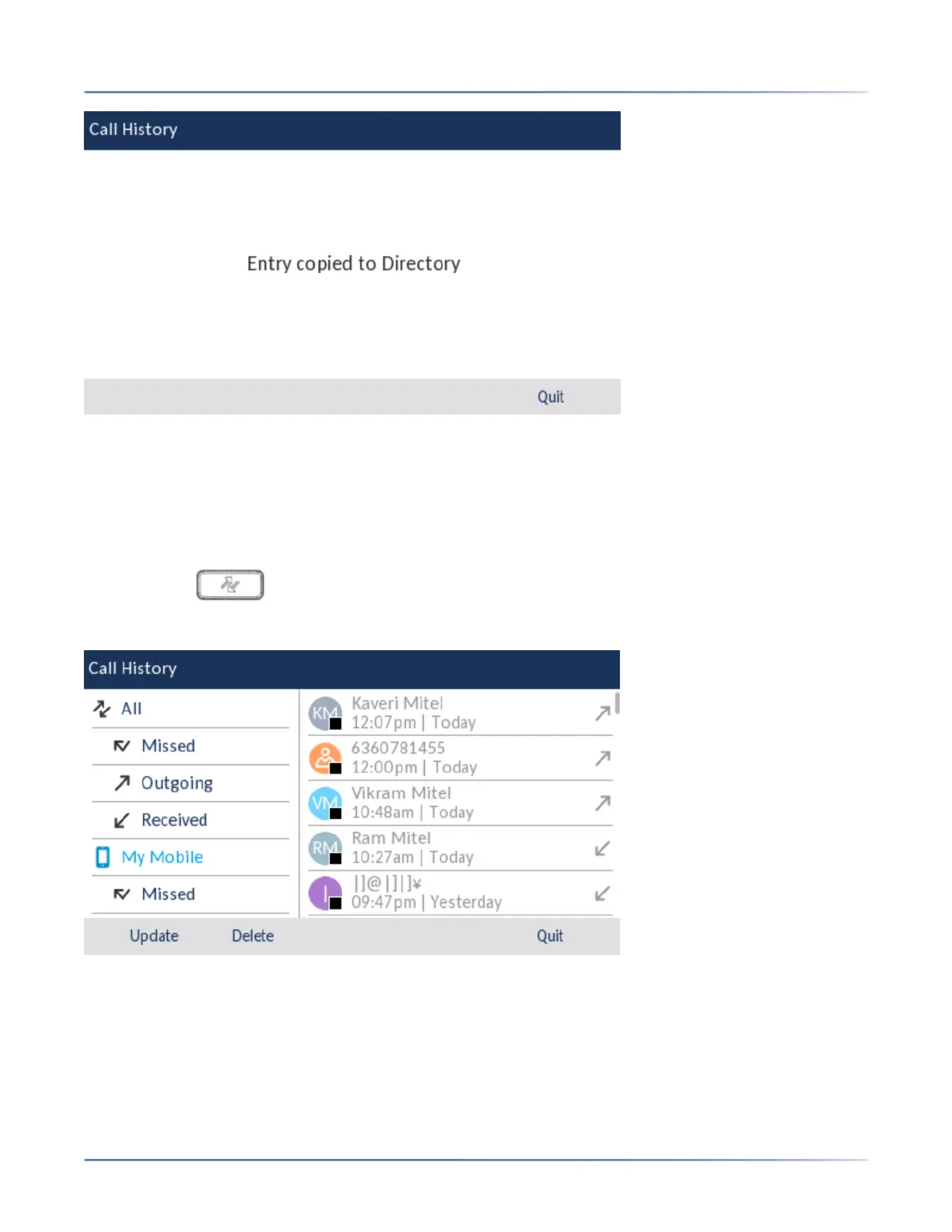
Deleting mobile call history and missed calls
To delete mobile phone call history and missed calls:
CAUTION: Deleting a specific call history or missed call entry is not supported. Pressing the Delete softkey
deletes all the entries (mobile phone call history and missed calls) in the My Mobile folder.
1. Ensure that you have paired your mobile phone with your 6930 IP phone. See Pairing a Bluetooth
device.
2. Press the ( Call History) key.
3. Navigate to the My Mobile or Missed folder, and then press the Delete softkey.
A delete all confirmation message appears on screen.





 To Next Page