186
M
ANAGING CALLS MOBILELINK
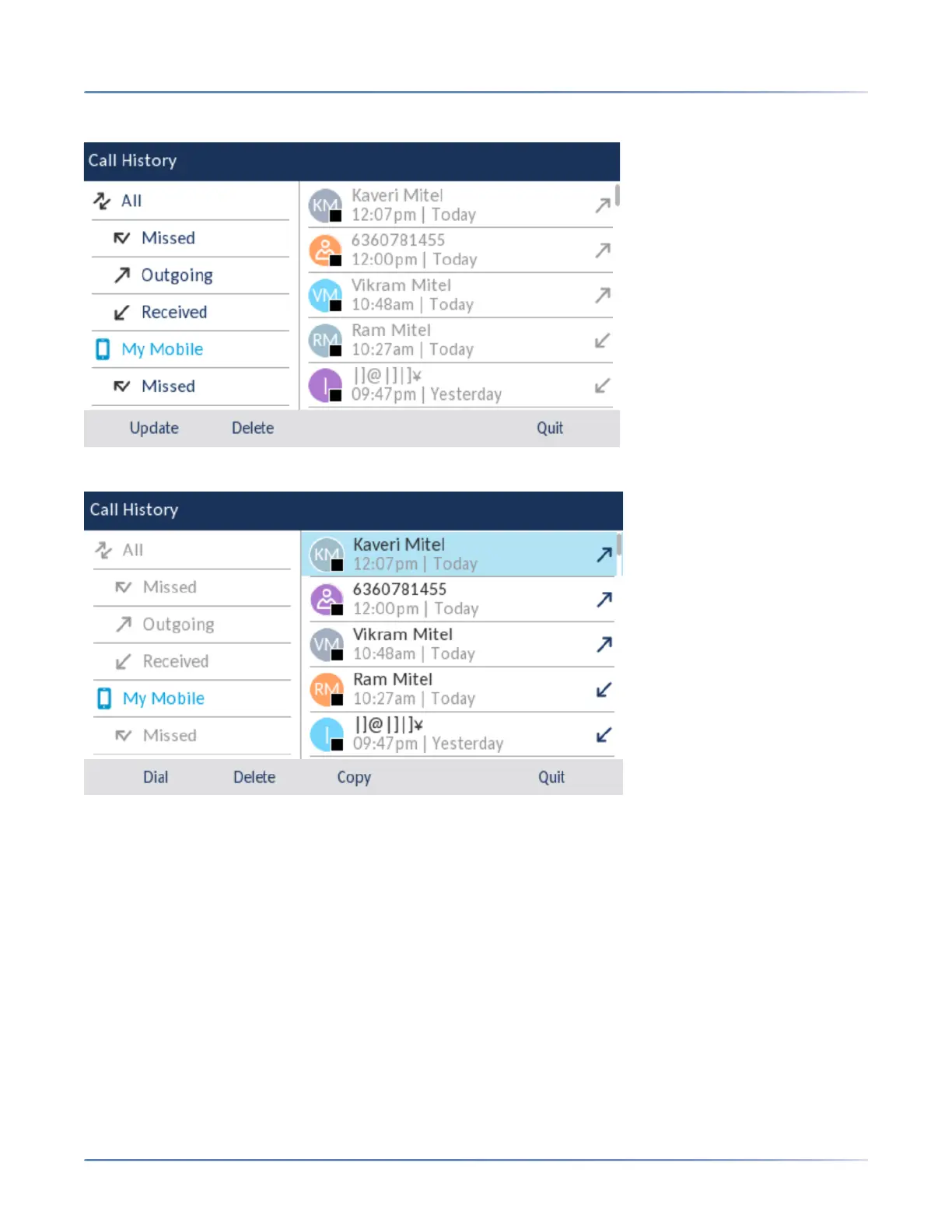
3. Navigate to the My Mobile or Missed folder.
4. Press the right navigation key to move to the call history or missed calls selection column.
5. Use the up and down navigation keys to select the call history or missed call entry you want to add to
the Contacts application.
6. Press the Copy softkey.
7. Entry copied to Directory message will appear on screen.





 To Next Page