3-164
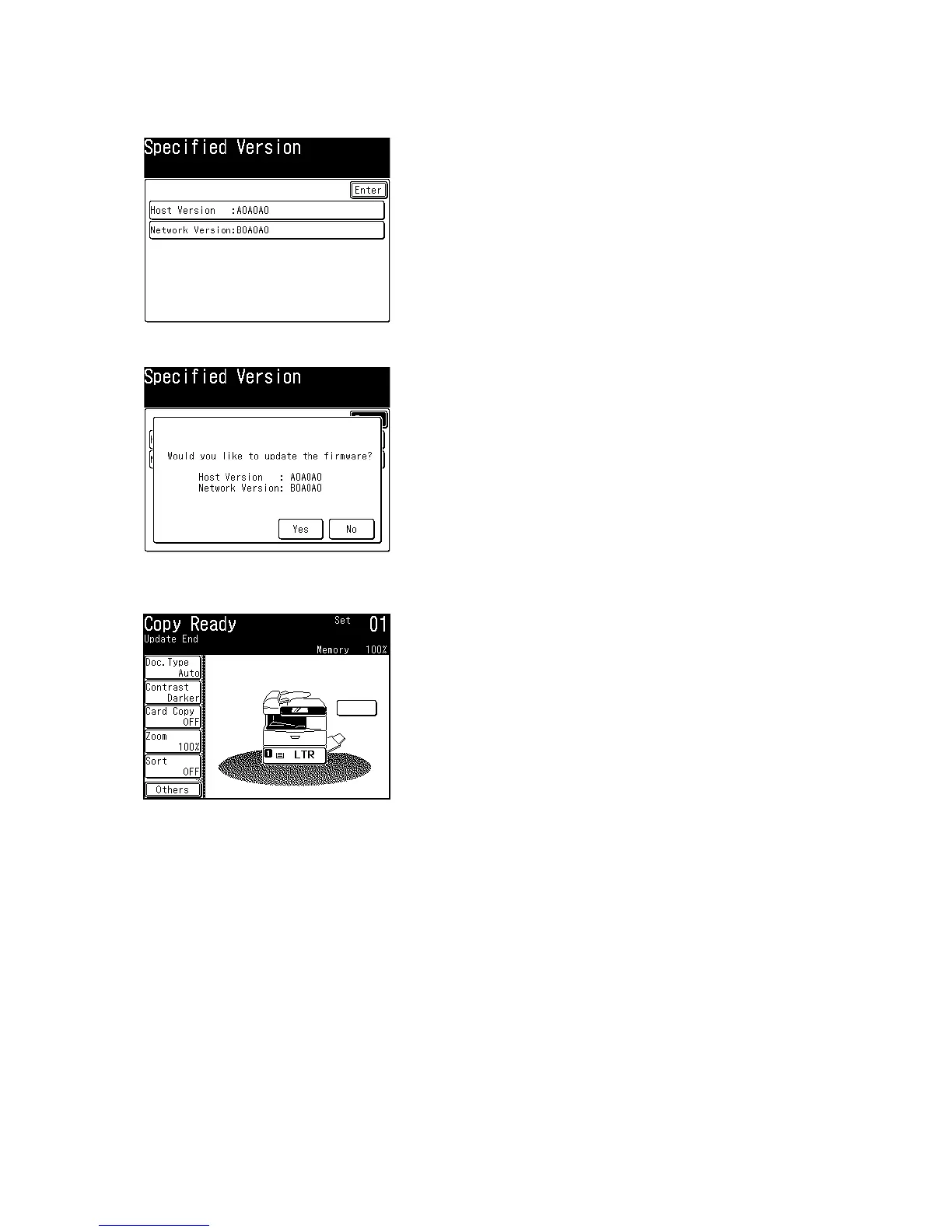
6. Select [Network Version].
7. Enter your desired ROM version for the network board, and press [Enter].
8. Press [Enter].
9. Confirm the ROM versions, and press [Yes].
10. When the date is copied, machine reboots from itself and the updating begins. DO NOT turn the power
off, until the update is finished.










 To Next Page