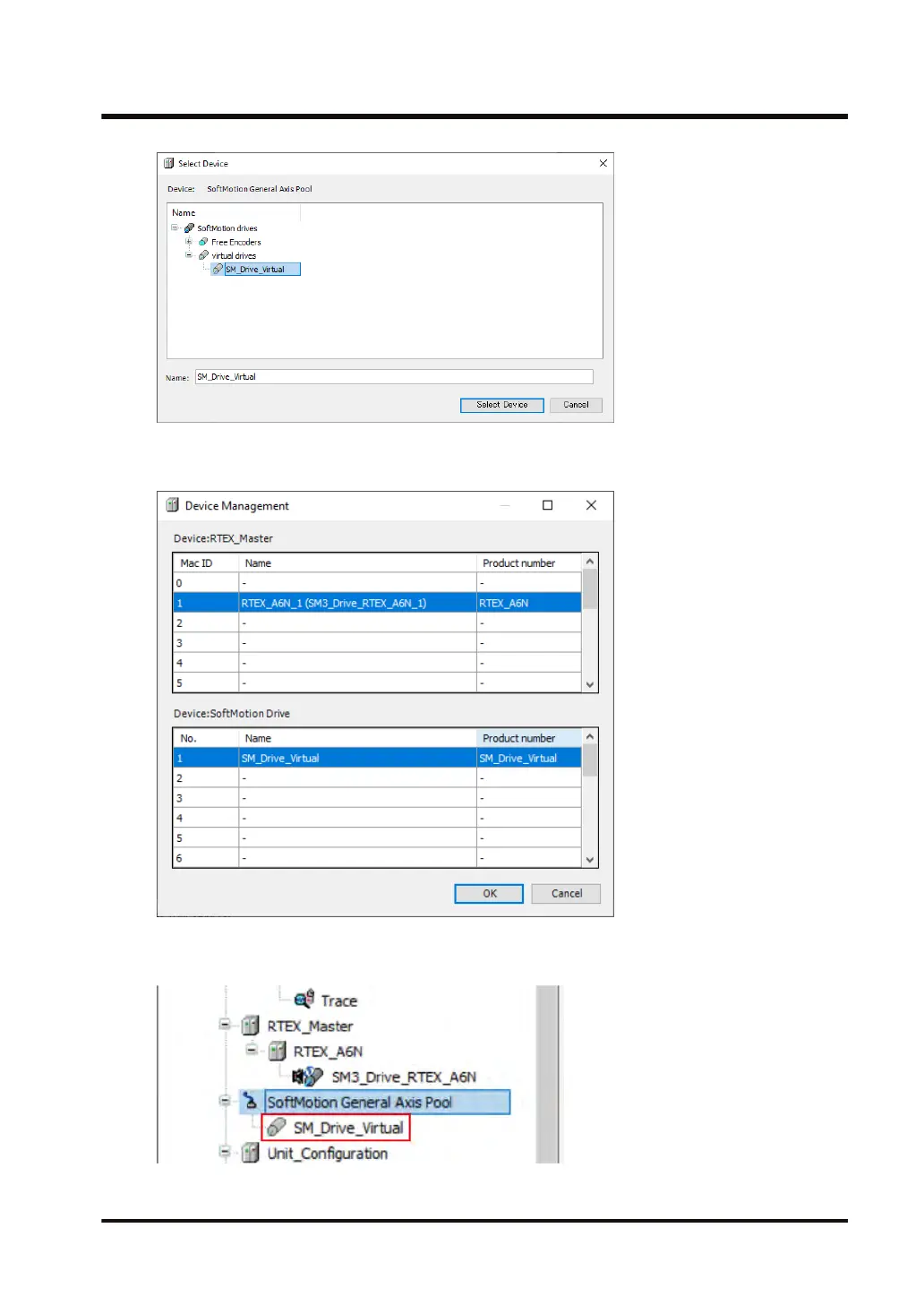
4. Click the [Select Device
] button.
The selected device object of the virtual drive will be added.
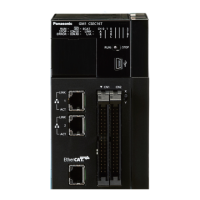
5. Click the [OK] button.
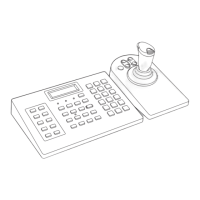
The selected device object of the virtual drive will be added to the navigator pane.
6. Double-click the added object.
5.3 Setting up Motion Control
WUME-GM1RTXOP-01 5-11





 To Next Page