Data Management
R&S
®
FSPN
202User Manual 1179.4363.02 ─ 01
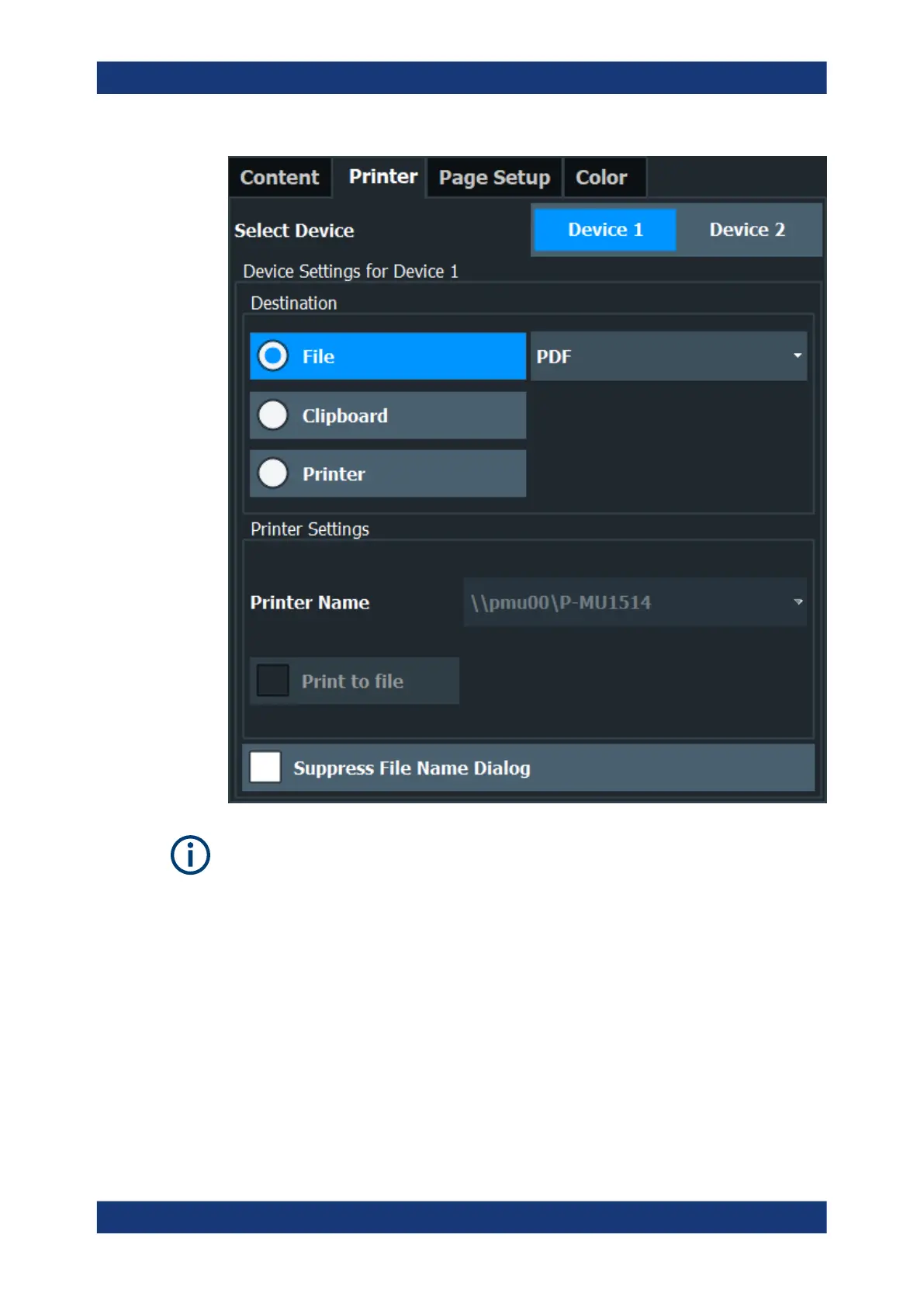
Printer settings are (printing) device-specific. That means you can configure two differ-
ent printing devices (for example, a printer and a file) and switch between configura-
tions easily simply by selecting the appropriate device before printing.
Select Device 1/2 ....................................................................................................... 203
Destination ................................................................................................................. 203
└ Destination: File ........................................................................................... 203
└ Destination: Clipboard ..................................................................................203
└ Destination: Printer ...................................................................................... 203
Suppress File Name Dialog ....................................................................................... 203
Printer Name ..............................................................................................................203
Print to file .................................................................................................................. 204
Install Printer .............................................................................................................. 204
Creating Screenshots of Current Measurement Results and Settings



 To Next Page