Build 21 v21.4.1
FEBRUARY 23, 2010 © 2007-2010 RED.COM INC.
109
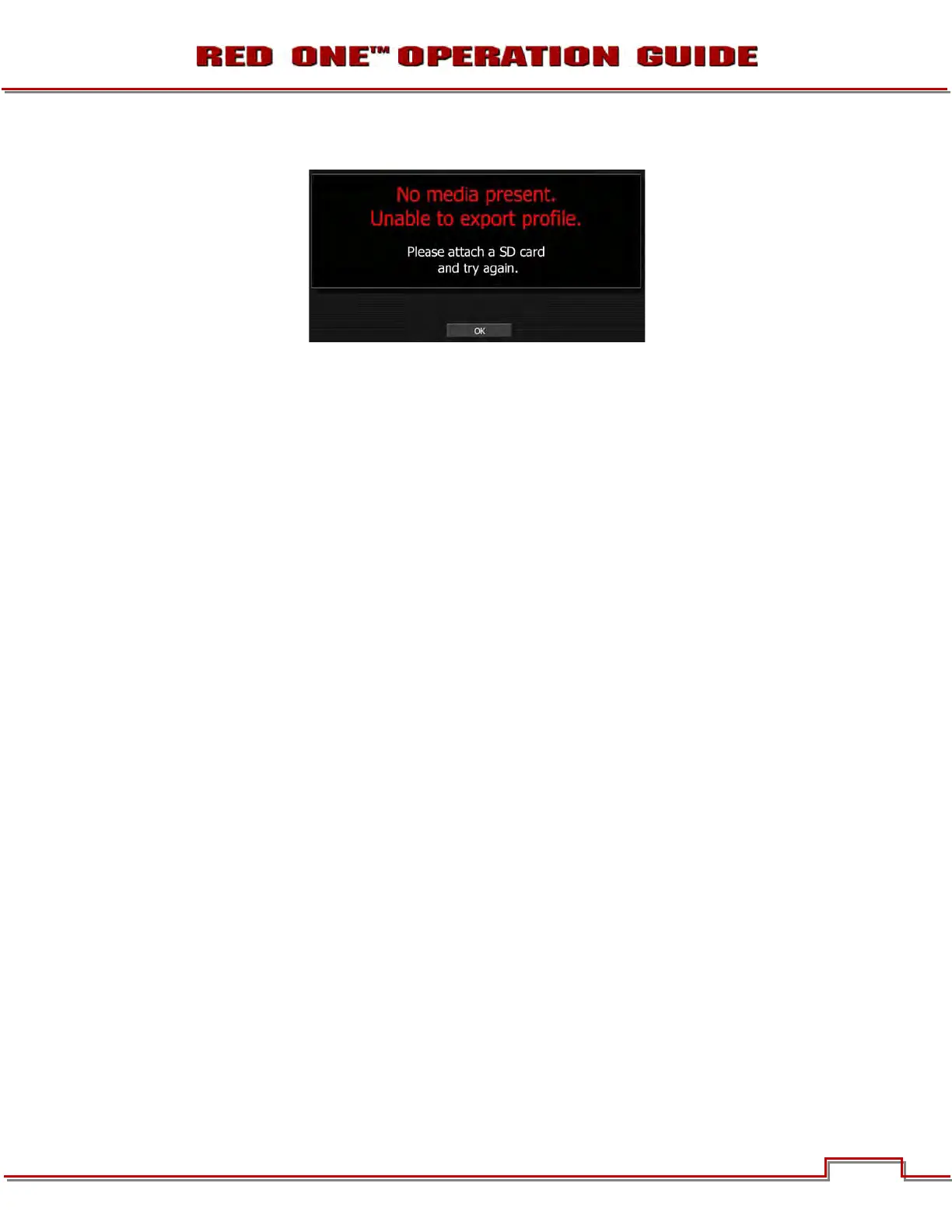
NOTE: If SD Card is not inserted under left front of camera, camera will display:
When saving USER PROFILE, the following camera configuration information is recorded:
VIEWFINDER menu: Color: Enable and overly type setting
Meters: Enable and meter type setting
Zebras: Enable and Zebra 1, 2 Hi / Lo settings
SOUND menu: Record enable and Line / Mic setting
KEYMAP menu: Enable and User Key settings
GPIO menu: Enable and GPIO settings
PLAYBACK menu: Settings
DISPLAY menu: Enables and Shutter display settings
MONITOR menu: Settings
FRAME GUIDE menu: Enable and settings, including user defined Action and Title areas
IMPORT USER PROFILE
To import USER PROFILE, perform the following:
1. Press the SYSTEM menu button on the rear of the camera.
2. Select SETUP menu.
3. Select PREFERENCES menu.
4. Select USER PROFILE menu.
5. Select IMPORT and scroll to the desired file.
6. Press Joystick to confirm USER PROFILE file selection.
DATA NOT SAVED DURING EXPORT
The data that is NOT saved when saving LOOK or USER PROFILE is:
• Project Time Base
• Resolution
• Quality
• Timecode Settings
• White Balance
• ISO
• Shutter Speed
• Varispeed
• Audio Levels



 To Next Page