Build 21 v21.4.1
FEBRUARY 23, 2010 © 2007-2010 RED.COM INC.
77
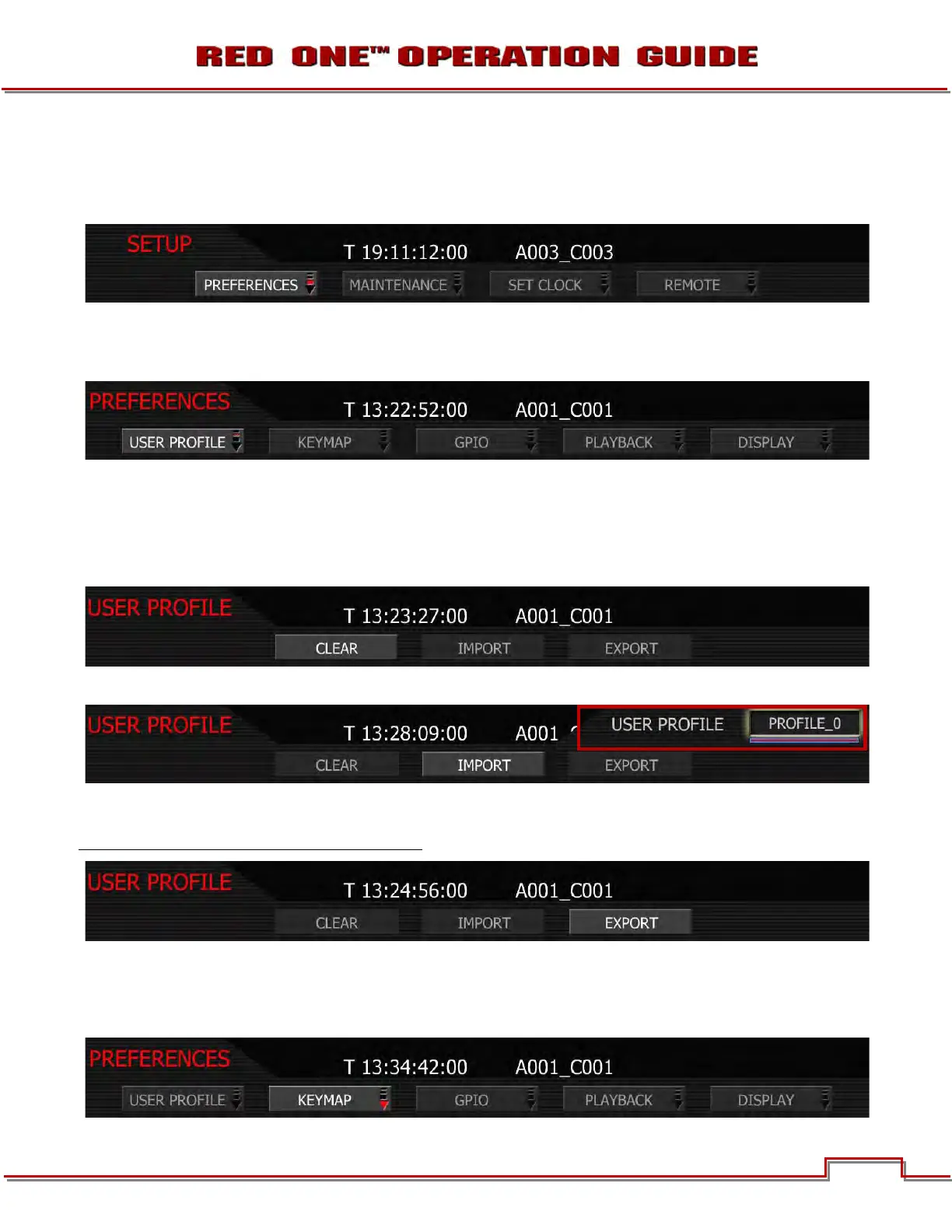
SETUP
This menu permits a variety of system maintenance tasks to be accomplished. Options available are
PREFERENCES, MAINTENANCE, SET CLOCK, and REMOTE.
PREFERENCES
Preferences permit the user to define system preferences.
USER PROFILE
User profile permits the camera setup to be saved to or recalled from the SD card. Choices are CLEAR,
IMPORT and EXPORT
CLEAR: allows a User Profile to be cleared from memory.
IMPORT: allows a User Profile to be read from the SD card.
EXPORT: the current USER PROFILE parameters are stored to the SD Card. The camera generates a file
name of the format PROFLE_**.RPF. For detailed information on exporting USER PROFILE files, go to
APPENDIX C: SAVING LOOK/USER PROFILE.
KEY-MAP
Key Map selects the Key Map Preferences sub-menu. This menu permits selected menus or functions to
be mapped to specific User Keys on the camera body. User keys are also referred at as Buttons.



 To Next Page