Build 21 v21.4.1
FEBRUARY 23, 2010 © 2007-2010 RED.COM INC.
95
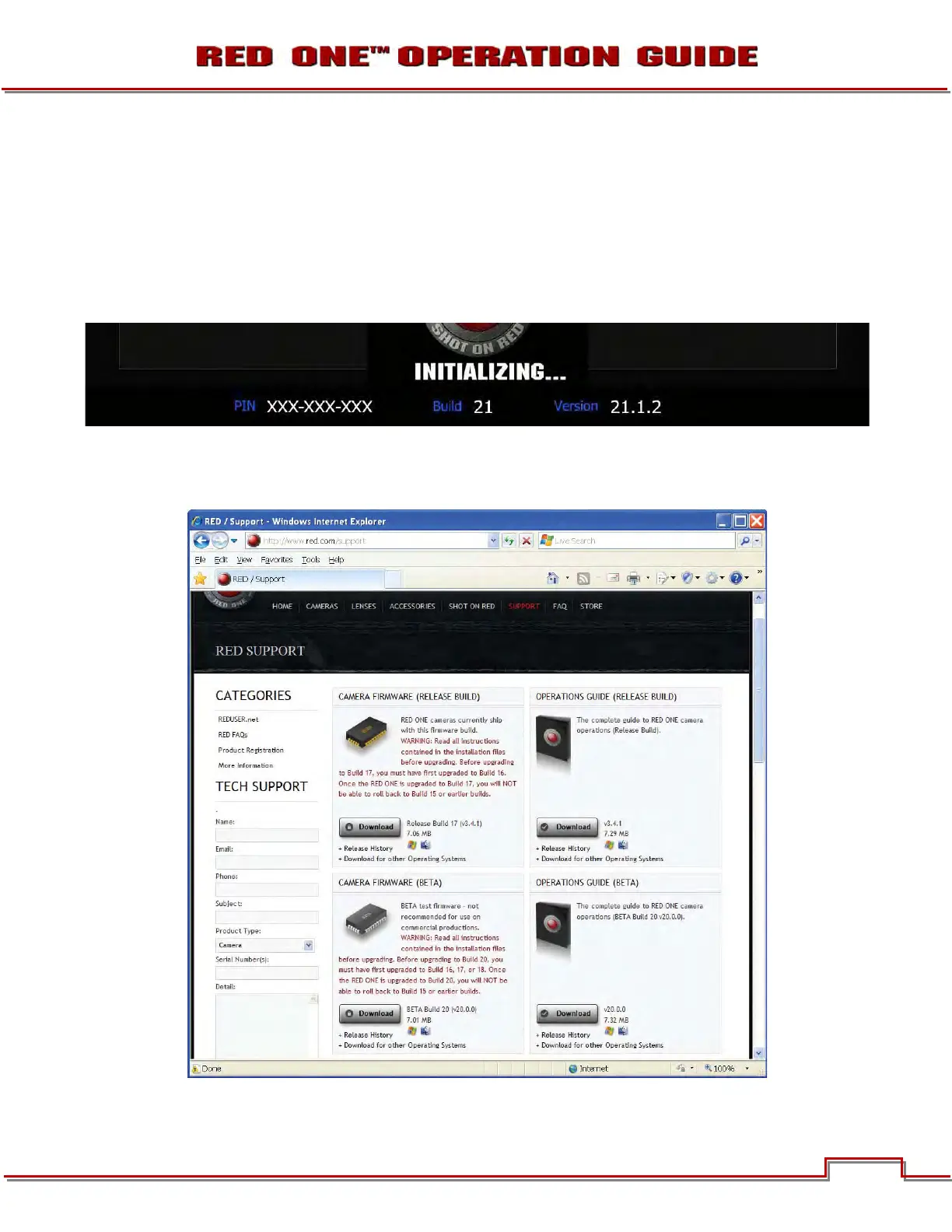
VERIFY CURRENT CAMERA FIRMWARE
There are 2 ways to verify the current level of firmware installed on the camera.
A. With the camera ON, press and hold the UNDO button, then press in on the joystick. The camera’s
unique PIN and current firmware version will be displayed on the camera’s LCD. To exit, press one of
the menu buttons.
B. During camera boot up when turned on, the current firmware version will be displayed on the cam-
era’s LCD, RED EVF, RED LCD and all external monitors.
UPGRADE PROCEDURE
1. To download the latest firmware (Build), go to www.RED.com/support.



 To Next Page