Build 21 v21.4.1
© 2007-2010 RED.COM INC. FEBRUARY 23, 2010
94 94
APPENDIX A: UPGRADING CAMERA FIRMWARE
RED ONE camera functionality may be upgraded by installing the latest firmware.
Camera firmware and software are identified by the build and version number. This is displayed by the
camera on the LCD display and all external monitors during power up. Refer to POWER UP / DOWN un-
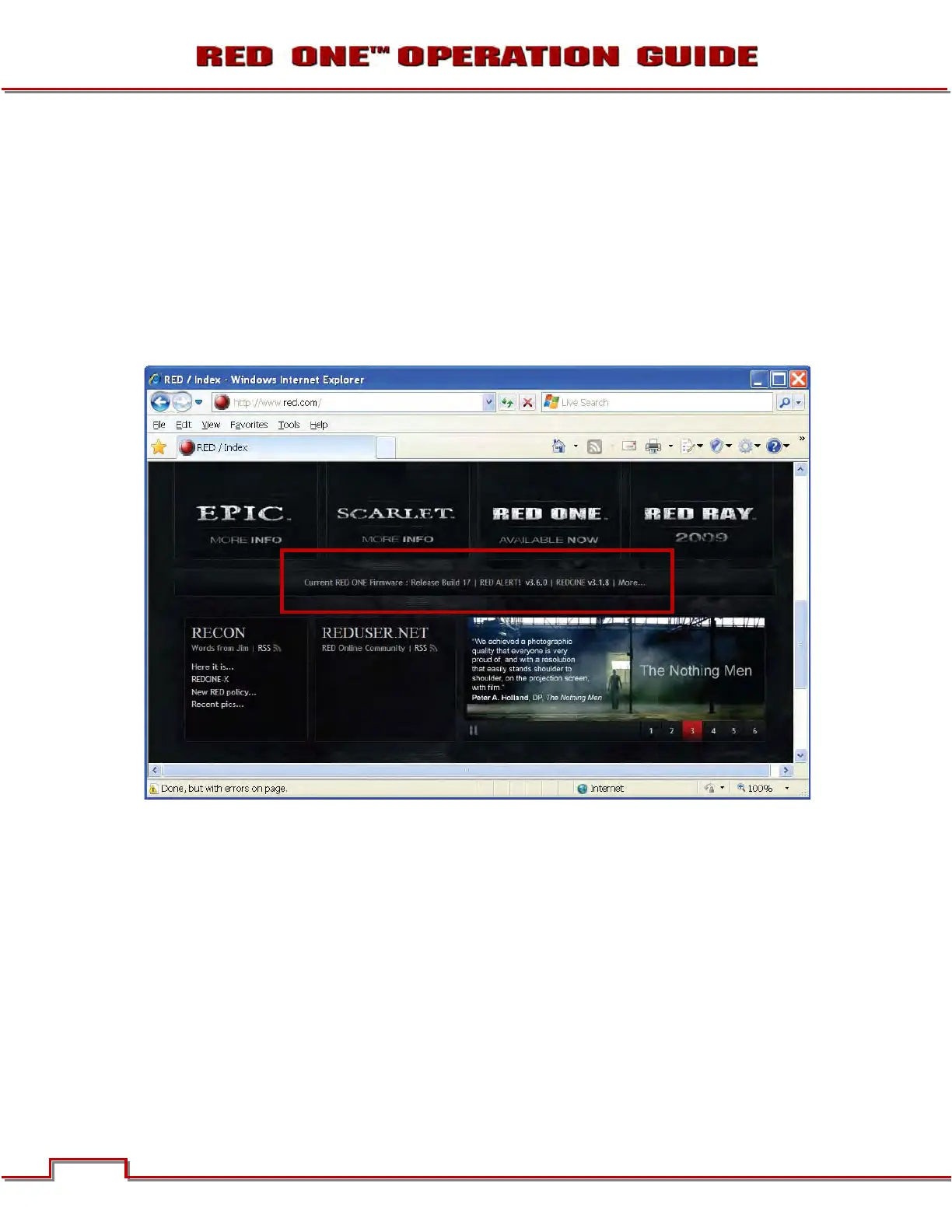
der BASIC OPERATION. A higher number reflects a later release. The current RED ONE release available
for download and upgrade is shown on the home page of the www.RED.com web site.
Go to www.RED.com/support for a complete listing of firmware revisions available for the camera, com-
plementary QuickTime codec, postproduction software, and Operation Guide.



 To Next Page