Build 21 v21.4.1
© 2007-2010 RED.COM INC. FEBRUARY 23, 2010
90 90
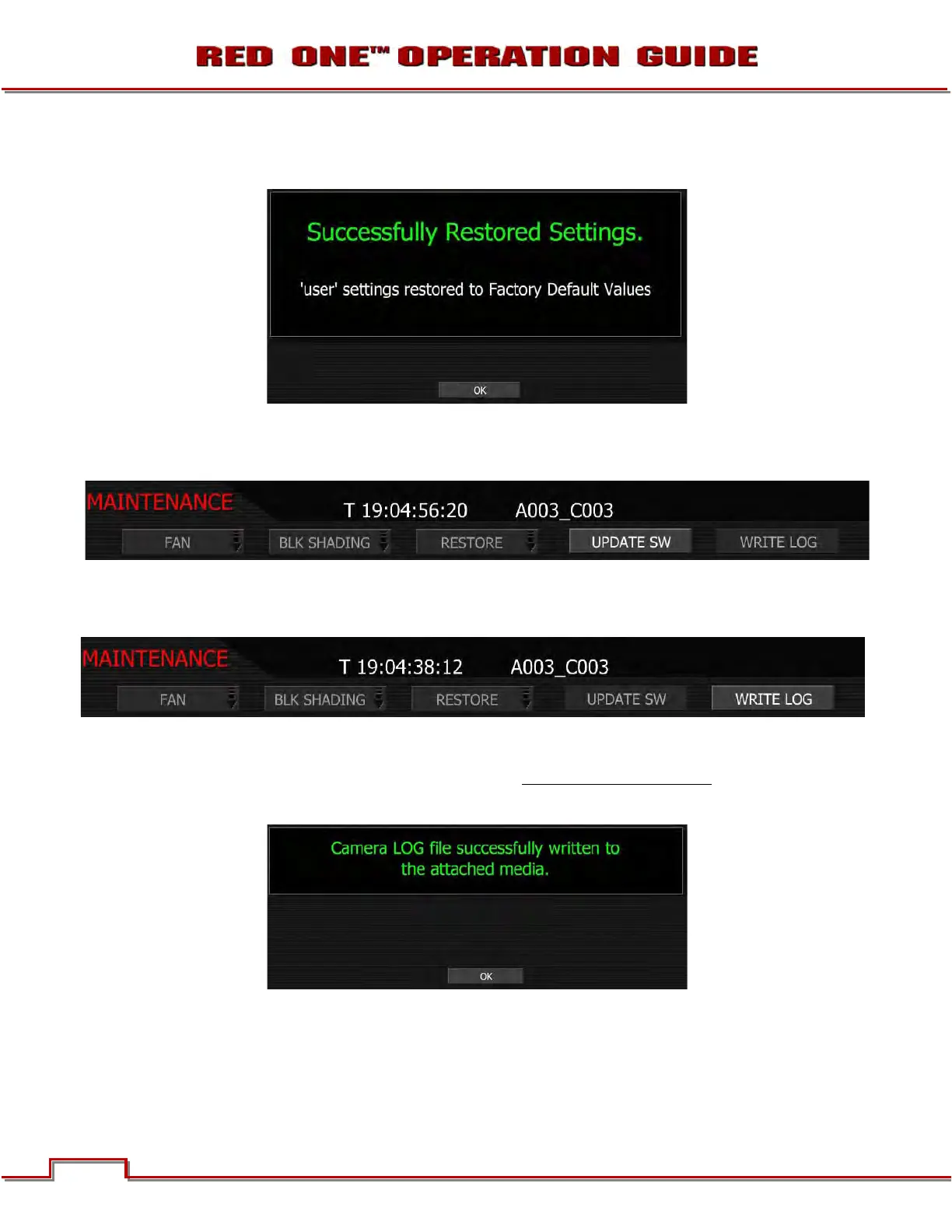
USER: Allows all user preference parameters to be reset to the factory default values. When selected and
reset, the external monitors will display:
UPDATE SW
Update SW initiates a camera software (firmware) update.
For complete, detailed procedure, go to APPENDIX A: UPDATING CAMERA FIRMWARE.
WRITE LOG
Select to write camera’s .LOG file to the REDFLASH CF card, RED-DRIVE or RED-RAM magazine. The
.LOG file is a diagnostic tool that can assist RED with camera troubleshooting. After capture, upload the
.LOG file to the RED customer service team contactable at
www.RED.com/support.
After successfully writing log file to media, external monitors will display:



 To Next Page