Build 21 v21.4.1
FEBRUARY 23, 2010 © 2007-2010 RED.COM INC.
65
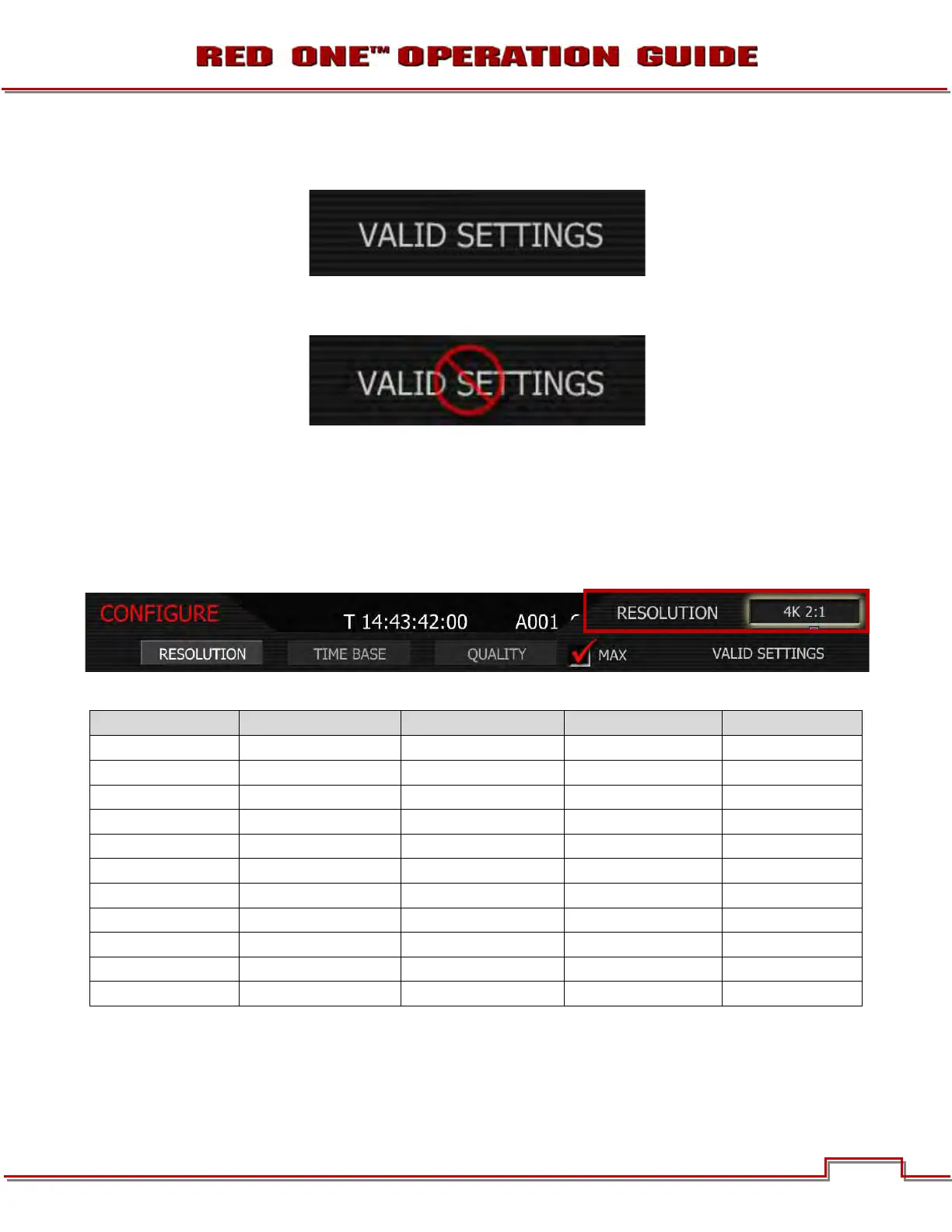
IMPORTANT: Valid combinations of Quality, Resolution and Time Base are indicated by the phrase
VALID SETTINGS.
If this is crossed through, it indicates the media is too slow to record that combination of resolu-
tion, project frame rate and quality.
RESOLUTION
Choose 4.5K, 4K, 3K or 2K resolutions. Do not use 4.5K, 4K or 3K for S16mm/B4 lenses.
1. To set resolution, select RESOLUTION and press in or down on joystick.
2. Twist joystick to change the highlighted RESOLUTION box to the desired resolution.
3. Move Joystick right or up to select and exit.
The maximum available time base supported by each media type for each resolution is:
REDCODE 28 REDFLASH 8GB REDFLASH 16GB RED-DRIVE RED-RAM
2K 2:1 60 fps 60 fps 60 fps 60 fps
2K 16:9 60 fps 60 fps 60 fps 60 fps
2K ANA 60 fps 60 fps 60 fps 60 fps
3K 2:1 50 fps 60 fps 60 fps 60 fps
3K 16:9 30 fps 50 fps 50 fps 50 fps
3K ANA 60 fps 60 fps 60 fps 60 fps
4K 2:1 25 fps 30 fps 30 fps 30 fps
4K HD 25 fps 30 fps 30 fps 30 fps
4K 16:9 25 fps 30 fps 30 fps 30 fps
4K ANA 30 fps 30 fps 30 fps 30 fps
4.5K WS 25 fps 30 fps 30 fps 30 fps



 To Next Page