Build 21 v21.4.1
FEBRUARY 23, 2010 © 2007-2010 RED.COM INC.
83
To use the rotary switch to make adjustments:
1. Push the rotary switch once.
2. Rotate the rotary switch until the white selection box overlays the parameter you wish to adjust.
3. Push the switch to lock that selection in.
4. Rotating clockwise increases the parameter value, counterclockwise decreases the parameter value.
5. Push the switch once more to lock the parameter and exit the parameter adjust mode.
METERS (PREVIOUSLY STATUS)
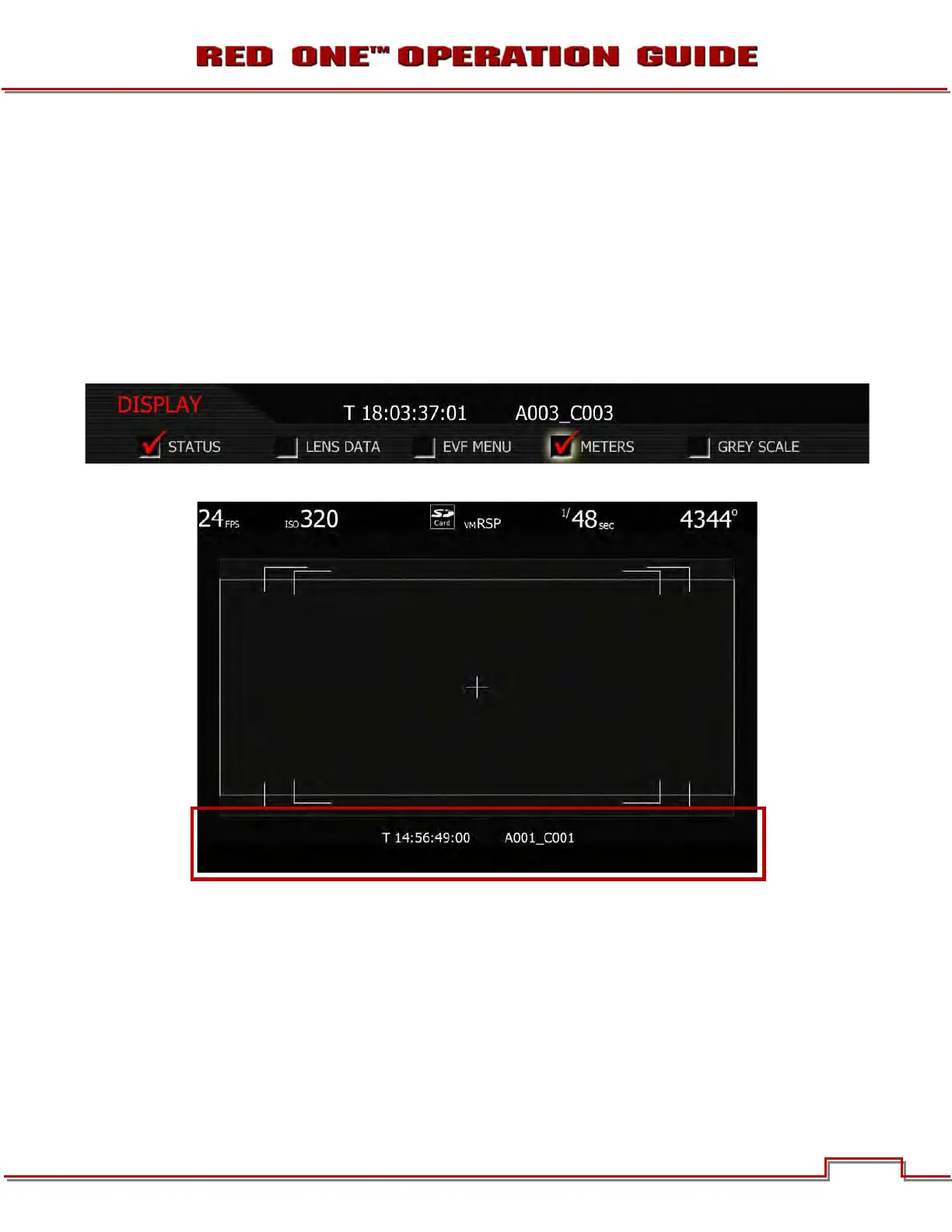
When checked, displays media, exposure and audio status on lower edge of all external monitors.
When unchecked, lower edge of all external motors will be blank.



 To Next Page