Build 21 v21.4.1
FEBRUARY 23, 2010 © 2007-2010 RED.COM INC.
87
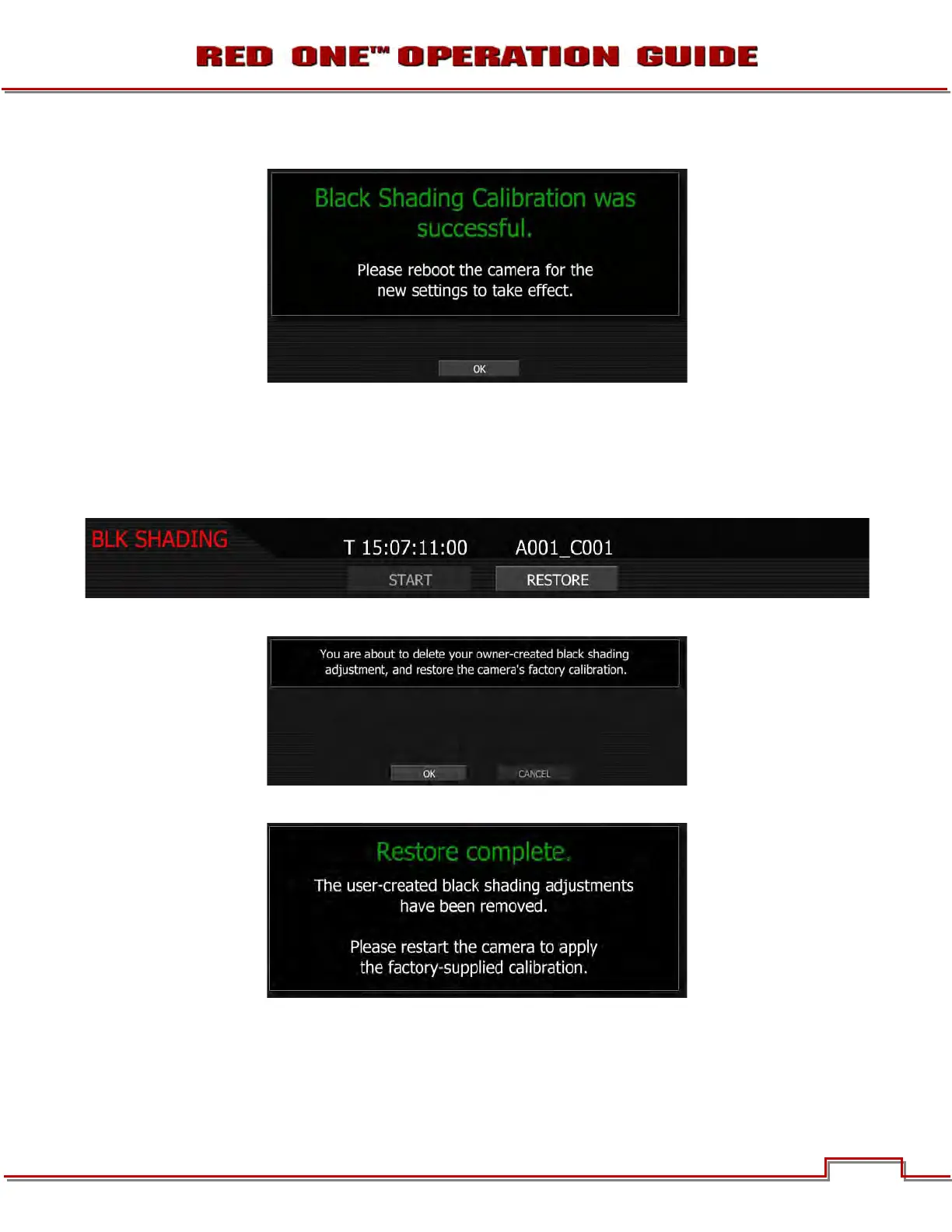
7. Installation of the new data takes about 3 minutes. The camera will confirm process is complete:
8. Select OK and restart the camera as instructed.
RESTORE BLACK SHADING
Restore will reset any user defined black shading data to factory default values.
1. Select BLACK SHADING, camera monitoring outputs will display:
2. Select RESTORE, camera monitoring outputs will display:
3. Select OK, camera monitoring outputs will display:
4. Restart the camera as instructed.



 To Next Page