Build 21 v21.4.1
© 2007-2010 RED.COM INC. FEBRUARY 23, 2010
84 84
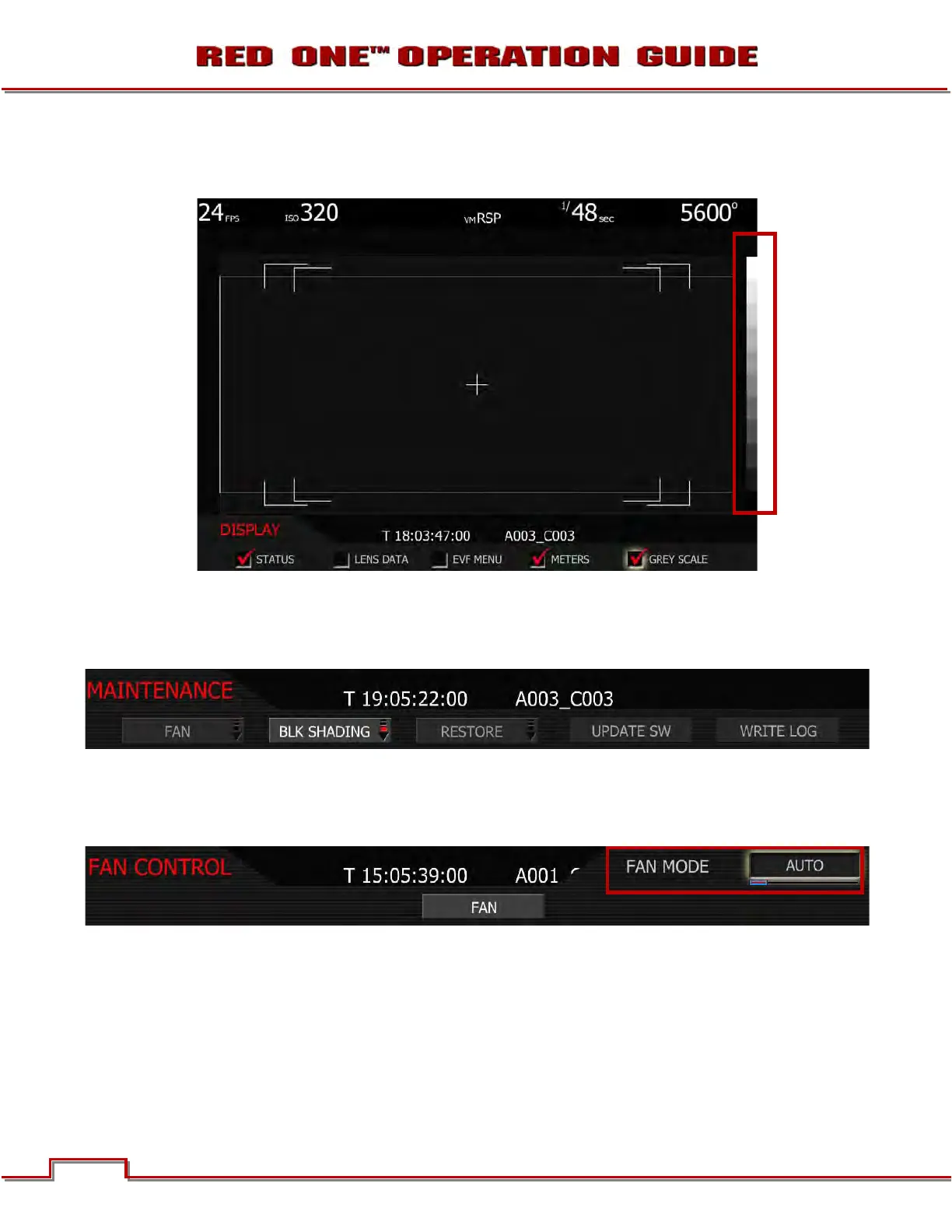
GREY SCALE
When checked, displays an 11 step grey scale on right edge of all external monitors.
MAINTENANCE
The maintenance sub-menu defines how the cooling fan behaves, adjusts Black level, resets user settings
to factory defaults, and enables software updates.
FAN
Fan specifies how long the cooling fan operates. The camera's fan speed can be changed depending on
the ambient air temperature and recording application. The default setting is AUTO.
1. FAN MODE box will highlight to allow you to choose from between AUTO, VARIABLE, HOT, STAN-
DARD, QUIET and SILENT (default is AUTO).
2. Twist joystick to change the highlighted FAN MODE box to the desired setting.
3. Move joystick left, up or push in to select.
AUTO: This setting combines VARIABLE speed fan operation while not recording, with SILENT mode
when in record. This mode is recommended for extended duration dialog recordings.



 To Next Page