Build 21 v21.4.1
© 2007-2010 RED.COM INC. FEBRUARY 23, 2010
72 72
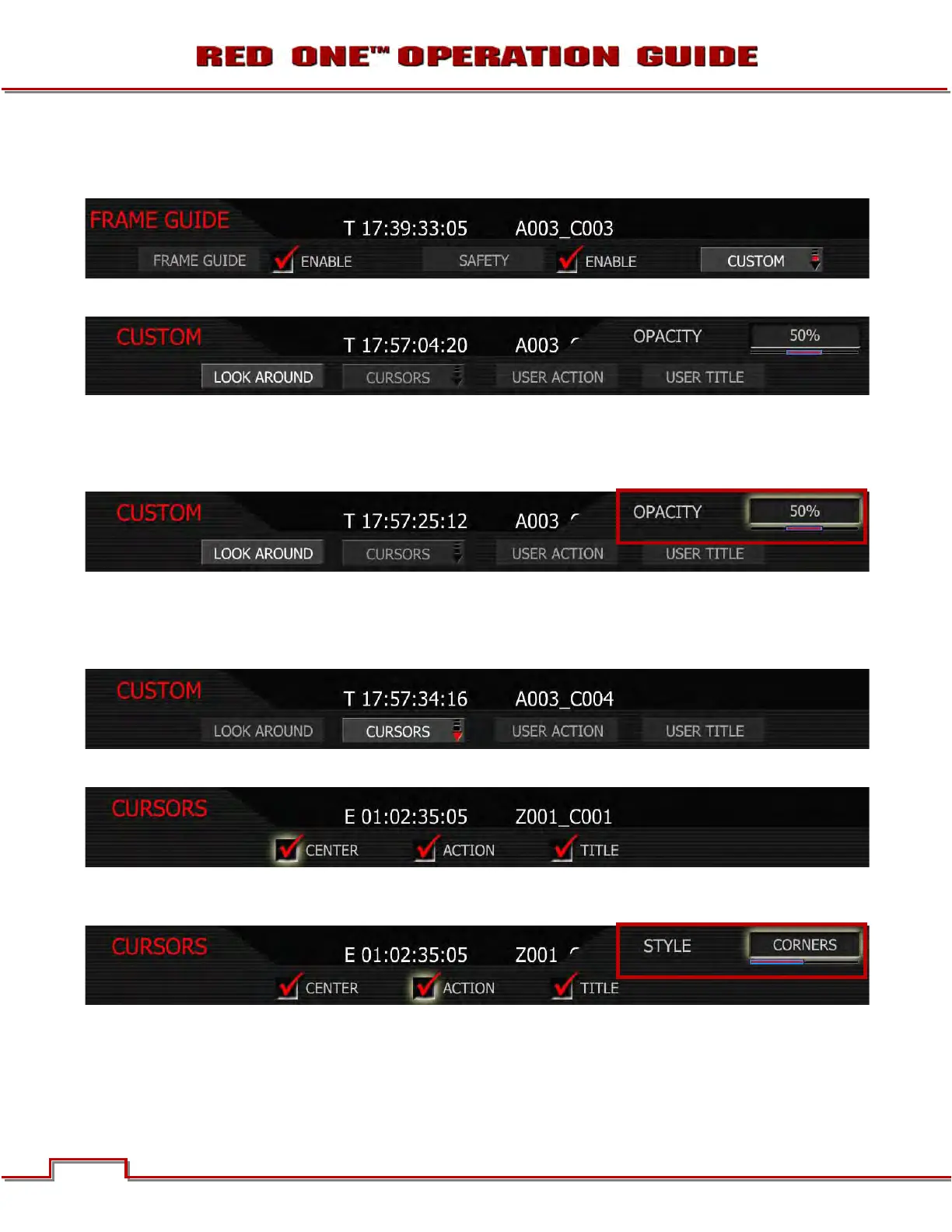
CUSTOM (PREVIOUSLY PROGRAM)
Custom allows the use to program the specific PROTECT areas to be used.
Select CUSTOM to access the CUSTOM sub menu.
LOOK AROUND
LOOK AROUND allows the OPACITY of the LOOK AROUND area to be set to 0, 50 and 100%. Default
value is 50%.
CURSORS
Enables / disables image center cursor. Select Cursors to enable Center, Safe Action or Safe Title cur-
sors.
CENTER: Enables / disables image center cursor. Check or uncheck to select. Default is checked.
ACTION: Enables / disables guide. Style may be specified as a corner marker or a rectangle. Default is
checked.
TITLE: Enables / disables user guide. Style may be specified as a corner marker or a rectangle. Default is
checked.



 To Next Page