Build 21 v21.4.1
© 2007-2010 RED.COM INC. FEBRUARY 23, 2010
70 70
MONITOR
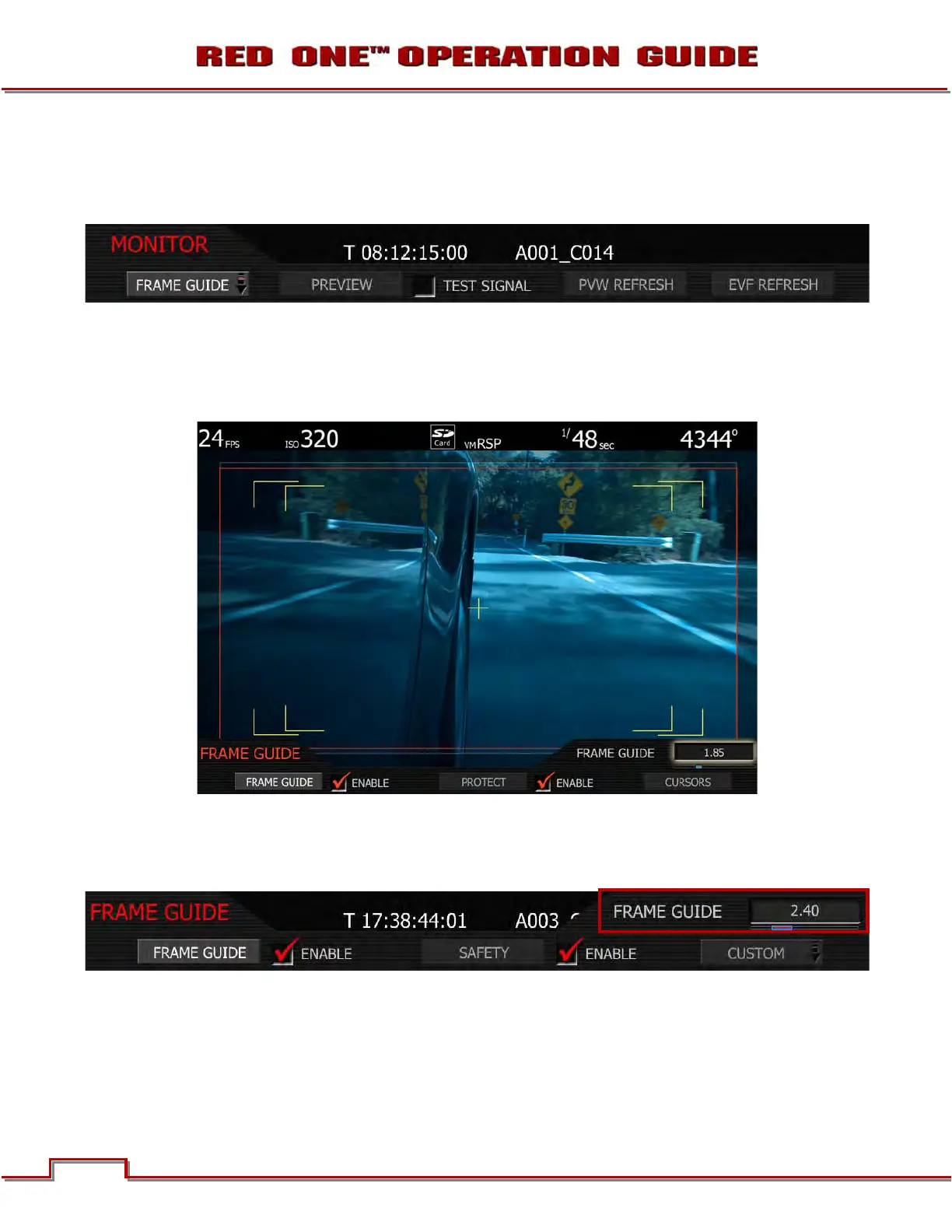
The monitor menu provides controls for the framing guides and test patterns. Options available are
FRAME GUIDE, PREVIEW, TEST SIGNAL, PVW REFRESH and EVF REFRESH.
FRAME GUIDE
This sub-menu provides a selection of frame guides and safe action and safe title guides. User definable
safe action and safe title guides may be saved as a USER PREFERENCE, thereby permitting the camera
guides to be fully customized for any application.
FRAME GUIDE
Displays film projection areas with 1.85 or 2.40 aspect ratios and television display areas with 16:9 or 4:3
aspect ratios.
1. To change frame guide aspect ratio, select FRAME GUIDE.
2. FRAME GUIDE box will highlight to allow you to choose from FULL to 16:9. Default is 2.40.
3. Twist joystick to change the highlighted FRAME GUIDE box to the desired setting.
4. Move joystick left, right or up to select and exit.



 To Next Page