Build 21 v21.4.1
FEBRUARY 23, 2010 © 2007-2010 RED.COM INC.
37
To adjust: Select SPEED and twist joystick to change the highlighted SHUTTER SPEED box to the de-
sired setting.
When operating at 23.98 or 24.00fps, these equal common shutter angles of:
When operating in Relative mode, the Shutter Speed values are proportionately reduced or extended to
correspond to changes in the instantaneous capture frame rate.
This mode is analogous to use of a fixed shutter angle on a mechanically shuttered camera.
E.g. Enabling Relative mode with 1/48
th
sec shutter at 24fps will mean 1/96
th
sec for 48fps, and 1/16
th
sec
for 8fps. This achieves the same visual result as setting a180 degree shutter.
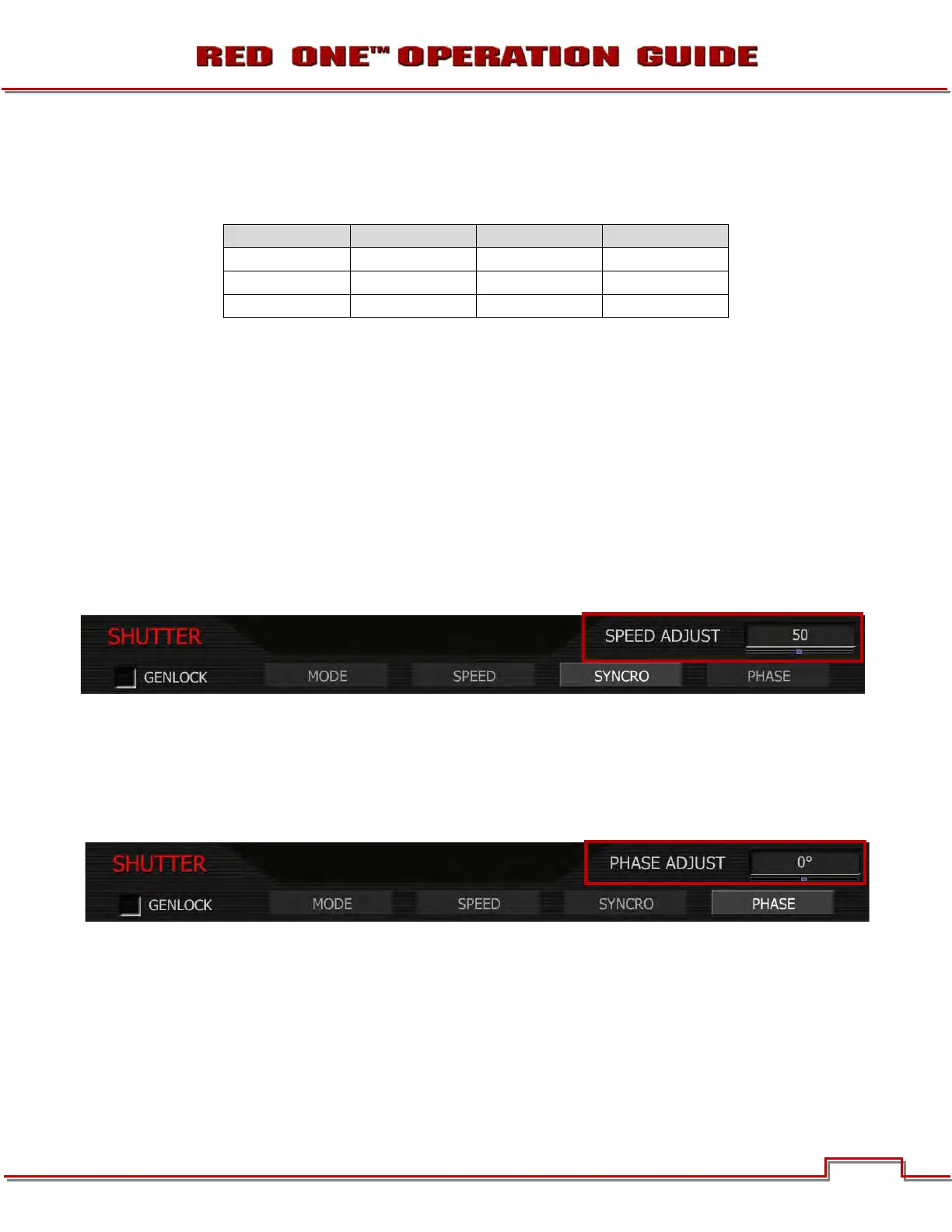
SYNCRO
When operating in this mode, the Shutter Speed values may be proportionately reduced or extended to
tune exposure time to a precise value. Range 10–90. Default is 50.
To adjust: Select SYNCRO and twist joystick to change the highlighted SPEED ADJUST box to the de-
sired setting.
E.g. Setting Syncro to 53 with a 1/60
th
sec shutter is equal to 1/56.6 sec exposure time.
PHASE
Provides a delay relative to the start of the frame for the exposure time. Phase may be adjusted over the
range - 45 to + 45 degrees. Default value is 0.
To adjust: Select PHASE and twist joystick to change the highlighted PHASE ADJUST box to the desired
setting.
Shutter Degrees Shutter Degrees
1/32 270 1/96 90
1/48 180 1/192 45
1/60 144 1/384 22.5



 To Next Page