Build 21 v21.4.1
© 2007-2010 RED.COM INC. FEBRUARY 23, 2010
88 88
BLACK SHADING ERRORS
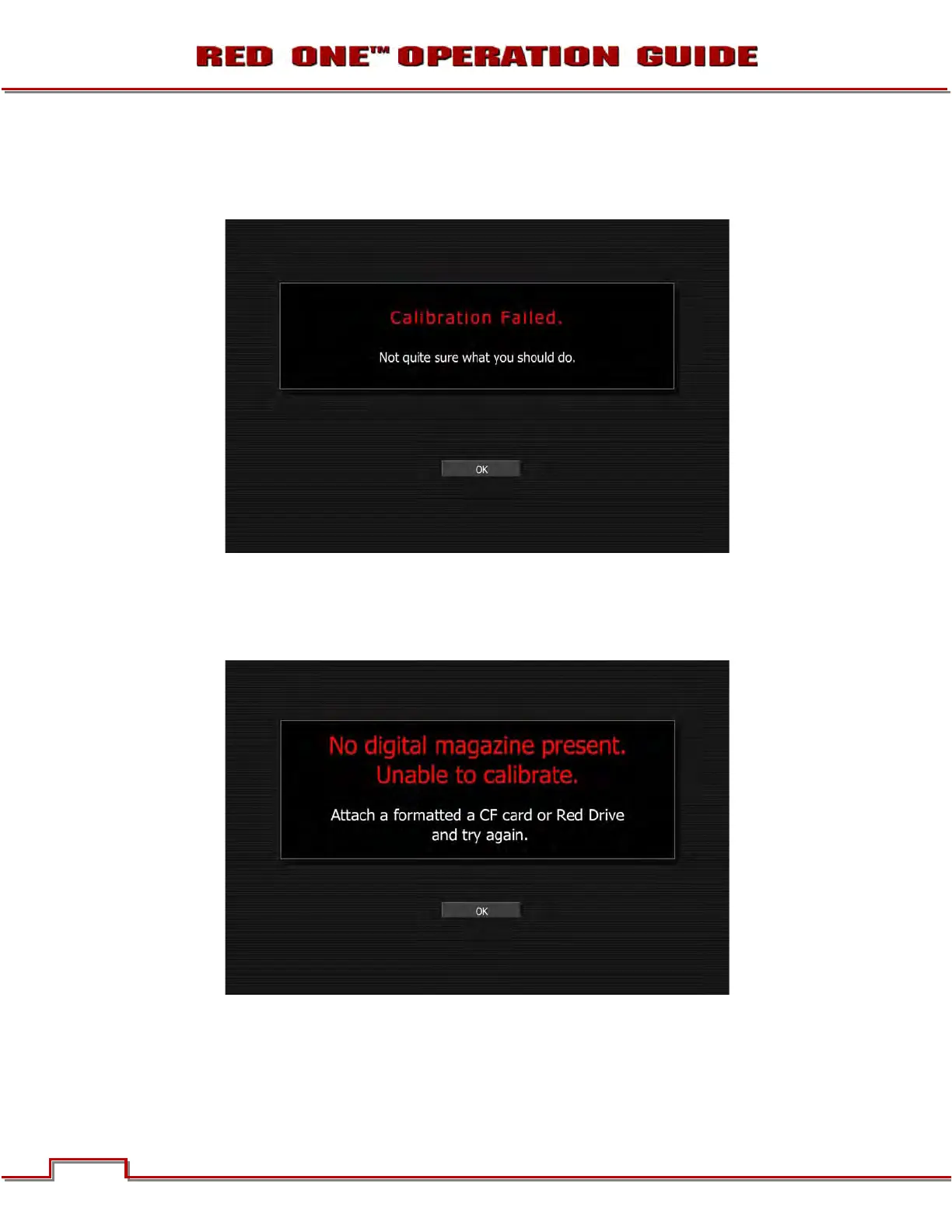
CALIBRATION FAILED - If the CF card installed in the camera is full or is removed during the Black
Shading Calibration, the following error will be displayed:
If necessary, save media files to computer, reformat CF card and perform the Black Shading Calibration
again. Refer to APPENDIX B: MANAGING DIGITAL MEDIA.
UNABLE TO CALIBRATE – If there is no CF card installed in the camera when attempting to perform a
Black Shading Calibration, the following error will be displayed:
Connect formatted CF card to the camera and perform the Black Shading Calibration again.



 To Next Page