Build 21 v21.4.1
© 2007-2010 RED.COM INC. FEBRUARY 23, 2010
86 86
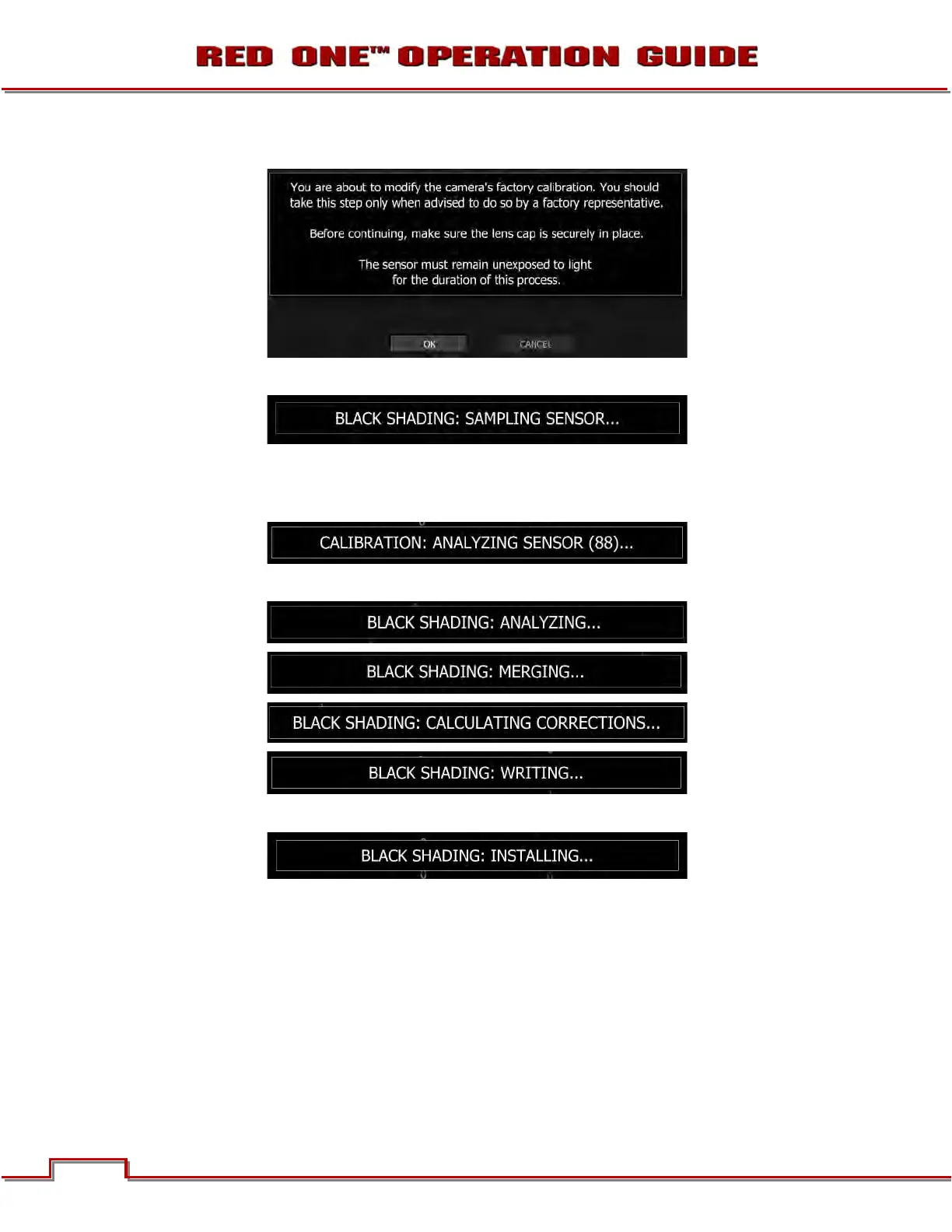
2. Select START, camera monitoring outputs will display:
3. Select OK, camera monitoring outputs will display:
4. The camera records 100 frames of sensor data that is used to analyze the precise black level of each
pixel. This will take about 2 minutes. During this time, the camera will display (camera LCD will display
“Calibrating…”):
5. After analyzing sensor, the camera will display:
6. As the last step in the process the camera will display:



 To Next Page