Build 21 v21.4.1
FEBRUARY 23, 2010 © 2007-2010 RED.COM INC.
59
2. VOLUME box will highlight to allow you to choose a volume level between -6.0dB and 6.0dB (default
is 0dB).
3. Twist joystick to change the highlighted VOLUME box to the desired setting.
4. Move joystick left, right or up to select and exit.
NOTE
: The RED-ONE camera does not provide a reference level Tone Generator. However an ap-
proximately 1 minute digital recording of a reference level Tone Generator provided by an external
signal source may be used as a substitute for an internal Tone Generator.
NOTE
: Before digital audio recordings can be made, audio inputs need to be enabled.
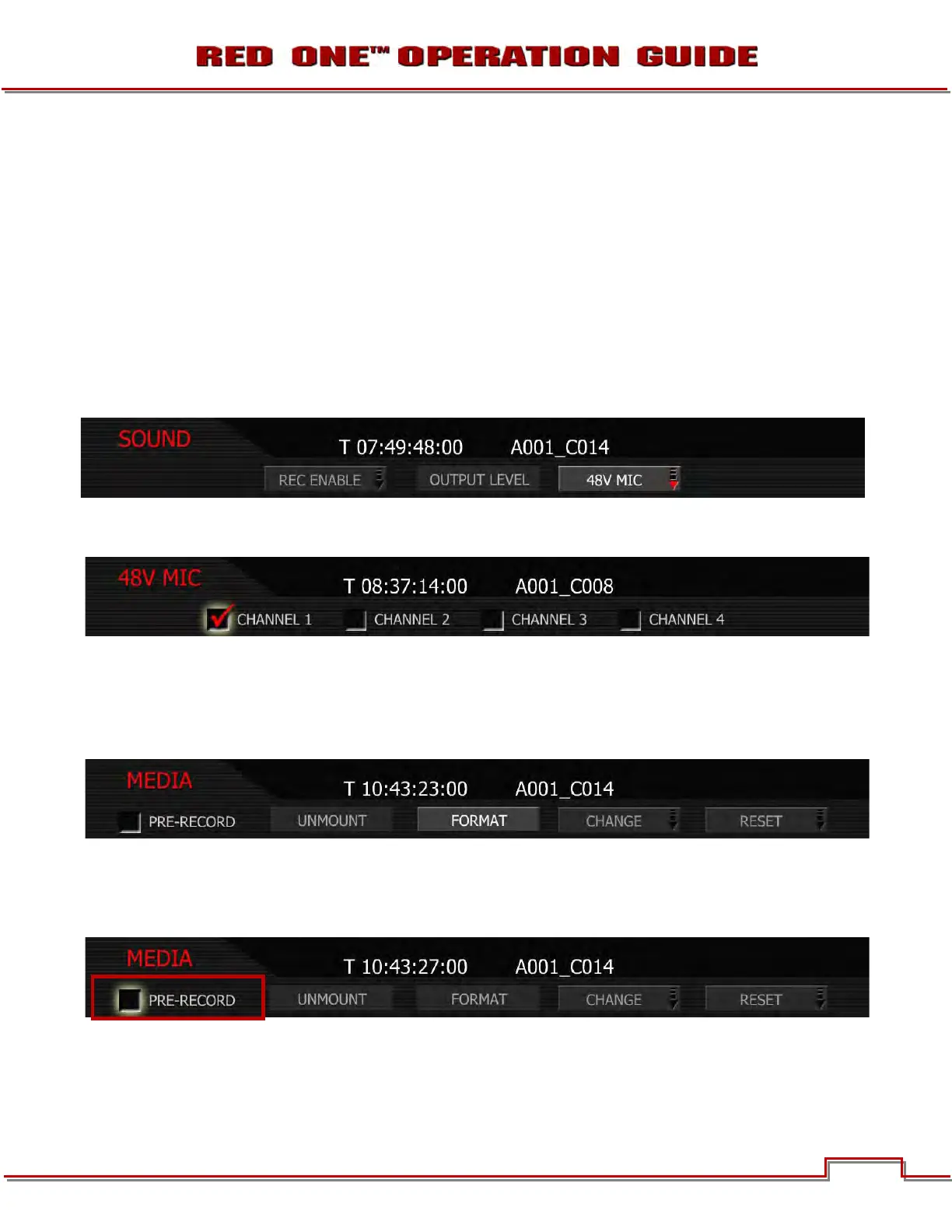
48V MIC
Push 48V MIC to access the channels that you wish to provide 48V Phantom Power on.
NOTE: With firmware prior to Build 18, and all cameras with Rev A audio hardware, the +48V Phan-
tom Power output will be disabled each time the camera is power cycled.
MEDIA MENU
This menu provides various media management functions including digital media formatting. Options
available are PRE-RECORD, UNMOUNT, FORMAT, CHANGE and RESET. For detailed instructions on
formatting, copying and deleting files from media, go to APPENDIX B: MANAGING DIGITAL MEDIA.
PRE-RECORD
Pre-Record enables a loop recording of definable duration (10 or 30 seconds) that permits continuous
video and audio capture for that defined duration “before the actual RECORD event”.
When enabled, a GPI trigger (ensure that either GPIO INPUT A or GPIO INPUT B are set to PRE-RECORD)
will place the camera into pre-record mode. In this mode, the camera records 1-second chunks of video
and audio to the digital magazine. At the end of the defined pre-record duration, the first chunk of video
and audio is overwritten by newer video and audio information.



 To Next Page