Build 21 v21.4.1
© 2007-2010 RED.COM INC. FEBRUARY 23, 2010
122 122
RED QUICKTIME CODEC
(Use V3.9.0 or higher for Build 21 footage)
NOTE: V3.9.0 is currently not compatible with Build 21 camera color matrix – therefore camera foo-
tage should be white balanced before editing or other image processing)
The RED QuickTime codec permits REDCODE RAW footage to be displayed on Macintosh OSX personal
computers running QuickTime Player V7.4.5 or higher.
Render performance of computers will vary based on CPU speed, number of cores and disk speed. The
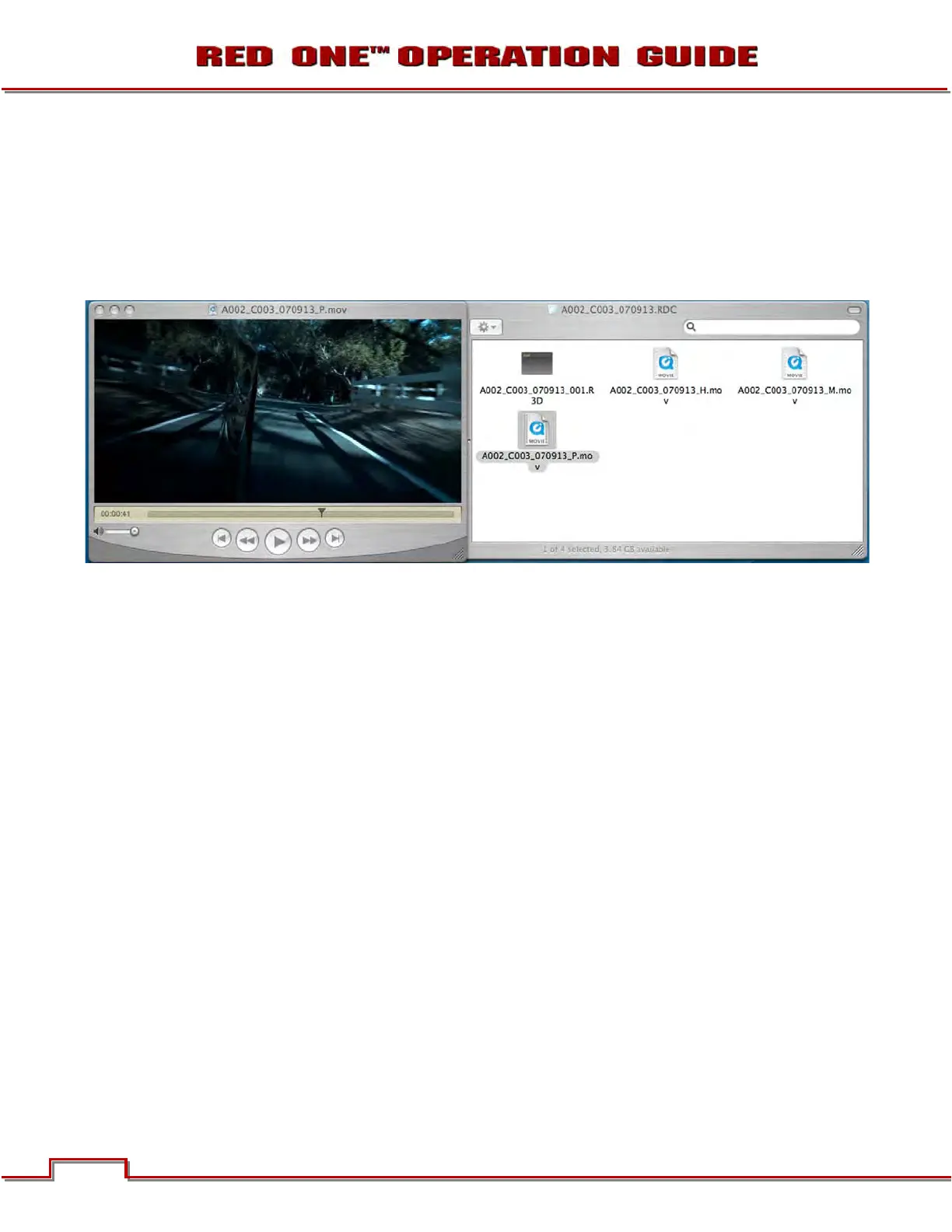
RED ONE camera, RED Alert! and REDCINE-X offer QuickTime reference movies at _F full, _H half, _M
medium and _P proxy resolution. Choose the resolution that is most appropriate to your requirement for
playback frame rate on your specific computer. If the footage is to be viewed at distant location – e.g. dai-
lies - export the footage as a standalone movie using MPEG-4 or other low bit rate codec.
NOTE: The QuickTime reference movies work by partially decoding the wavelet data, which means
that the original RAW recording must be available on a drive accessible to your computer. For re-
mote use, conversion to a standalone movie avoids this issue.
NOTE: If an ANAMORPHIC record mode has been selected (2K ANA, 3K ANA, 4K ANA) any video
captured from the camera HD-SDI outputs has been stretched 2:1 to illustrate the final 2.40:1 as-
pect ratio of the final image projection. The actual recorded image is 1.2:1 aspect, and the Quick-
Time reference movies will reflect that aspect ratio.
RED ALERT!
(Use Build 21 / Version 21.0.0 or higher for Build 21 footage)
RED Alert! is available for Intel based Mac OSX computers only.
In addition to performing white balance and one light color correction, RED Alert! can export a clip at 4K
and 2K resolution via 10-bit DPX or 16-bit TIFF files, or create color corrected Quic
kTime reference mov-
ies for editing or other uses by applications that use the RED QuickTime Codec. As RED ONE shoots pro-
gressive scan images, all QuickTime movies created by RED Alert! will also be progressive scan.
The upper panel in the display provides information about the levels in the selected clip. Exposure and
White Balance may be altered, R G and B digital values may be sampled from the image, and a Zebra ex-
posure indicator can be selected.



 To Next Page