Build 21 v21.4.1
© 2007-2010 RED.COM INC. FEBRUARY 23, 2010
64 64
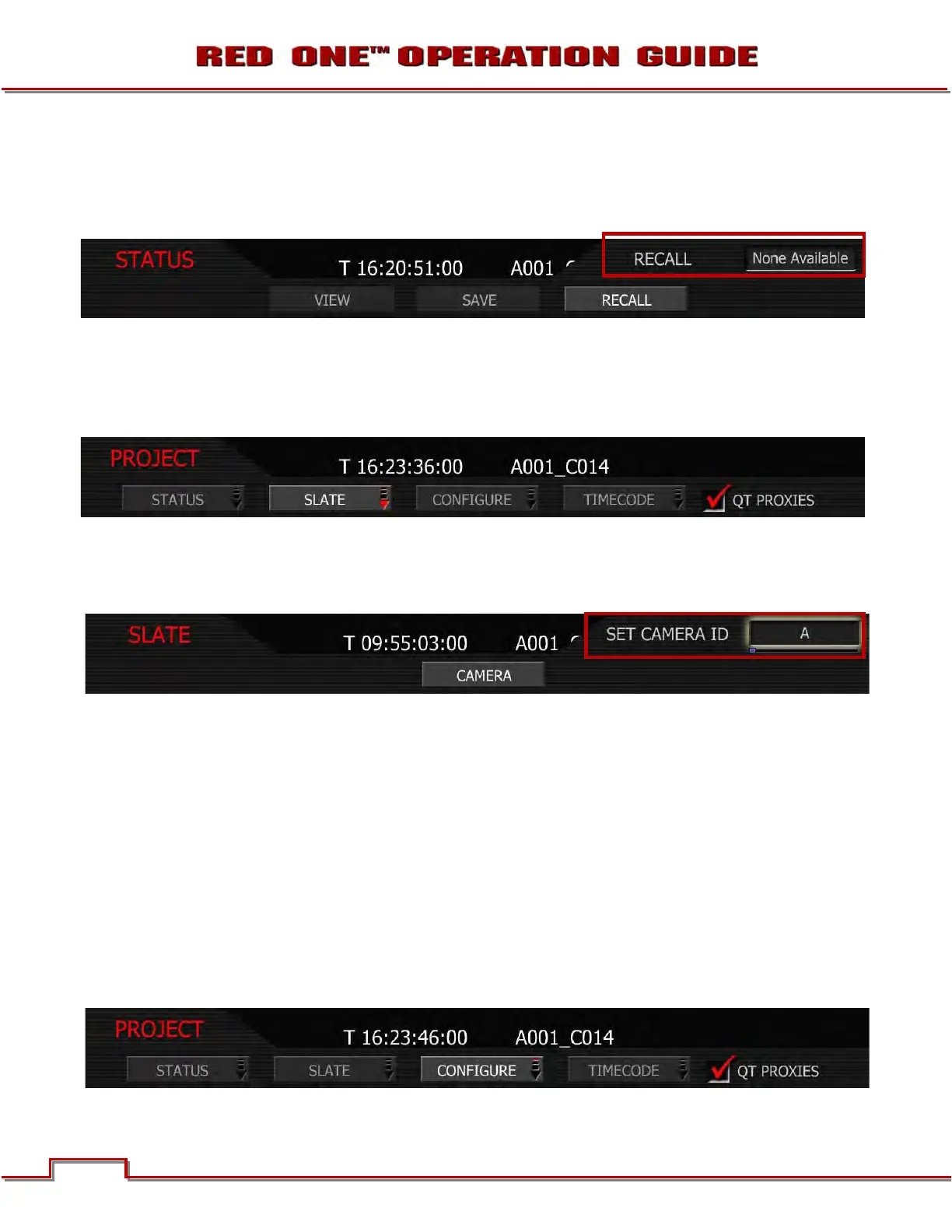
RECALL
When selected, the operator will be able to load the desired saved project settings. If not project settings
have been saved, “None Available” will be displayed as a selection. If project setting are available, they
will be displayed as selections.
SLATE
Slate lets the operator identify the specific camera used for the project. Combined with reel numbers and
clip numbers assigned by the camera, all clips recorded on the digital media may be uniquely identified,
simplifying post-production and media archiving workflows.
CAMERA
Camera is a single letter (A-Z) that provides a unique identifier for the camera in a multi-camera produc-
tion environment.
When you push record, the camera names the clip being recorded on the digital media.
E.g. A001_C001_0515A6.RDC
Where: A = camera A, 001 = reel 001, C001 = clip 001, and 0515 = May 15 and A6 is a two digit alphanu-
meric random number generated by the camera. This number helps avoid duplicate file names if two
cameras are inadvertently named A on the same project.
1. To set camera ID, select CAMERA and press in or down on joystick.
2. Twist joystick to change the highlighted SET CAMERA ID box reel letter between A and Z (default is
A).
3. Move Joystick up to select and exit.
CONFIGURE
Configure defines the operation of the camera in a project.



 To Next Page