Build 21 v21.4.1
FEBRUARY 23, 2010 © 2007-2010 RED.COM INC.
75
1. To set test pattern, push in or down on joystick to place
checkmark in TEST SIGNAL checkbox.
2. TEST SIGNAL box will highlight.
3. Twist joystick to change the highlighted TEST SIGNAL box
to the desired setting.
4. Move joystick left, right, up or push in to select.
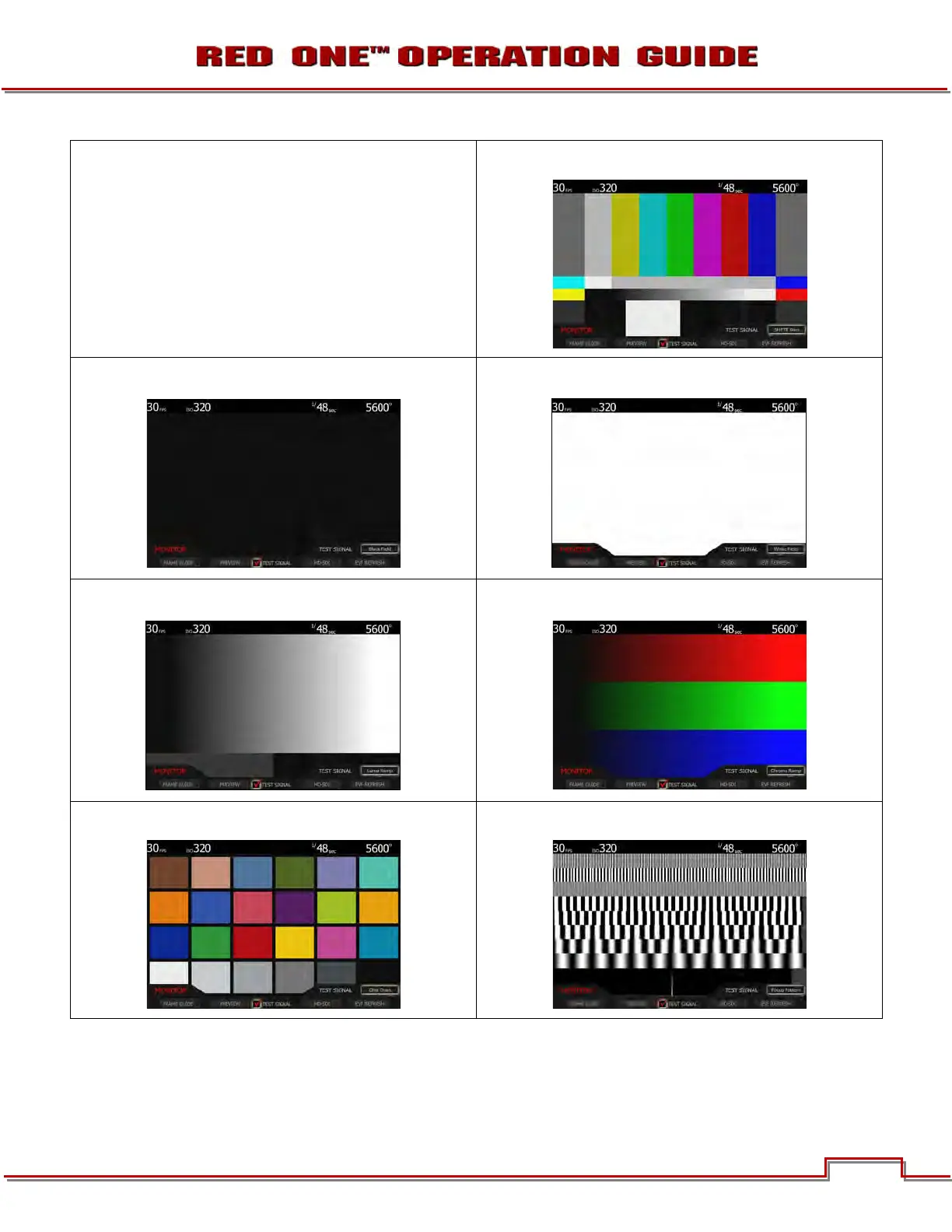
SMPTE BARS
BLACK FIELD
WHITE FIELD
LUMA RAMP
CHROMA RAMP
CHIP CHART
FOCUS PATTERN
NOTE: The RED ONE test signals are not recordable, they are provided to help align external video
monitors connected via the HD-SDI or HDMI outputs.



 To Next Page