Build 21 v21.4.1
© 2007-2010 RED.COM INC. FEBRUARY 23, 2010
32 32
and four QuickTime reference movies, which allows a QuickTime Player to display the RAW data at _F full,
_H high, _M medium or _P proxy resolutions.
Double click on one of the QuickTime reference movies to see a preview of the .R3D file. Playback frame
rate will depend on the processor speed of your computer. If the frame rate is too low, select a smaller
QuickTime movie.
NOTE: To operate with QuickTime under Macintosh OSX, install the supplied REDCODE RAW plug-
in available at www.RED.com/support. Windows is not currently supported.
PLAYBACK
Playback of recorded clips is available on-camera using the buttons located above the LCD display. Refer
to CAMERA CONTROLS under CAMERA CONTROLS, CONNECTORS AND DISPLAY for complete in-
formation.
BACK FOCUS ADJUSTMENT
1. Level the camera on a stable surface or tripod.
2. Set a focus chart at a medium distance from the camera. (5 to 10 feet)
3. Attach a medium length prime lens to the camera, (50 to 75mm) and set the lens focus to match the
appropriate distance the camera is away from the chart.
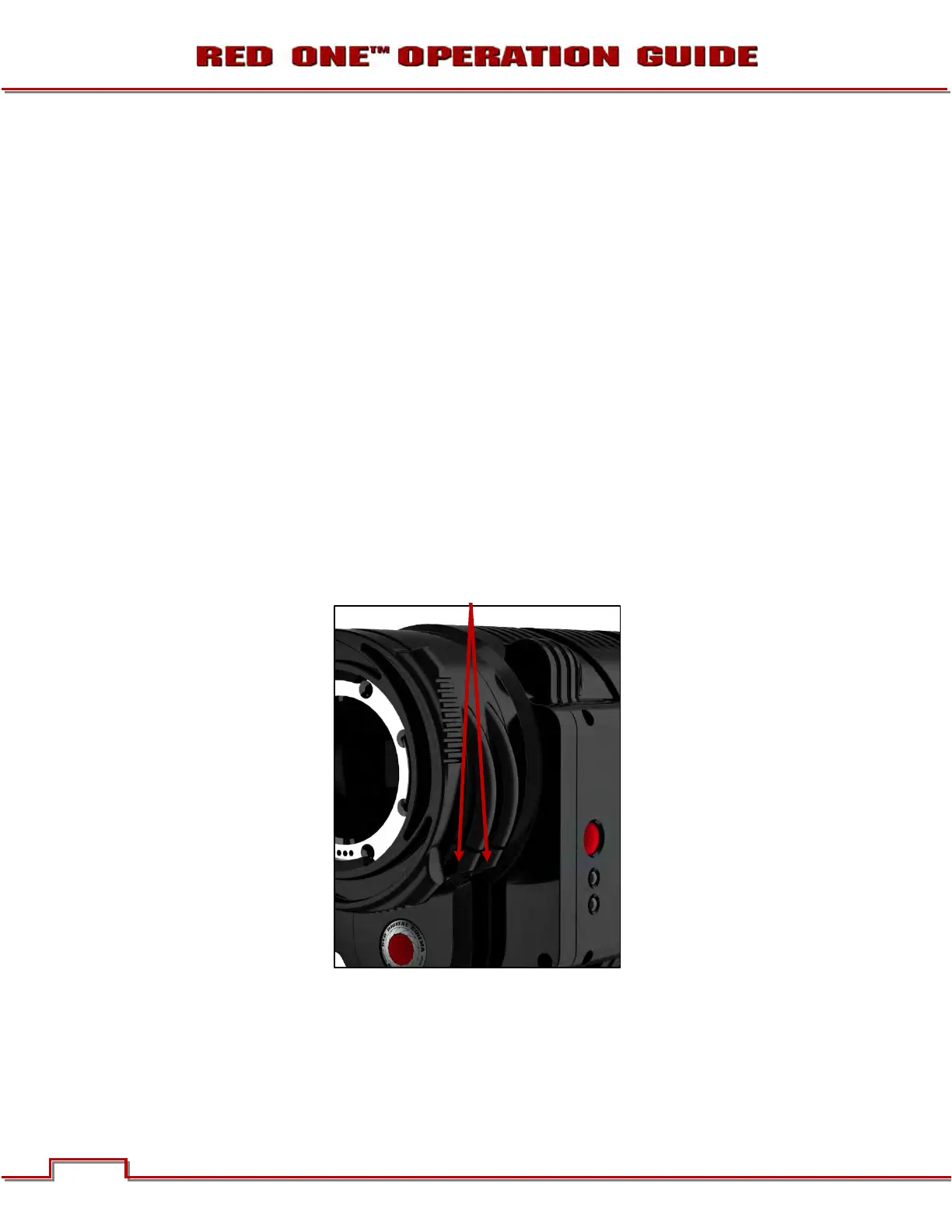
4. Using a 5/32” Allen wrench, loosen the two (2) screws on the focus ring near the front of the camera.



 To Next Page