Build 21 v21.4.1
© 2007-2010 RED.COM INC. FEBRUARY 23, 2010
10 10
UNDO / EXIT BUTTONS
- EXIT will exit the menus.
- Press and hold UNDO and SYSTEM menu buttons at the same time to navigate to the last displayed
menu before exiting.
- Press and hold UNDO and EXIT buttons at the same time to unmount media from the camera. Refer
to REMOVE MEDIA FROM CAMERA (UNMOUNT) under APPENDIX B: MANAGING DIGITAL MEDIA.
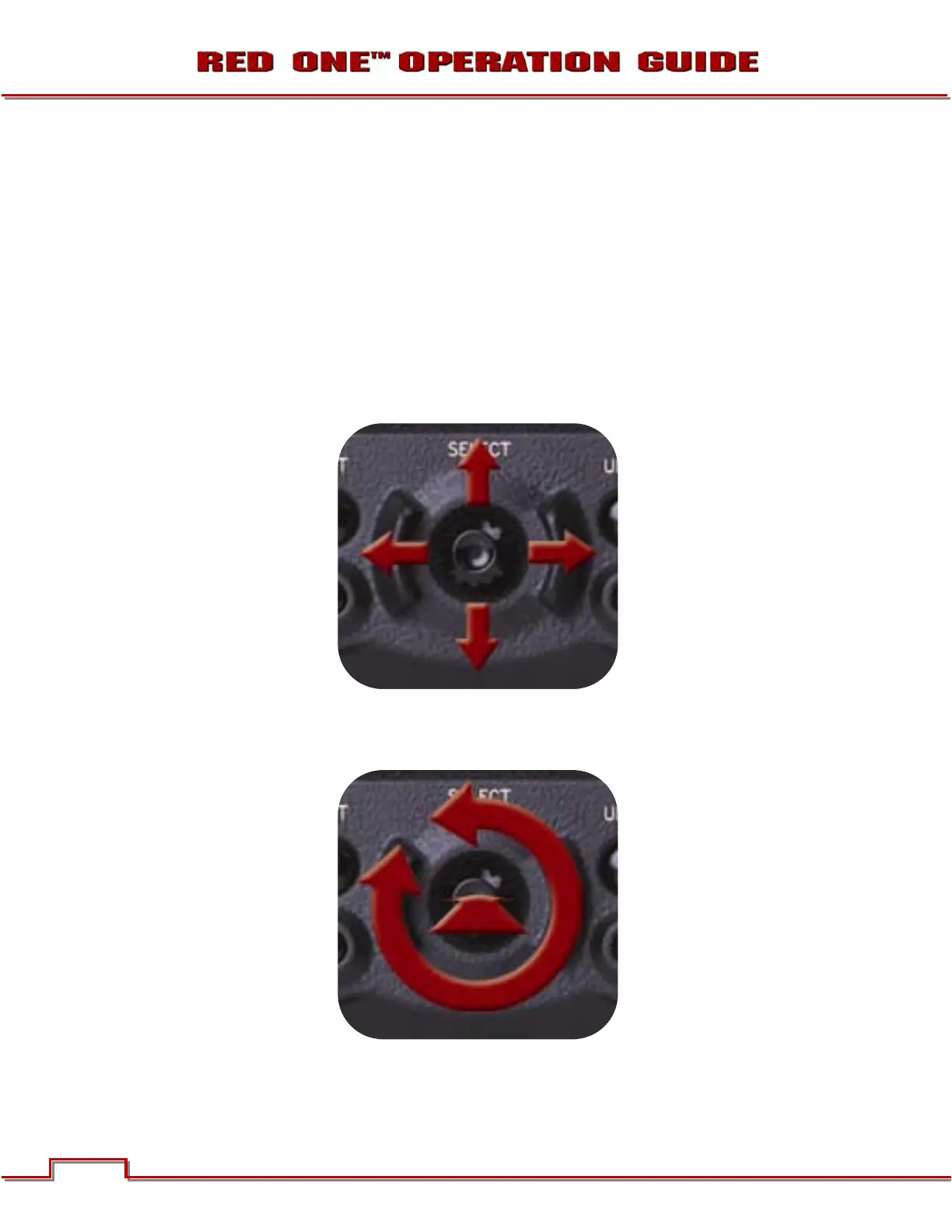
JOYSTICK OPERATION
- Left/Right to navigate menu selections.
- Up to go previous screen (will exit menu when at top level).
- Down to go to next menu (similar to Push to select a menu item).
- Rotate (turn/twist like a knob) changes value in highlighted box.
- Push (like a button) to enter a selection.



 To Next Page