Build 21 v21.4.1
FEBRUARY 23, 2010 © 2007-2010 RED.COM INC.
63
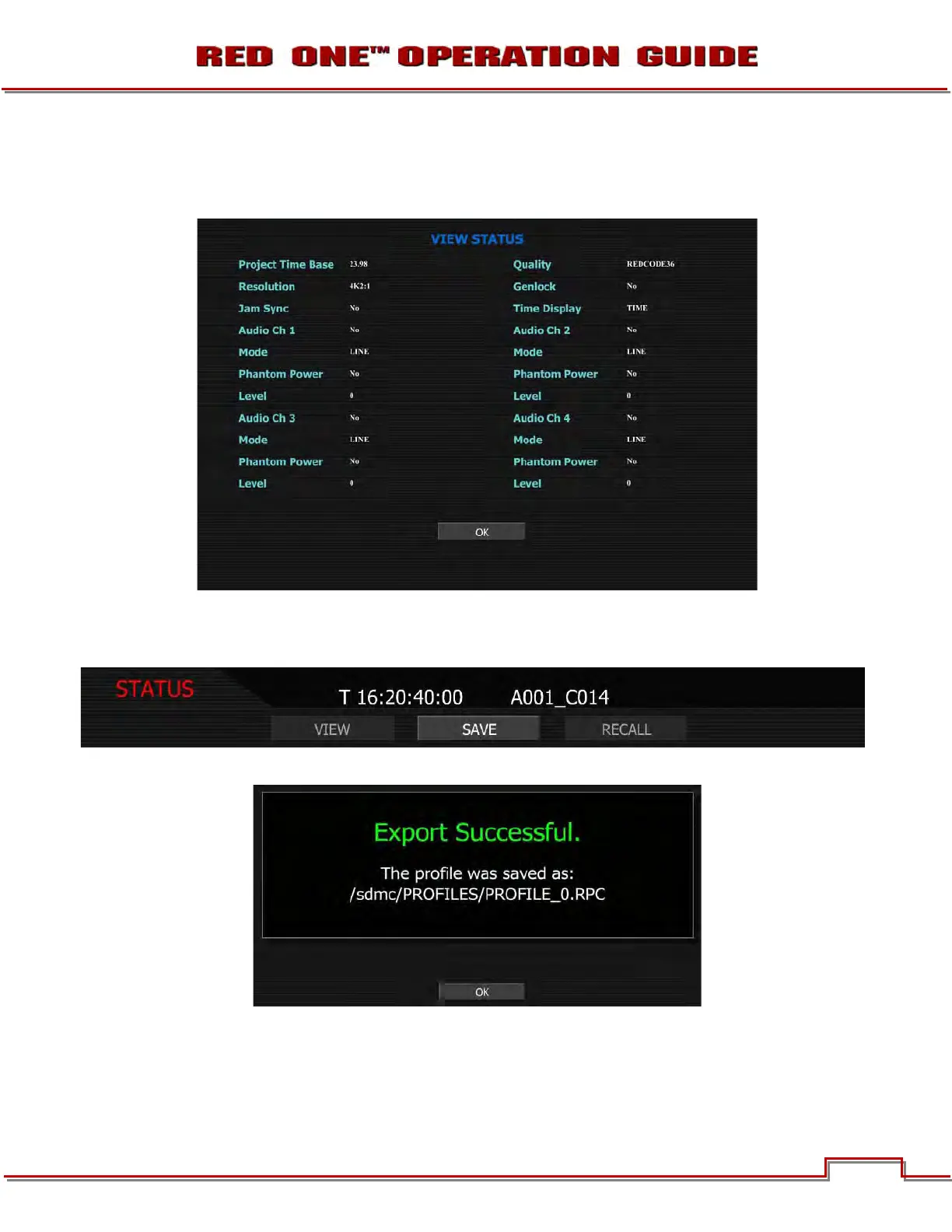
VIEW
When VIEW is selected, the current project settings for the camera are displayed. This allows the operator
to ensure the desired project settings have been made. Press OK to exit screen
SAVE
Allows the operator to save the project settings to the SD card.
When the project settings are saved successfully to the SD card, the following message will be displayed:



 To Next Page