Build 21 v21.4.1
© 2007-2010 RED.COM INC. FEBRUARY 23, 2010
26 26
BASIC OPERATION
This section describes powering up/down and basic controls of the RED ONE camera and how to initiate
a project.
POWER UP / DOWN
Power is supplied to the camera via a RED-BRICK battery (connected through a RED BATTERY PLATE,
RED QUICKPLATE or RED CRADLE) or RED CHARGER connected to the POWER connector located at
the rear of the camera.
- To power the camera up (turn on); push the power on/off switch once.
- To power the camera down (turn off); push the power on/off switch once.
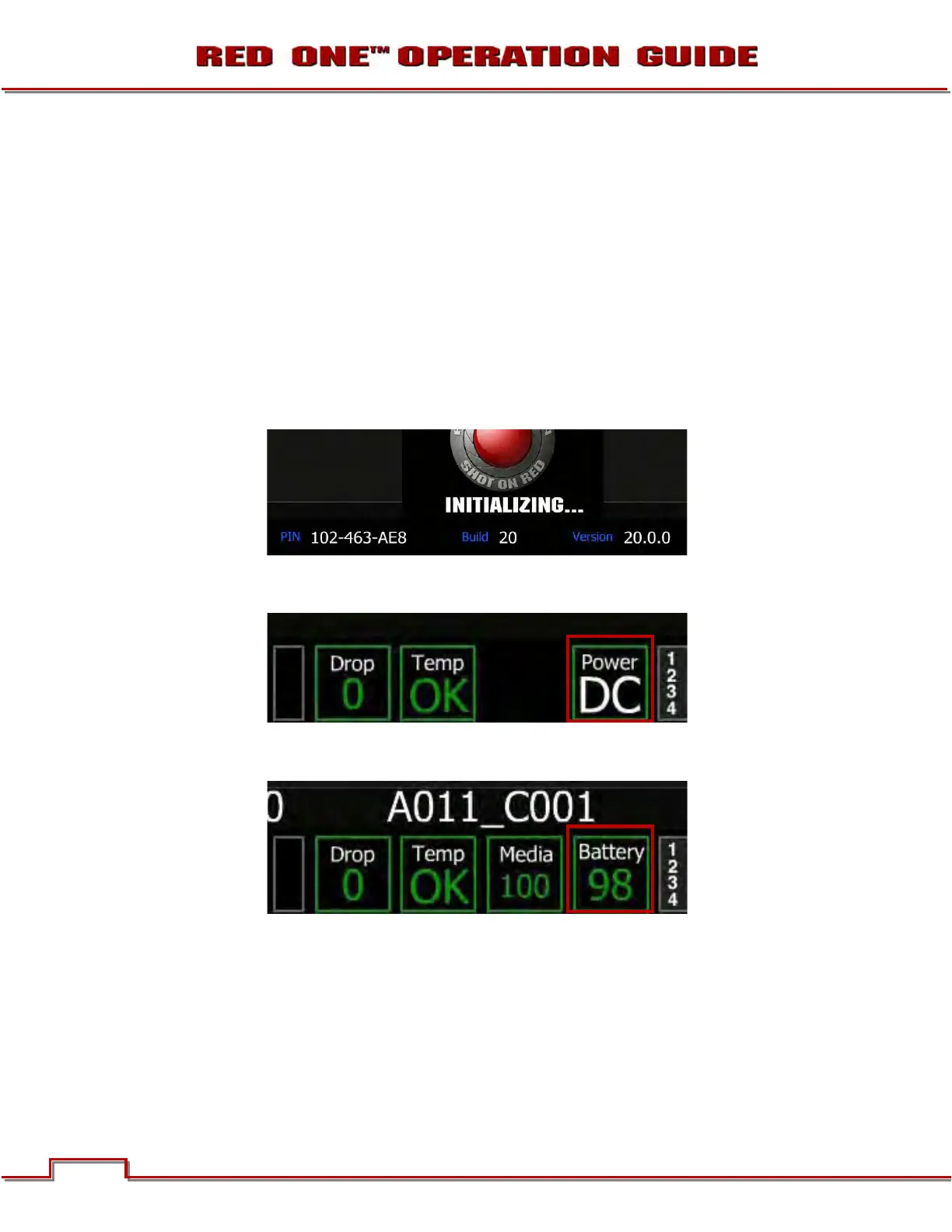
During power up, PIN, Build and Version will display on the camera LCD display and all external monitors.
When powering the camera through direct DC power such as RED CHARGER, status is displayed on the
camera’s LCD Display and any external monitoring outputs as “Power DC”.
When powering camera through RED-BRICK batteries, battery status is displayed on the camera’s LCD
Display as well as any external monitoring outputs as “Battery (with battery power percent remaining)”.



 To Next Page