Build 21 v21.4.1
© 2007-2010 RED.COM INC. FEBRUARY 23, 2010
56 56
To assist with audio operating reference level setup, the camera provides a color-coded 3dB per division
Peak Level meter with 0dBu (-20dbFS) Witness Mark in the Graphical User Interface.
Peak Level meter range is –34dBu to +20dBu (-54dBFS to 0dBFS) and provides clip indication.
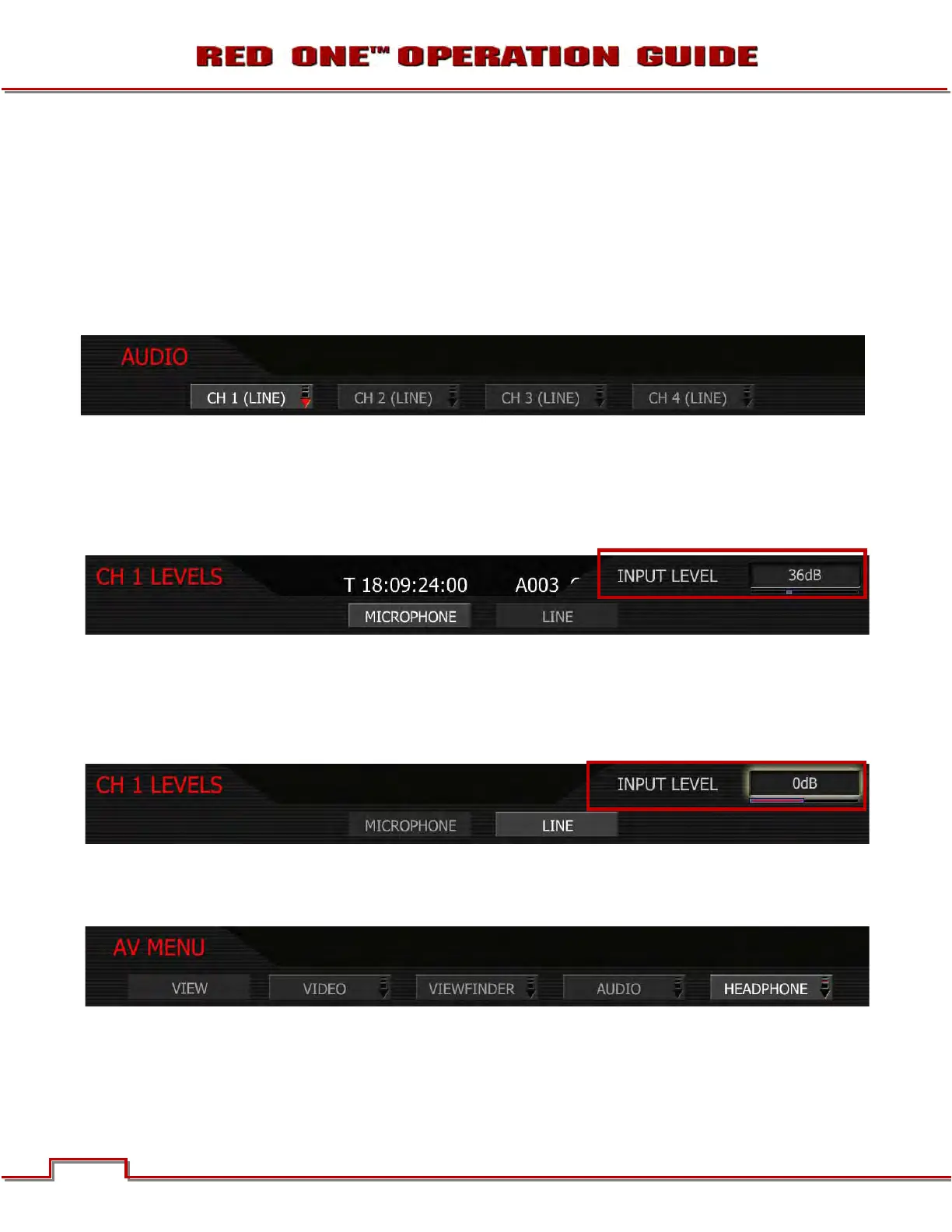
1. To adjust, select desired line and microphone/line.
2. INPUT LEVEL box will highlight to allow you to choose desired dB level.
3. Twist joystick to change the highlighted INPUT LEVEL box to the desired setting.
4. Move joystick left or right to select and exit.
MICROPHONE LEVEL INPUTS
Choose an Input Level that aligns the input signal to the reference line drawn vertically through the cam-
era’s PPM, indicating 0dBu. This setting provides 18dB headroom above reference level before signal
clipping and the digital audio recording will be at maximum Signal to Noise ratio. Range is +36dB to
+54dB, with a default value of +36dB.
LINE LEVEL INPUTS
0dB: Line Level audio inputs are designed to operate at unity gain (0dB), therefore use 0dB and set a
0dbu (- 20dBFS) line level output from the production mixer or other external signal source.
+10dB: Select this value to normalize input levels when receiving a TAPE level line input (-10dB).
HEADPHONE
The sub menu provides controls for headphone output volume channel mixing.
1. Select desired setting.
2. VOLUME box will highlight to allow you to choose desired dB level.
3. Twist joystick to change the highlighted VOLUME box to the desired setting.



 To Next Page