Build 21 v21.4.1
FEBRUARY 23, 2010 © 2007-2010 RED.COM INC.
57
4. Move joystick left or right to select and exit.
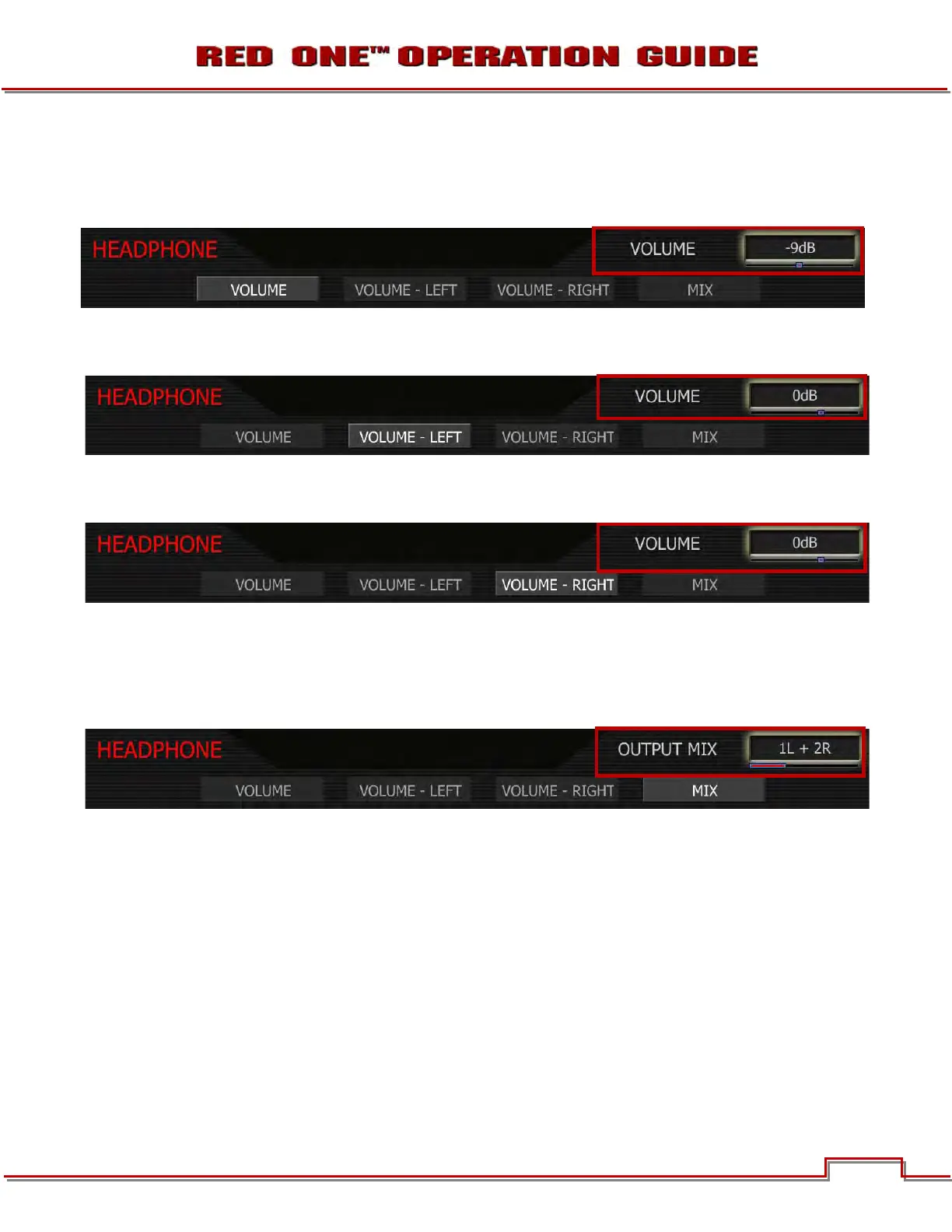
MASTER VOLUME: Adjusts headphone volume equally for Left and Right outputs.
Range is -18dB to 0dB in 1dB steps. Default is -9dB.
VOLUME LEFT: Trims volume for Left output. E.g. Volume –6dB + Volume Left +1dB = -5dB
Range is -12dB to + 6dB in 1dB steps. Default is 0dB.
VOLUME RIGHT: Trims volume for Right output. E.g. Volume –6dB + Volume Right -1dB = -7dB
Range is -12dB to + 6dB in 1dB steps. Default is 0dB.
MIX: Selects which audio channels feed the left and right side headphone outputs.
1L + 2R Feeds channel 1 to the left output, channel 2 to the right.
3L + 4R Feeds channel 3 to the left output, channel 4 to the right.
Quad MixFeeds channels 1 plus 2 to the left output, and channels 3 plus 4 to the right.



 To Next Page