Build 21 v21.4.1
© 2007-2010 RED.COM INC. FEBRUARY 23, 2010
124 124
RED Alert! reads the metadata recorded for each color correction parameter by the RED ONE camera.
Values can be adjusted by dragging the appropriate slider, or by entering a new numeric value in its box.
Clicking R will reset the value back to its default setting. Clicking M will restore the recorded metadata
value. R ALL or M ALL will affect all parameters, GRADE will revert all values back to those last used in
your color grade.
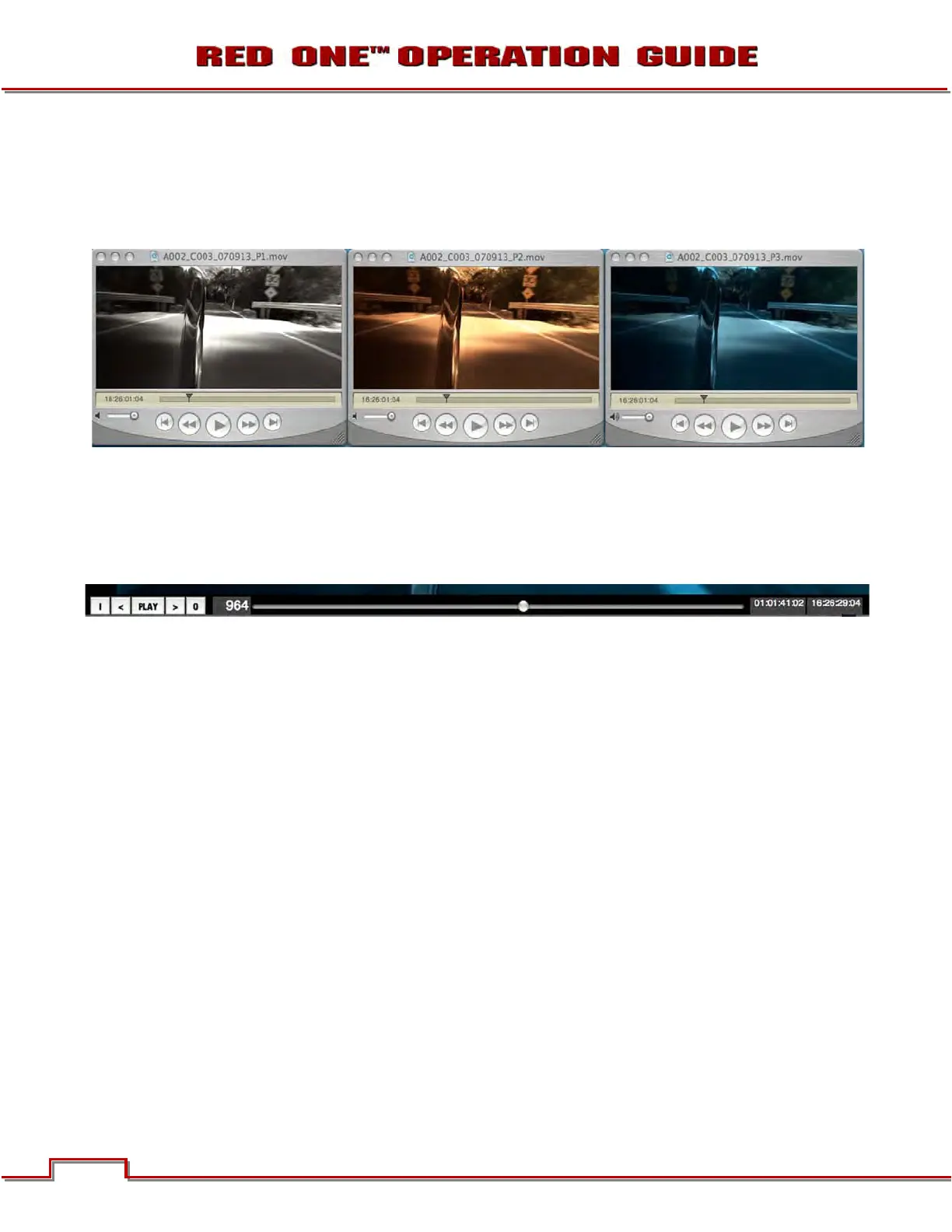
Presets may be saved in RED Alert! to allow a consistent “look” to be established across multiple clips, or
alternative color treatments may be made for the same clip.
NOTE: Looks may be transferred to the camera by entering RED Alert! values into the UI.
The image may be displayed in a variety of color spaces. For most applications, select REDspace. For
special effects select Linear, and for Digital Intermediates select a Log.
The timeline control plays the selected clip and marks IN and an OUT point, between which the TIFF or
DPX file sequence will be extracted. For QuickTime reference movies the entire clip will be referenced, as
trimming will be performed downstream. If a single frame is to be exported, push Save 4K or 2K DPX, or
4K or 2K TIFF. If a sequence of frames is desired, push Save Sequence 4K or 2K DPX, or 4K or 2K TIFFS.



 To Next Page