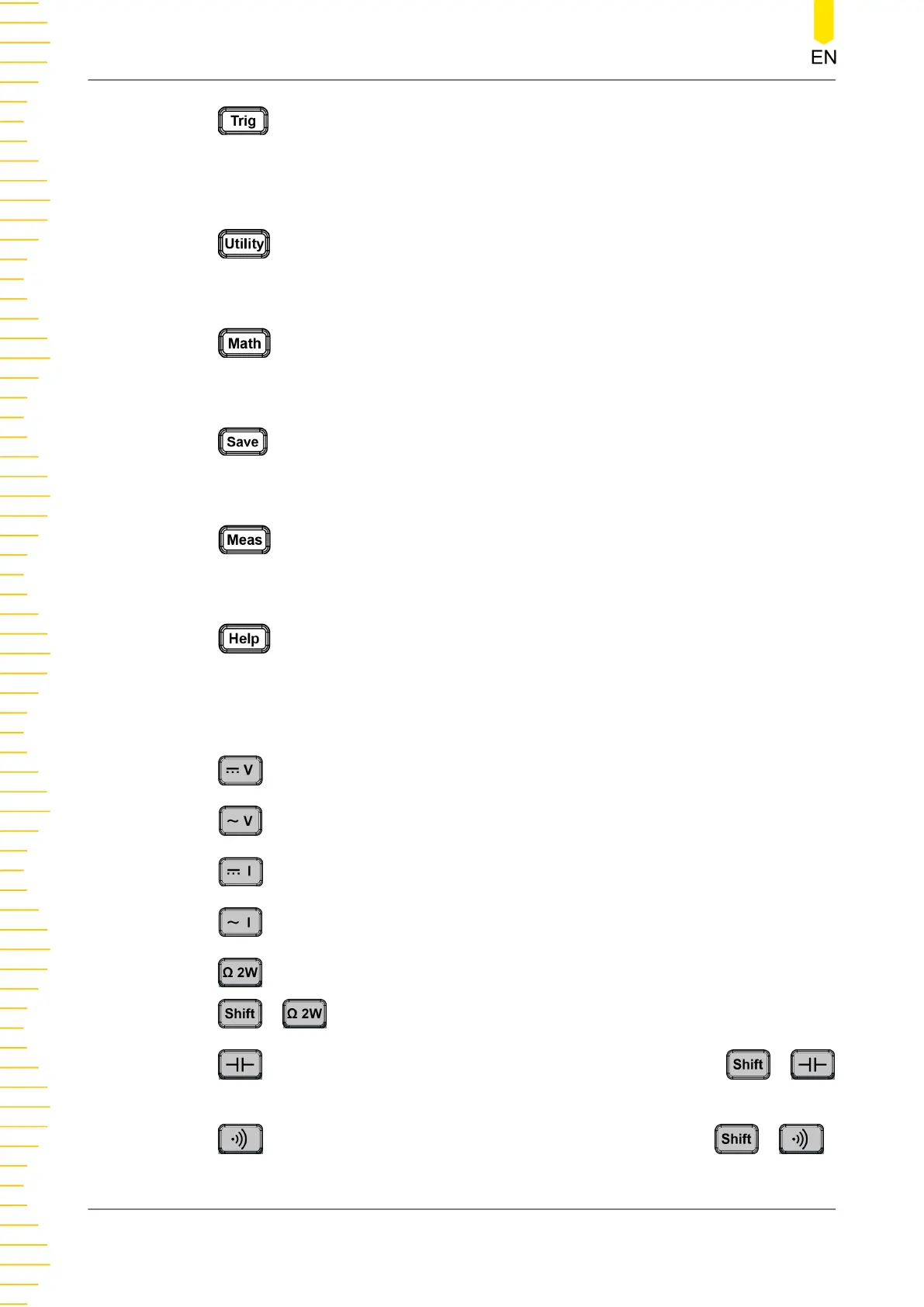
: indicates the trigger setting key. Press this key to open the trigger setting
menu. You can set the trigger mode (auto, single, and external), enable the reading
hold function, set the number of samples per trigger, set the delay time prior to
reading, the edge of the trigger input signal, and trigger output.
: indicates the system utility function setting. Press this key to open the
system utility setting menu. You can set the basic system settings and view the
system information.
: indicates the math operation key. Press this key to open the math
operation menu. You can perform the math operation (limit, statistics, dBm, and
dB) on the measurement results.
: indicates the storage operation key. Press this key to open the storage
setting key. You can save, load, upgrade the file; perform the disk management
operation to copy, cut, or delete files.
: indicates the measurement setting key. Press this key to open the
measurement parameter setting menu. You can configure the parameters for the
current measurement item.
: indicates the Help key. Press this key to enter the Help documentation.
You can get its help information by clicking on the link for the introduction of the
specified function.
3. Measurement Function Keys
: Press this key to enable the DC voltage (DCV) measurement.
: Press this key to enable the AC voltage (ACV) measurement.
: Press this key to enable the DC current (DCI) measurement.
: Press this key to enable the AC current (ACI) measurement.
: Press this key to enable the 2-wire resistance (Ω 2W) measurement. Press
> to enable the 4-wire resistance (Ω 4W) measurement.
: Press this key to enable the capacitance measurement. Press >
to enable any sensor measurement.
: Press this key to enable the continuity measurement. Press >
to enable the diode measurement.
Quick Start
DM858 Series User Guide
16
Copyright ©RIGOL TECHNOLOGIES CO., LTD. All rights reserved.



 To Next Page