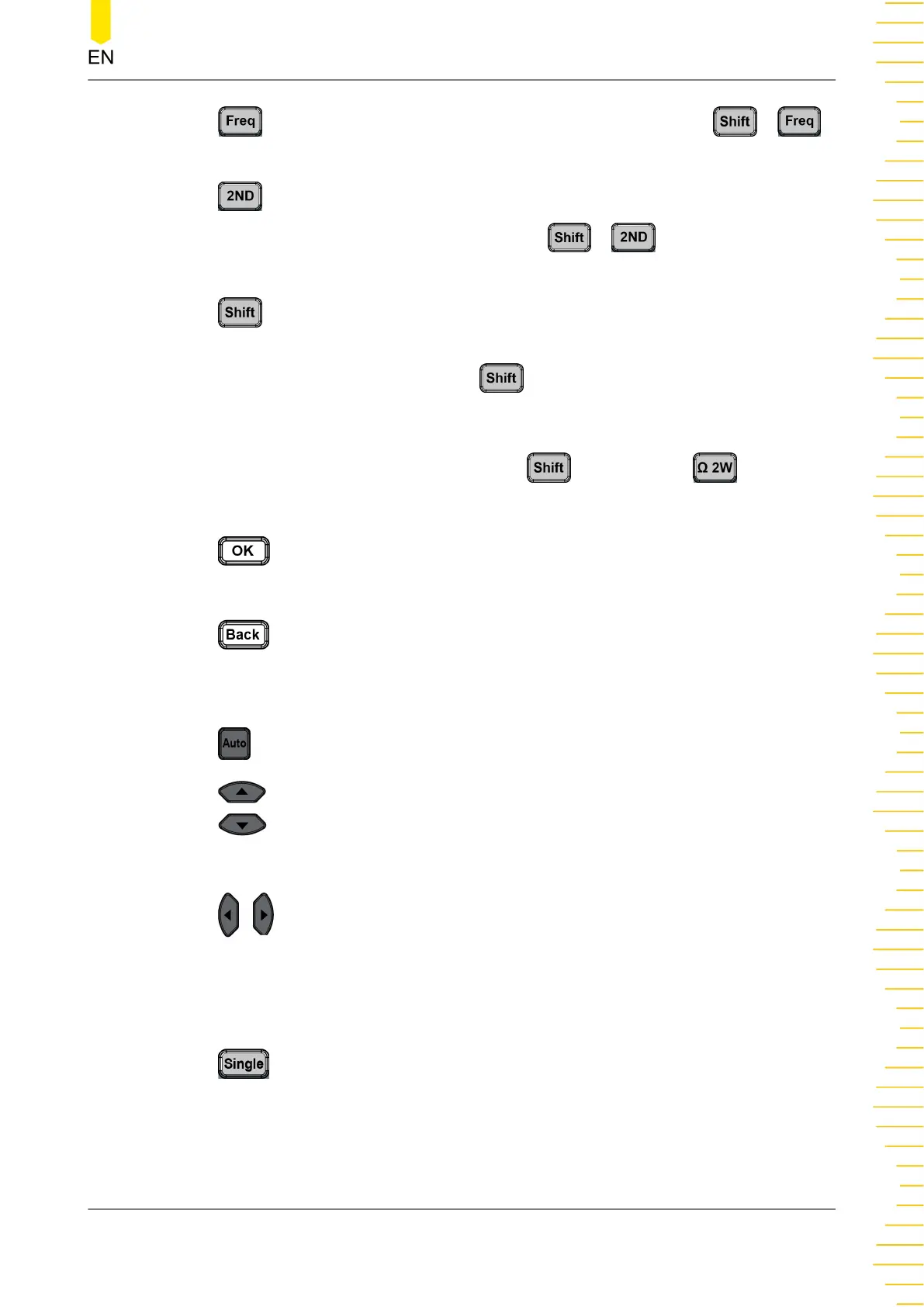
: Press this key to enable the frequency measurement. Press >
to enable the period measurement.
: Press this key and then press the specified secondary function to enable
the secondary measurement function. Press > to preset the current
instrument configuration, save it, and apply the configuration.
Under some of the measurement function keys are printed with the
specified alternative function names or labels. To enable the specified function
displayed under the key, first press , and then press the specified function
key. For example, as shown on the front panel, 4-wire resistance measurement
label is displayed under the 2-wire resistance measurement key. To enable the 4-
wire impedance measurement, first press
, and then press .
4. Confirmation Key
: Press this key to confirm the current parameter settings.
5. Back Key
: Press this key to exit the current operation or close the current dialog box
(if exists).
6. Range Selection and Arrow Keys
: Press this key to enable the auto range.
: indicates the Up/Down arrow keys.
Press the Up/Down arrow keys to increase/decrease the range manually.
: indicates the Left/Right arrow keys.
In measuring DCV, DCI, ACV, ACI, Frequency or Period, you can use the Left/Right
arrow keys to increase/decrease the measurement speed.
7. Single/Local Key
: Press Single to trigger one single acquisition and will not trigger again
unless you press it once again. To make the instrument to switch to the local mode,
press the Shift key first, and then press this key.
8. Auto Trigger/Reading Hold Key
Quick Start
Copyright ©RIGOL TECHNOLOGIES CO., LTD. All rights reserved. DM858 Series User Guide
17



 To Next Page