Roche Diagnostics
110 Operator’s Manual · Version 3.0
5 Operation Multiplate® analyzer
Performing a measurement
9
Press the Start button on the electronic pipette.
In the Process measurement series window, the next step is indicated.
10
Carefully follow the instructions in the Process measurement series window.
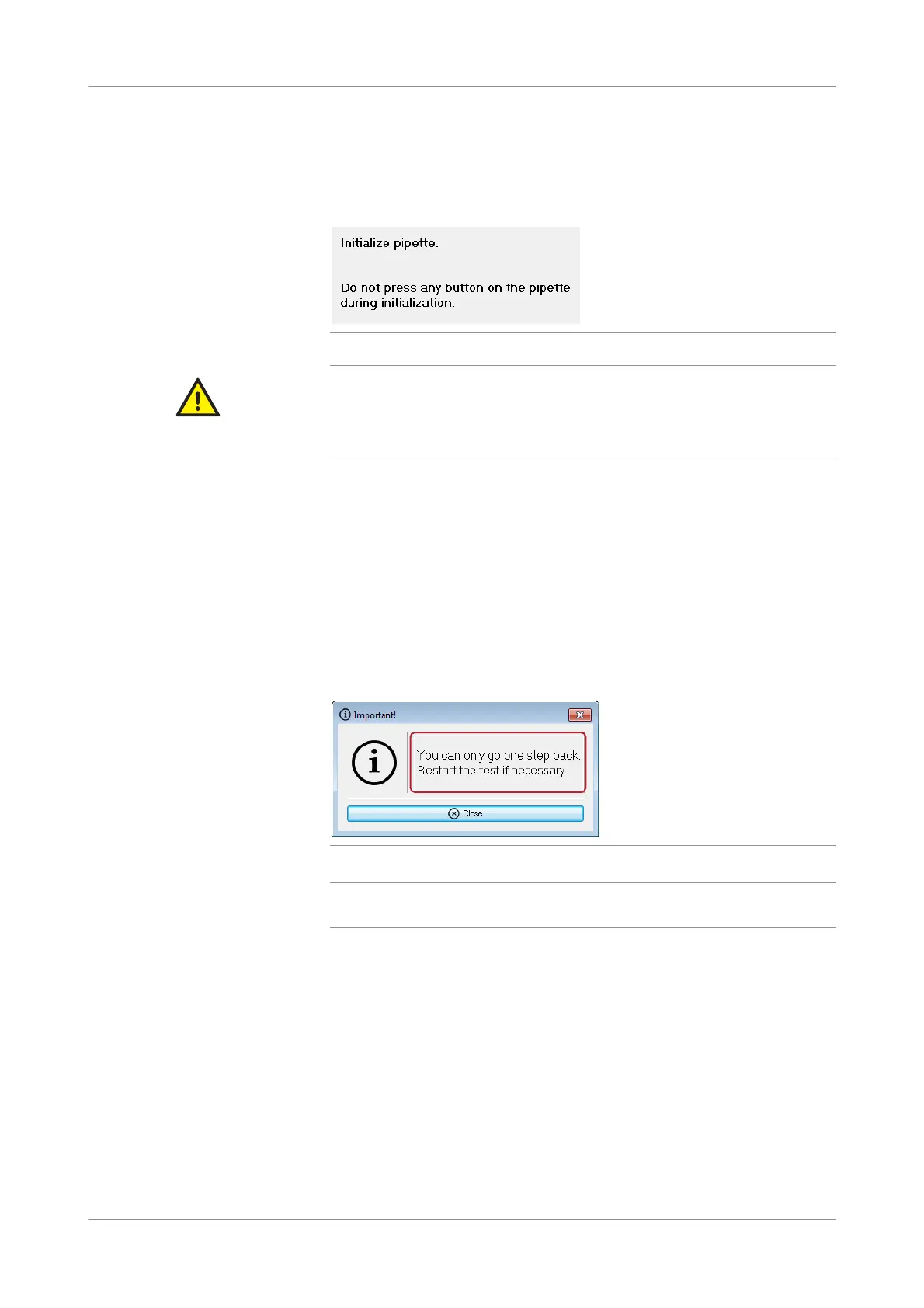
Figure 5-14 Instructions in the Process measurement series window
CAUTION
Dispensing error due to inappropriate operation
Pressing any key on the electronic pipette during initialization of the pipette may cause
dispensing errors and consequently lead to incorrect results.
r Do not press any button on the pipette during initialization.
When the diluent solution and the blood sample have been pipetted into the test
cells, the 3-minute incubation time starts automatically. (The timer starts
individually for each channel.) A countdown display indicates the time necessary
to heat the samples. An acoustic signal sounds at the end of each incubation
period and you are asked to add the appropriate reagent to the test cells.
Measurement starts automatically when the last pipetting step is completed.
Error messages are displayed in a separate window, and if, for example, a step is
not possible because the incubation time or the measurement has already been
started, an acoustic signal sounds in addition. When pipetting is complete for all
channels that were used, the Process measurement series window is closed
automatically and the Worklist window is shown.
Figure 5-15 Error message
q
You can modify user defined tests and define new ones by choosing Configuration >
Edit tests.
11
Wait until the measurements are complete and saved. The status icons below the
graphic windows change and the runtime stops counting and shows 6'00''.
12
If required, add a comment in the Comment field.
13
Print the result.
14
Clear the channels that contain measurements.
o If automatic result upload is enabled, the results are now automatically sent to
the LIS
or,
o If automatic result upload is disabled, validate the results and send them to the
LIS manually. For details, see Sending results to the LIS (p. 111).











 To Next Page