Roche Diagnostics
170 Operator’s Manual · Version 3.0
7 Maintenance Multiplate® analyzer
Maintenance and cleaning of the electronic pipette
2
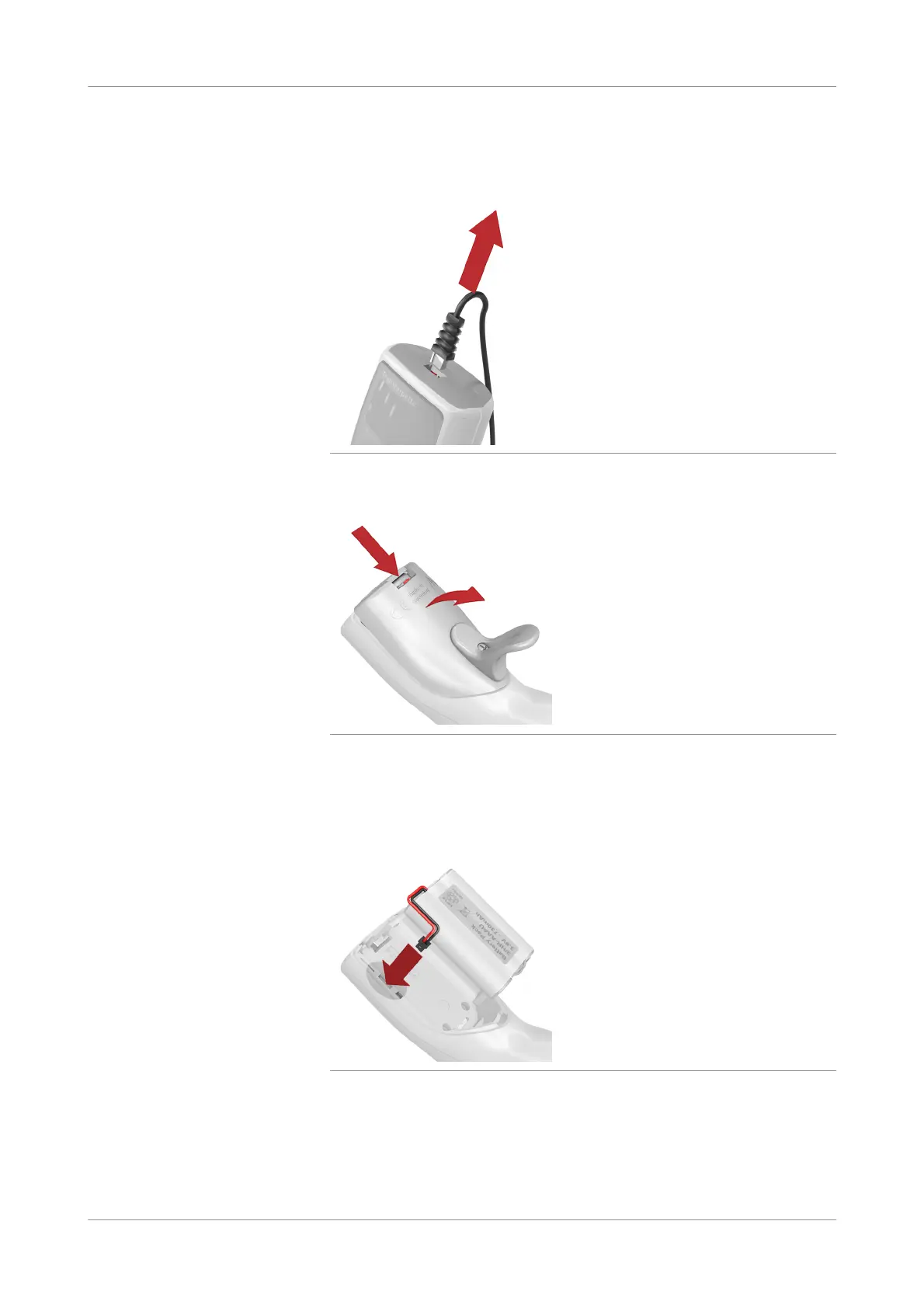
Unplug the pipette cable to the analyzer.
Figure 7-1 Unplugging the pipette
3
Open the cover of the battery compartment.
Figure 7-2 Opening battery compartment
4
Remove the old battery when present.
5
Insert the new battery.
Ensure that the plug for the battery is firmly connected to the pipette.
Figure 7-3 Connecting battery plug











 To Next Page