Roche Diagnostics
Operator’s Manual · Version 3.0 183
Multiplate® analyzer 7 Maintenance
Maintenance and cleaning of the electronic pipette
q
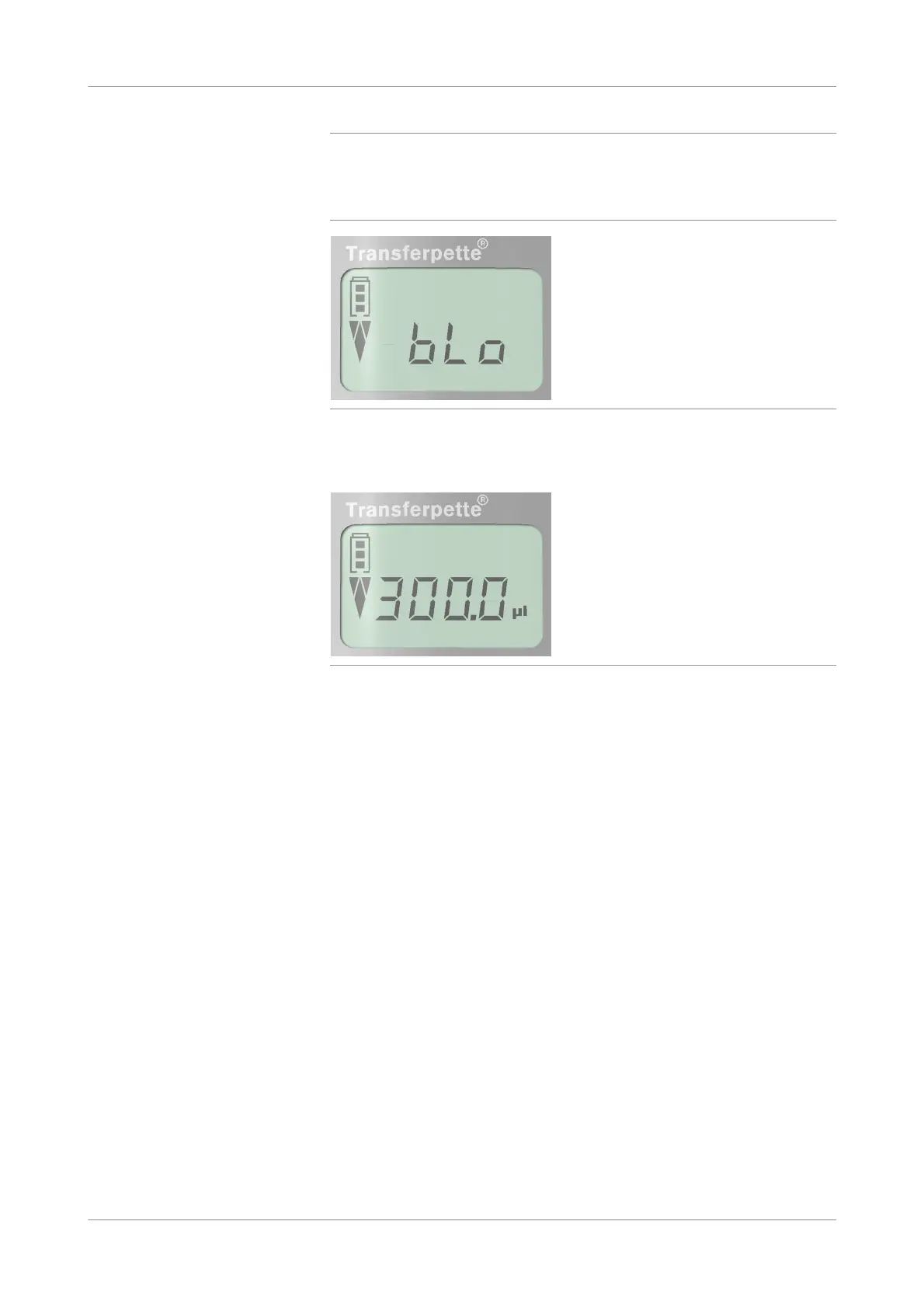
Switching on the analyzer activates the display of the electronic pipette and a
countdown procedure (from 9 to 0) is performed. bLo is displayed in the display of the
electronic pipette.
During this procedure, do not press any button on the electronic pipette.
Figure 7-31
When the process m easurement series screen is displayed, the electronic pipette
initializes and is ready for use.
Figure 7-32
s











 To Next Page