Roche Diagnostics
182 Operator’s Manual · Version 3.0
7 Maintenance Multiplate® analyzer
Maintenance and cleaning of the electronic pipette
3
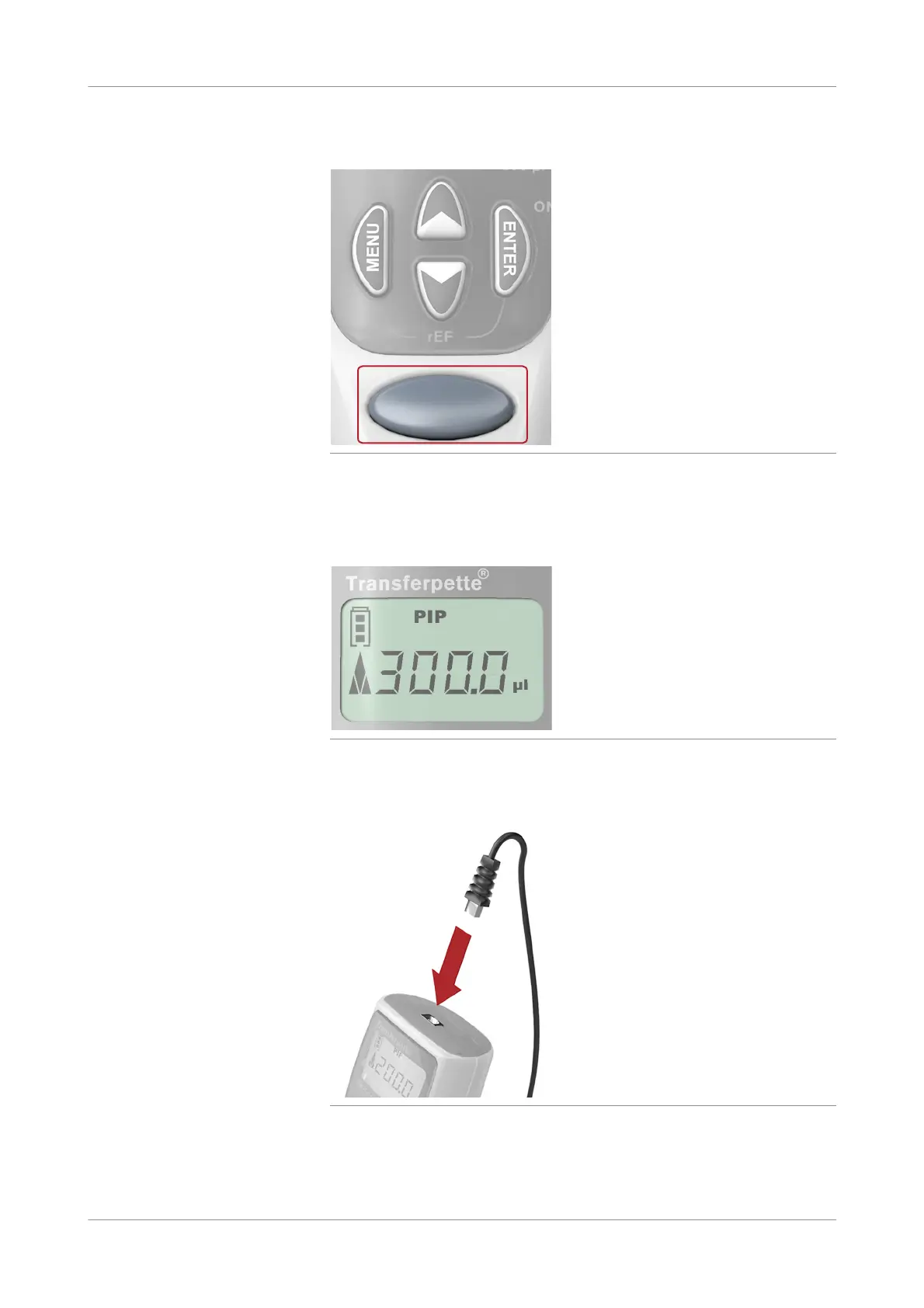
Press the Start button once to start the reference run.
Figure 7-28 Starting reference run
A noise can be heard, clearly indicating the function is being performed.
When the reference run is finished, the display automatically returns to the
normal view.
Figure 7-29 Normal display view
4
To work with the electronic pipette, connect it to the analyzer and start the
analyzer.
Figure 7-30 Connecting pipette
u See Star ting the analyzer (p. 102)











 To Next Page