Roche Diagnostics
Operator’s Manual · Version 3.0 33
Multiplate® analyzer 2 Installation
Installing the analyzer
10
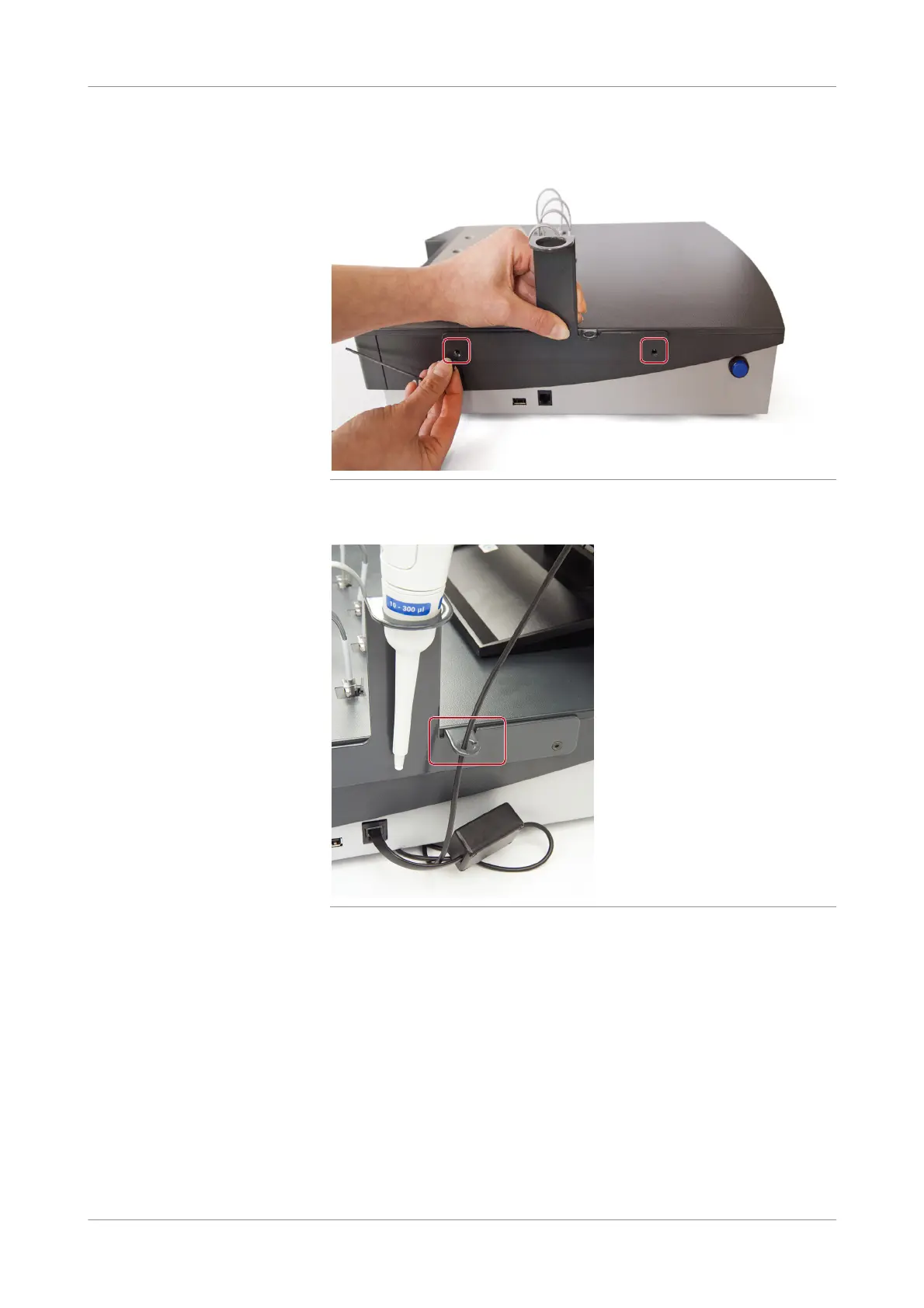
Fix the holder to the analyzer using two Allen 8 mm screws.
Figure 2-7 Fixing the holder
11
Thread the cable through the guide ring to fix it to the side of the analyzer.
Figure 2-8 Fixing the cable
12
Switch on the printer.
13
Switch on the monitor.
14
Switch on the analyzer.
15
Log on to the Windows operating system as operator.
u For details, see Passwords for operating system (p. 149)
The software is pre-installed and starts up automatically.
s











 To Next Page