Roche Diagnostics
36 Operator’s Manual · Version 3.0
2 Installation Multiplate® analyzer
Setting up the software
4
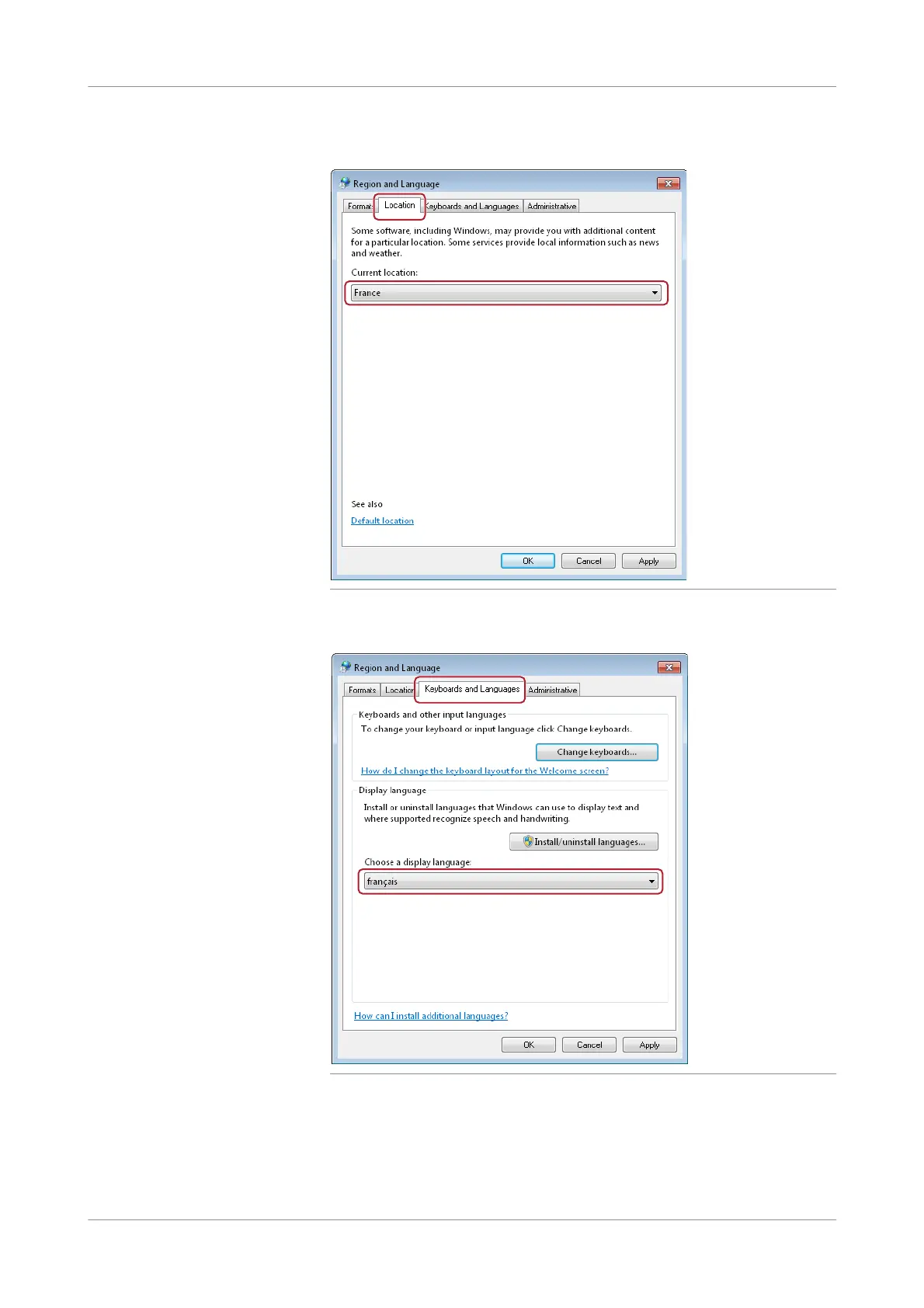
In the Location tab, select France.
Figure 2-10 Defining the location
5
In the Keyboards and Languages tab, select français as display language.
Figure 2-11 Defining text entry options
6
Choose the Change keyboards button.
The Text Services and Input Languages window is displayed.











 To Next Page