COMMAND RANGING & TELEMETRY UNIT CORTEX
CRT QUANTUM USER'S MANUAL
Ref. DTU 100042
Is.Rev. 5.17
Date: Dec.
03, 2021Sept. 30, 2021
This document is the property of Safran Data Systems.
It cannot be duplicated or distributed without expressed written consent.
4.1.1.2. Starting the Signal Processing Software
At the end of the Windows boot-up sequence, the Signal Processing software is automatically started. If the
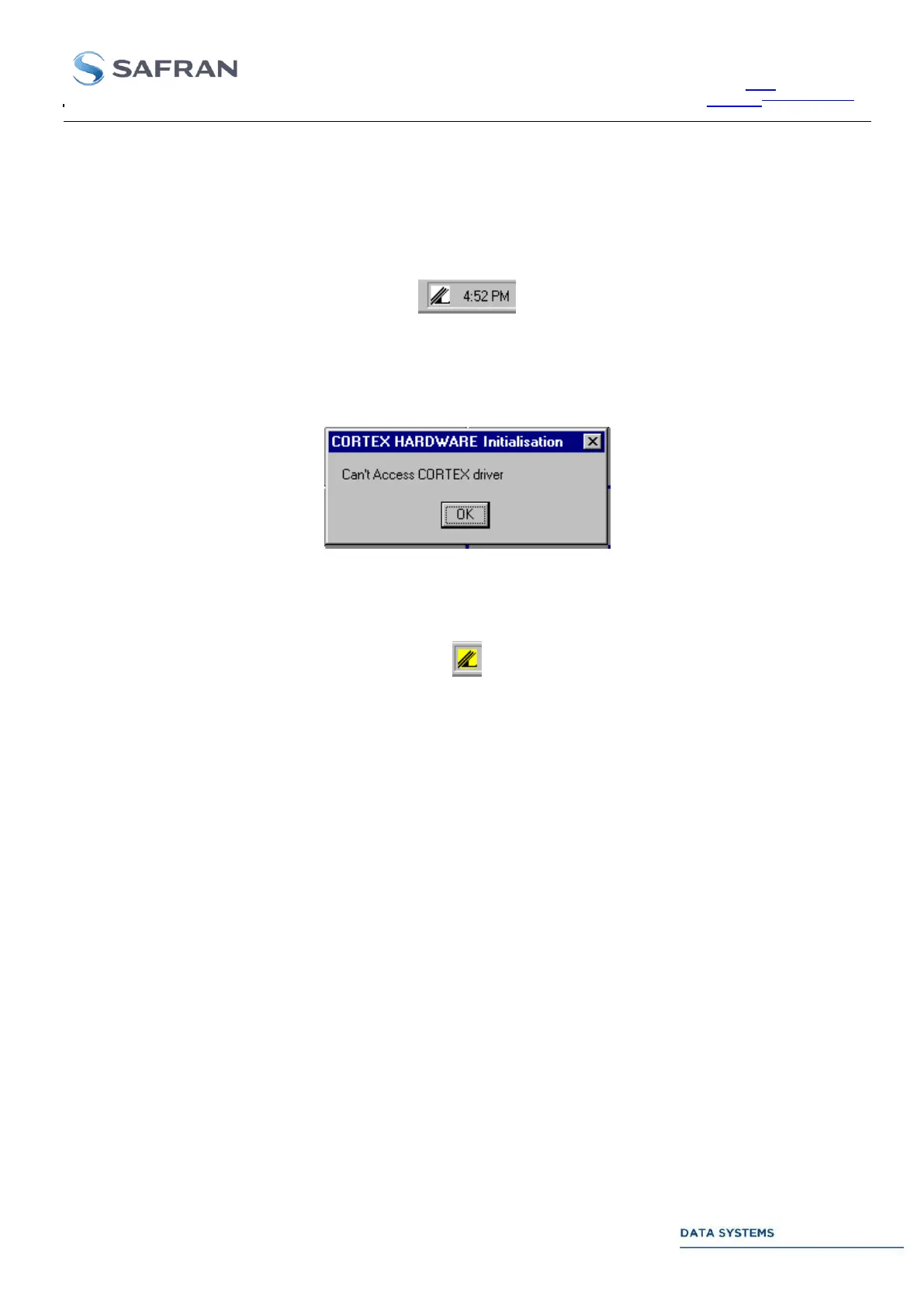
Demodulator board is present, the following SPS icon (lower right corner) appears:
If the board is not mounted in the chassis or in the case of a major hardware problem, the following message
appears:
and the SPS icon remains yellow:
4.1.1.3. Starting the Monitoring & Control Software
Once the Signal Processing software is running, the Monitoring & Control software is automatically started. If
needed, connect the MCS to the SPS for starting the GUI.
A detailed description of the Graphical User Interface is given in the next sections.



 To Next Page