COMMAND RANGING & TELEMETRY UNIT CORTEX
CRT QUANTUM USER'S MANUAL
Ref. DTU 100042
Is.Rev. 5.17
Date: Dec.
03, 2021Sept. 30, 2021
This document is the property of Safran Data Systems.
It cannot be duplicated or distributed without expressed written consent.
4.1.5.4. Functional Description
4.1.5.4.1. Shutdown System
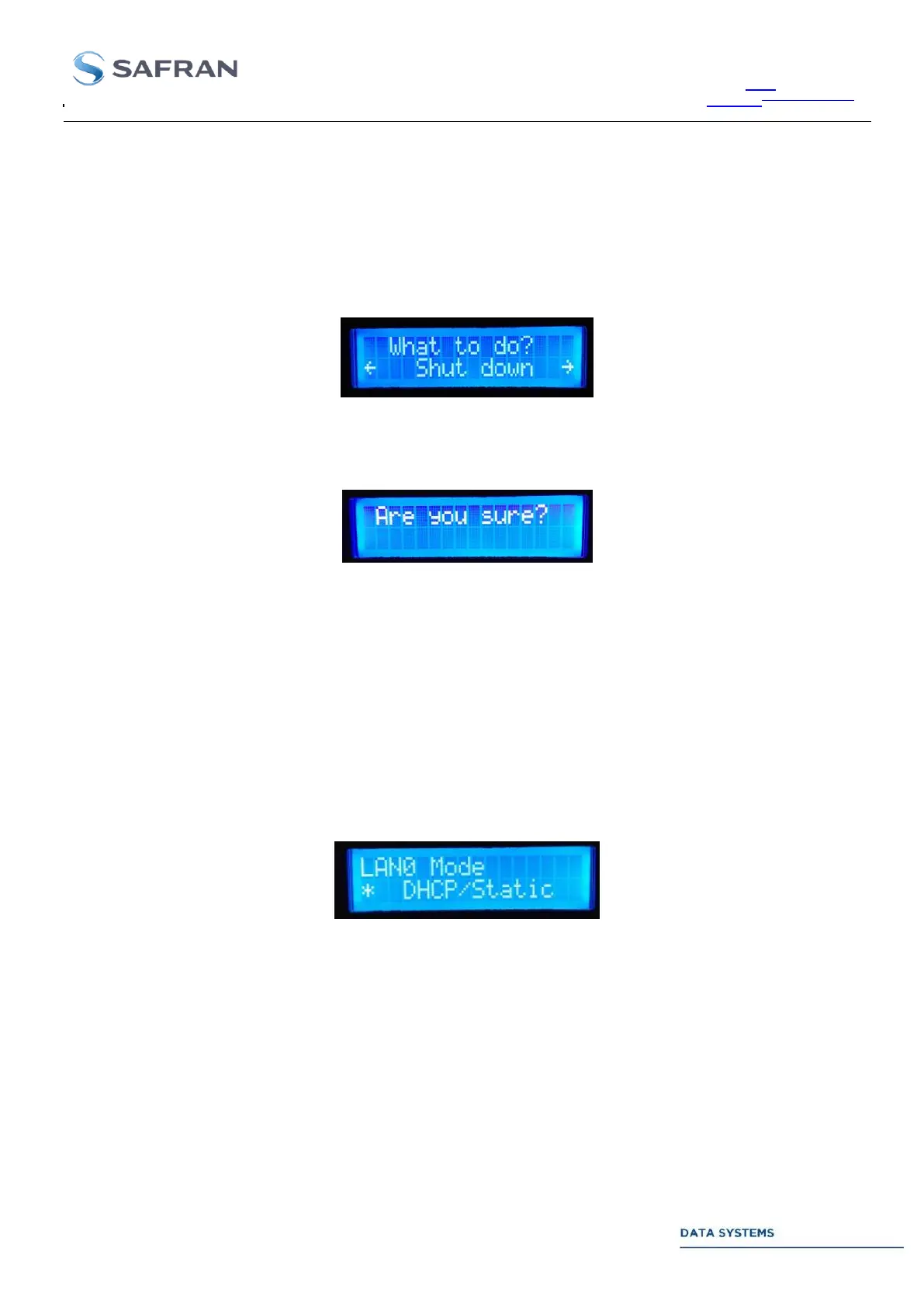
This feature allows performing a “Shutdown” or a “Restart” of the workstation. From Main menu, press
successively the “Enter” button, the “Right” button and the “Enter” button.
Select option Shutdown or Restart with “Left” or “Right” buttons, and then press the “Enter” button
Press a second time the “Enter” button to confirm action or press the “Return” button to cancel action.
4.1.5.4.2. Network
4.1.5.4.2.1. Change LAN Mode
This feature allows changing the LAN mode into “DHCP” or “Static”. From Main menu, press the “Enter” button
three times to access successively to the “System” menu and the “Network” menu. Use “Left” and “Right” buttons
to select LAN0 Mode or LAN1 Mode. Press the “Enter” button. Choose the LAN mode, DHCP or Static, with
“Left” and “Right” buttons (a star highlights the selected mode).
Press the Enter button to confirm new mode or press the Return button to cancel action.



 To Next Page