COMMAND RANGING & TELEMETRY UNIT CORTEX
CRT QUANTUM USER'S MANUAL
Ref. DTU 100042
Is.Rev. 5.17
Date: Dec.
03, 2021Sept. 30, 2021
This document is the property of Safran Data Systems.
It cannot be duplicated or distributed without expressed written consent.
4.2.4.2. Menu Selection at SPS Start-up
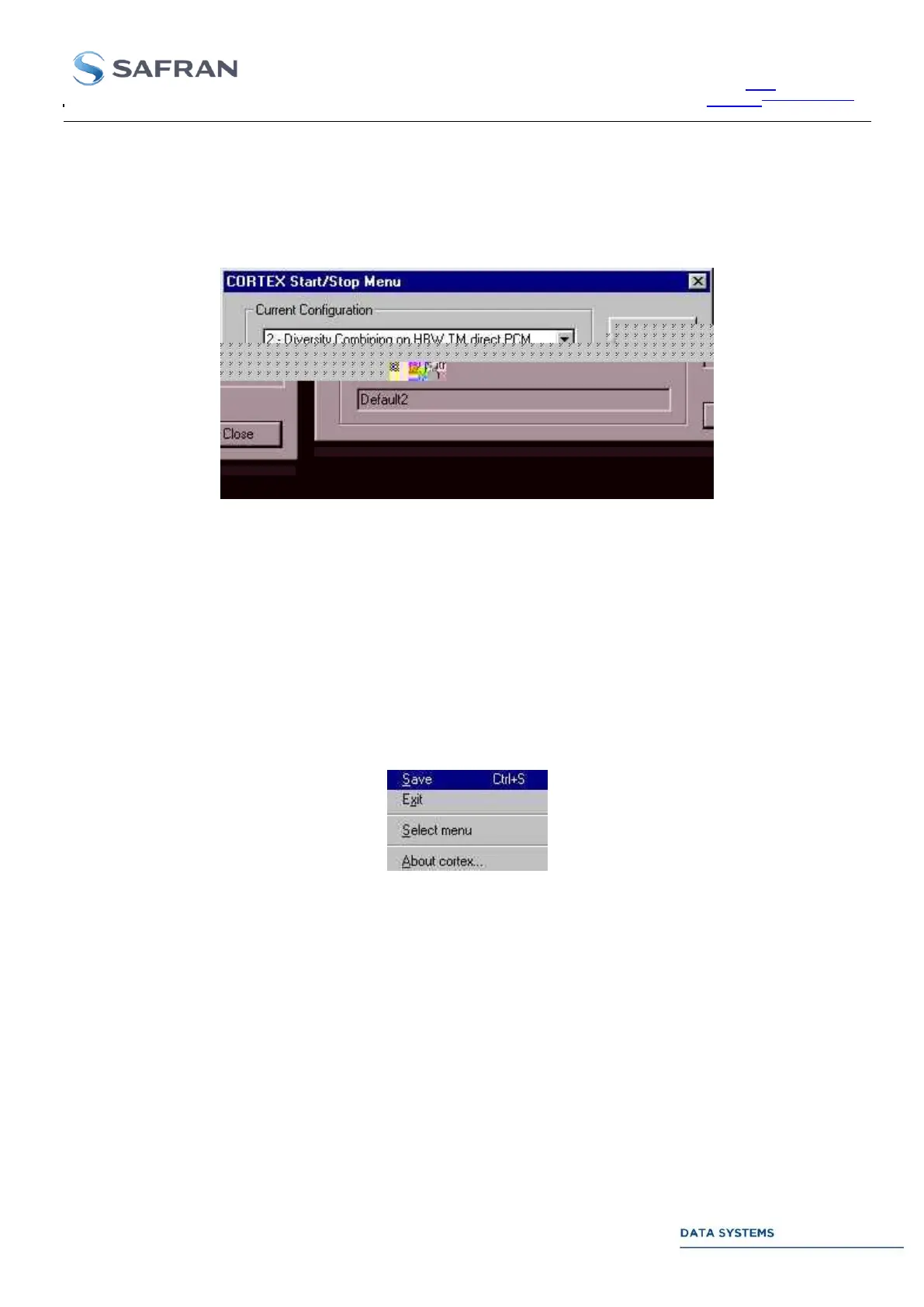
When the SPS software is started, the following window appears on the screen:
The windows show the last loaded menu (active menu when the CORTEX software was restarted). Ignore or
close this window if you agree with the proposed menu.
To select another menu, open the list of menus, select a menu and click on Start Menu (or wait until time-out
expiration).
At any moment the above window can be re-opened by clicking on the SPS icon at the lower right corner of the
screen (« Antenna » icon) and selecting option Select Menu:
Stop the active menu (click on Stop Menu) before selecting and starting (click on Start Menu) another menu.



 To Next Page