COMMAND RANGING & TELEMETRY UNIT CORTEX
CRT QUANTUM USER'S MANUAL
Ref. DTU 100042
Is.Rev. 5.17
Date: Dec.
03, 2021Sept. 30, 2021
This document is the property of Safran Data Systems.
It cannot be duplicated or distributed without expressed written consent.
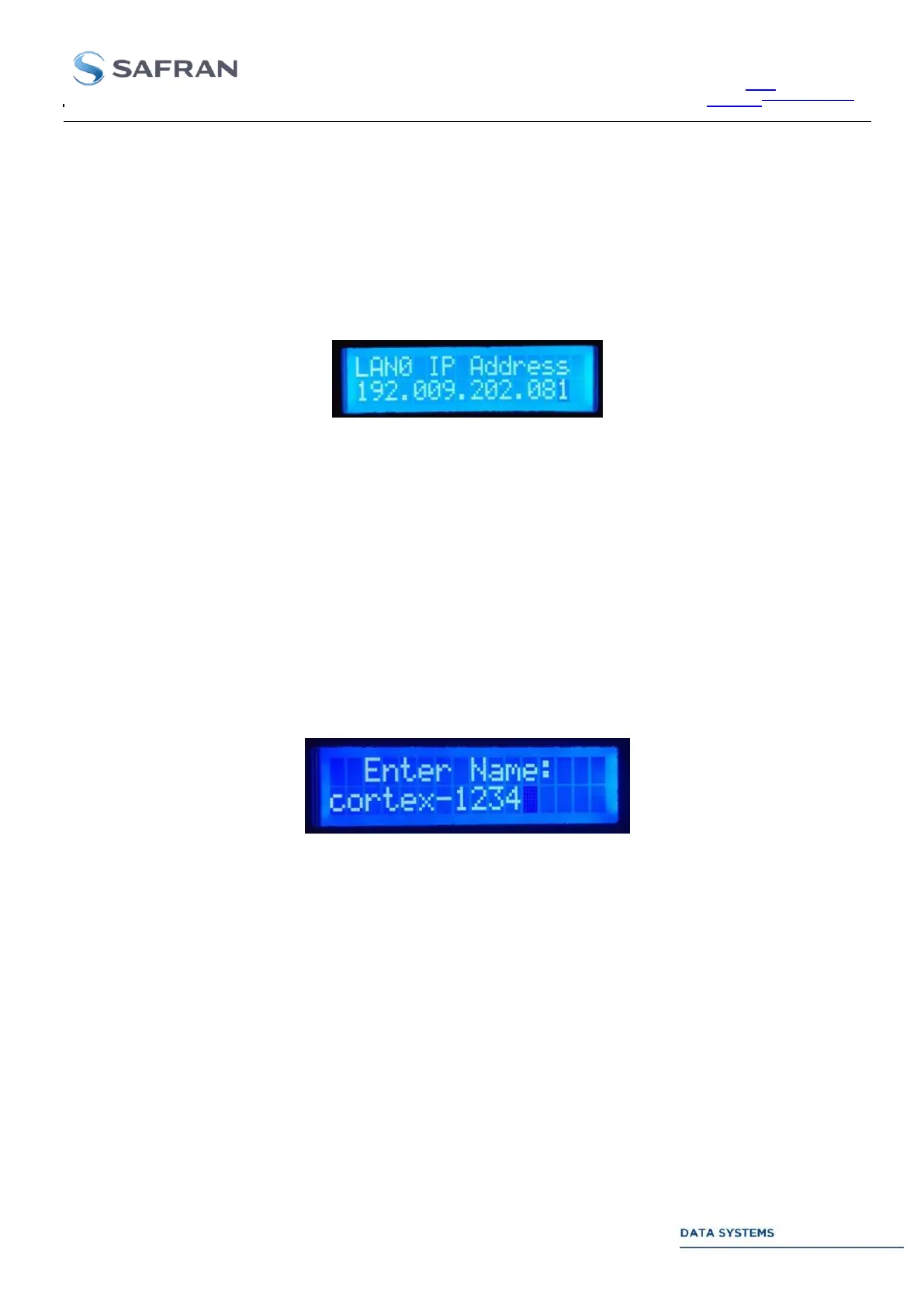
4.1.5.4.2.2. Change IP Address, SubNet Mask or Gateway Address in Static Mode
This feature allows changing the IP Address, the Subnet Mask and the Gateway Address in “Static” mode. Refer
to previous chapter for setting the LAN mode in Static. From Main menu, press the “Enter” button three times to
access successively to the “System” menu and the “Network” menu. Use “Left” and “Right” buttons to select the
parameter to be changed (IP, Mask or Gateway)
Press the Enter button to start the modification
Use “Left” and “Right” buttons to select the character to be changed and use the “Up” or “Down” buttons to
change the value. In order to apply the configuration, leave the Network menu by pressing the “Return” button.
Note that no computer reboot is needed.
4.1.5.4.3. Rename WorkStation
This feature allows changing the name of the workstation. From Main menu, press the “Enter” button twice to
access to the “System” menu. Press three times the “Right” button, and then press the “Enter” button to access
to the “Rename Workstation” submenu. Press the “Enter” button to begin the modification. Use the “Right” or
“Left” buttons to select the character to be changed, use the “Up” and “Down” buttons to change the value. Only
characters from ASCII table from 0x21: ‘!’ to 0x7A ‘z’ are available.
To end the name of the workstation, select the NULL character (before ‘!’ or after ‘z’)
Press the “Enter” button to confirm. The computer will reboot 120s later to take the new name into account.



 To Next Page