102
Configuration Menu
16.3 Configuring connected devices
From the menu Configuration | Devices, the PV plant components connected to the Solar-Log™ can be
•
defined
•
detected
•
and configured.
We recommend the following procedures for new installations:
•
First define the interface to be used for the connected devices
•
Device Detection
•
Device configuration
16.3.1 Device definition
The Configuration | Devices | Definition menu is divided into the following sub-sections:
•
Interfaces
•
CT (only Solar-Log™ Meter)
•
Large external display (advanced settings have to be activated)
•
SCB (only Solar-Log 1000 and 2000)
Configuring the device interface
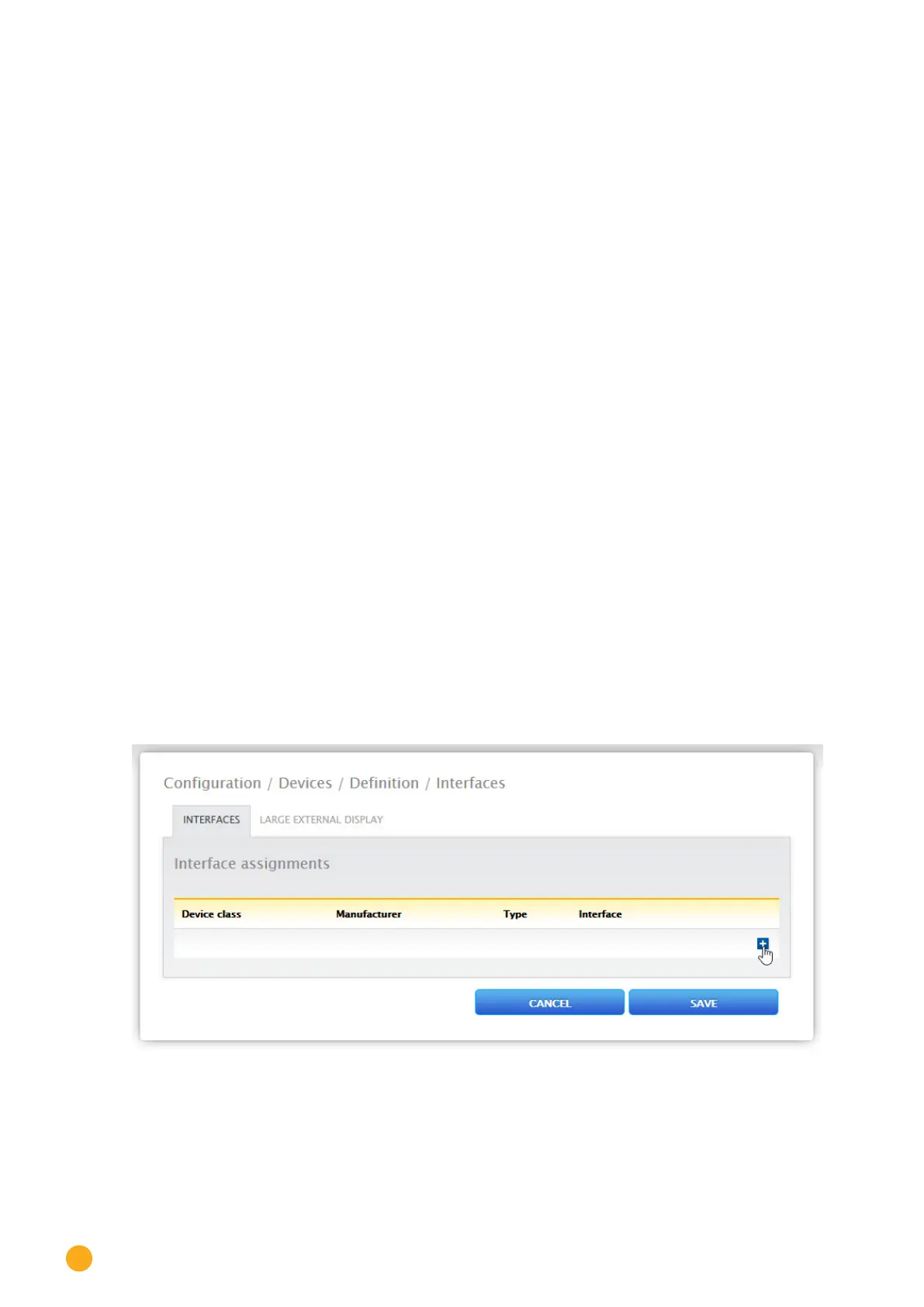
The interface for the connected devices needs to be defined from the Configuration | Devices | Definition
| Interfaces
menu before performing a device detection.
Procedure:
•
Go to the plus symbol under "Interface assignments".
Fig.: Interface denition via the plus symbol



 To Next Page